
Diamond Modeling
-
Joined
Everything posted by Diamond Modeling
-
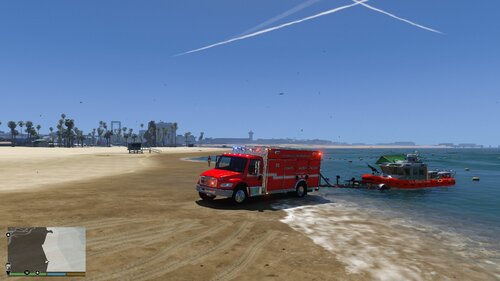 if you have simple trainer you cn also do it through that just look up how to attach objects
- 9 comments
- 1 review
-
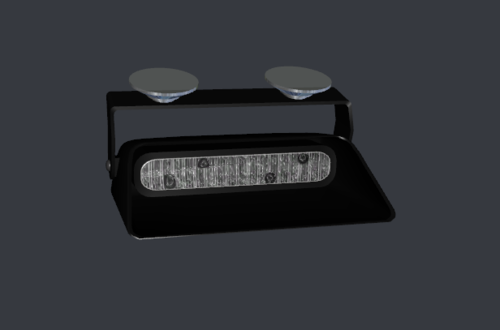 Is it non els or els or do i have to do it myself
 -
-
-
-
wdym
-
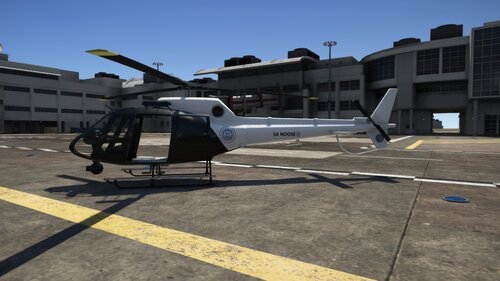 What template did you use because the one i used didnt work
 -
i had to get a new harddrive disck reader and like a bunch of wires because the launcher killed my old hard drive
-
As some of you may know i do modeling work for free and lately haven't had any ideas and was wondering what you the community wants to see
-
-
-
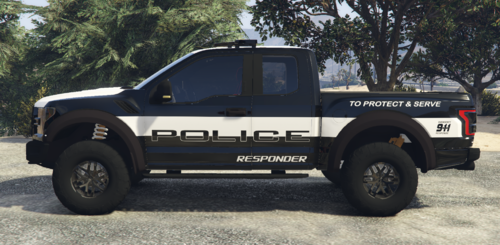 hey do you know how to make a tempalte from scratch
 -
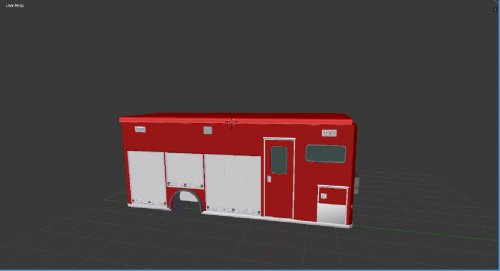 how do i get textures
 -
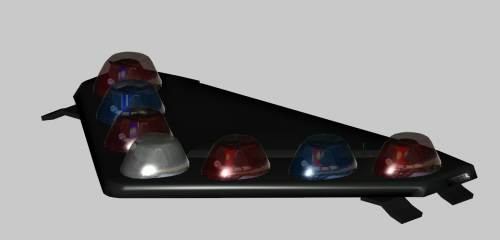 can you upload a els version
 -
you need to fix the tint code on the meta so its not black
-
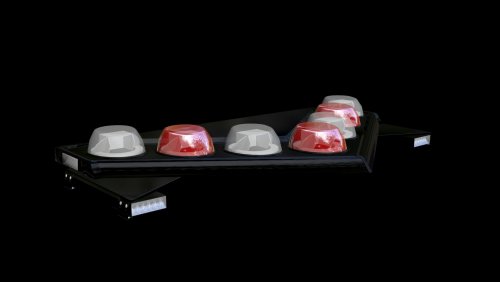 can you make it els?
 -
-
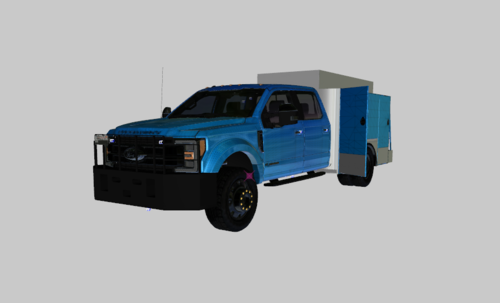 Thanks Well Everything works now just the way you made it is that it dosn't regonise the template sign
 -
i did but in game only the lights and interior show but in openiv it looks fine except the esu skin dosnt show
-
There Arnt Any Textures For It
-
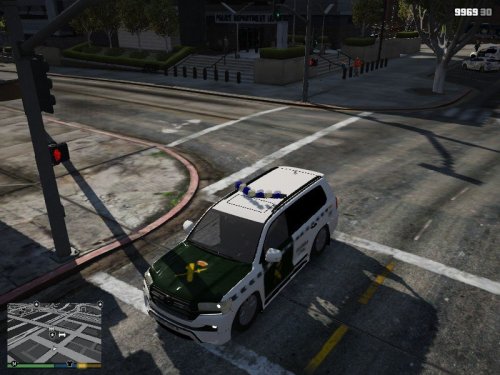 Game Crashes When Loading Car That Uses It Please Help
 -
 what did you use to make it bik?
 -
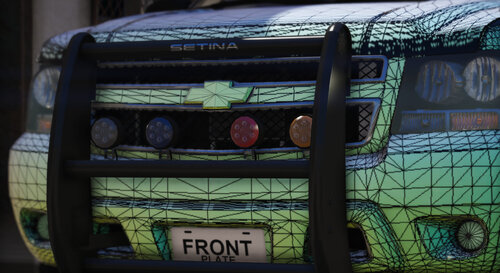 like the color of lights
 -
is it a pak or just 1 with diffrent skins?
-