




Diamond Modeling
-
Joined
Everything posted by Diamond Modeling
-
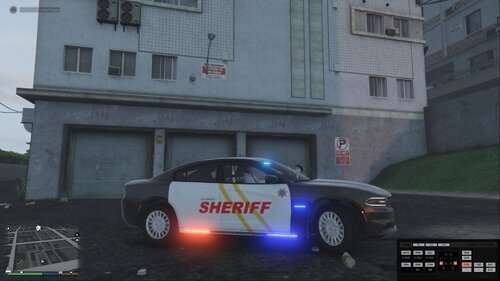 look at my profile florida man and where im from
 -
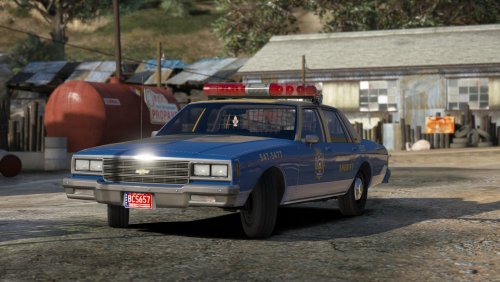 if oyur talking about the visuals you just revert the visual file with the stok gta or experiment with other visual mods
- 26 comments
- 22 reviews
-
-
 👌
👌 -
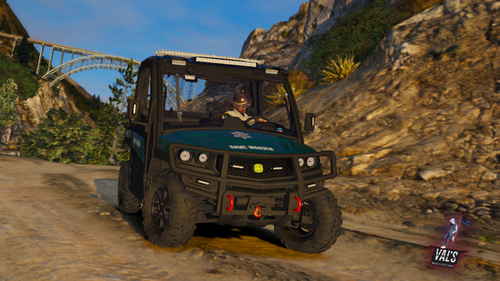 try taking the metas and stuff along with the ytd and yft and see if that helps
- 27 comments
- 2 reviews
-
eihter you ahve simple trainer and its set to mute sirens or your games visual is messed up or.. the model has broken lights for you and is it named as a police police2 police3 pranger etc cause it needs to be named one of those
- 27 comments
- 2 reviews
-
-

- 1
-
-
-
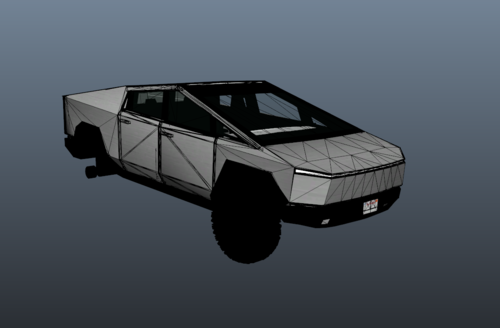 is tempalte already there or do i have to make it
 -
-
@Mr Val take the yft ytd and stuff out of the stream file and rename them to pranger and just upload them like that
- 27 comments
- 2 reviews
-
-
- 1
-
-
it needs to be named as a police vehicle police,police2,police3 etc that way game recognizes that it has lights
- 27 comments
- 2 reviews
-
-
- 1
-
-
remove any gun mods you have because when u get in the sheriff suv or any police it gives you guns and if the guns are a mod they have a high % of crashing the game
-
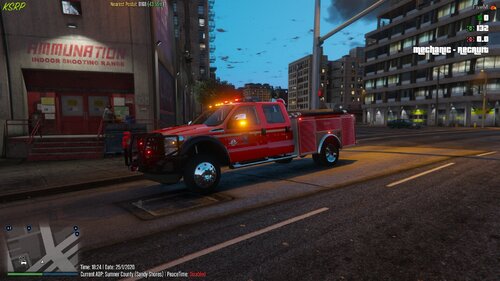 where do i get the models
 -
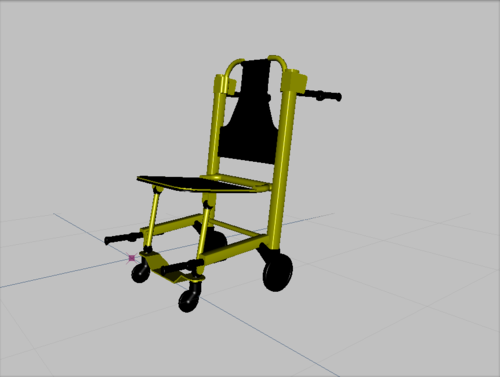 its a joke his desc. says dont claim as your own
 -
this is my own
-
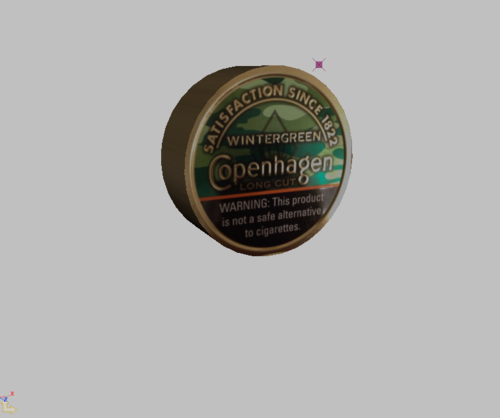 make a outlaw dip watermelon
 -
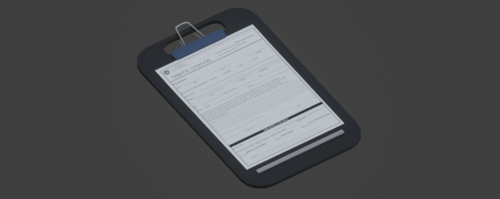 this should be under vehicle parts bud
 -
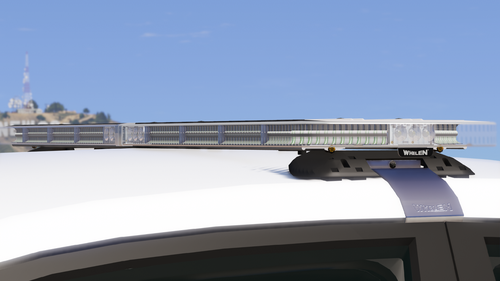
-
you need to install it via zmodeler3 as its a dev item you cant just put it on like a replacement
-
-
How do you replace the texture of the tape??
-
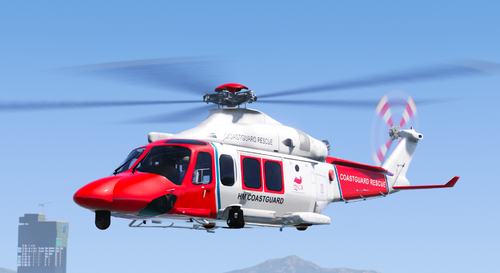 Cant belive its been 3 years untill we got the full set of coastal callouts mate
 -
 differently or definitely
 -
-
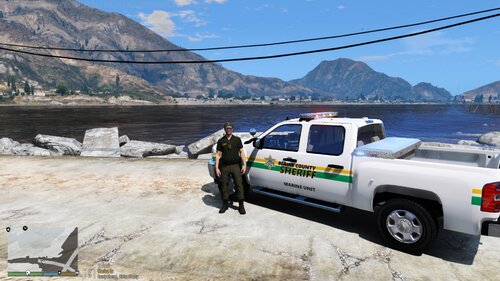 i think your the only persons so far to realese a car/skin for cc

.thumb.png.766c9ec397d99c898779177d77219d50.png)
