Operator Neptune
Members
-
Joined
-
Last visited
Everything posted by Operator Neptune
-
 Excellent work on these callouts. Thoroughly enjoyed everyone of them but I especially liked cat converter callout. Keep up the great work!
- 66 comments
- 16 reviews
-
-

- 1
-
-
 right?! lol thanks brotha
 -
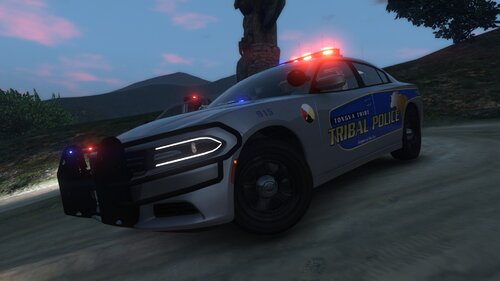
Hello! I have made a texture based on Pokagon Band of Potawatomi Indians Police Department out of Michigan. Now you can patrol Tongva Hills with Tongva Tribe Police. Hope you guys like it! Please do not share on other sites. Textures for: 2011 CVPI by RangerZ 2016 Dodge Charger by RangerZ 2016 FPIU by RangerZ 2015 Chevrolet Tahoe by RangerZ Installation: Replace the sign livery for each item in the respective ytd file. Note: On some instances you'll need to replace it in the +hi.ytd file as well. For the Silver version please change the vehicle color to "Silver" using a trainer. Vehicles: Video: Credit: Trooper923. Thank you for using the skin!
-
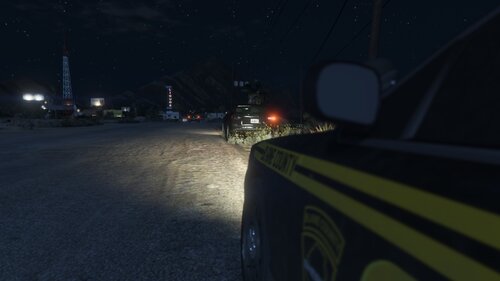 Awesome work! Vastly improved my gameplay.
 -
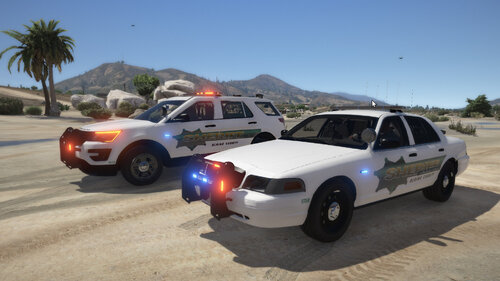 Good eye. Yeah I did a few edits to existing Blaine County Unis. I can send you the files if you'd like.
 -
by any chance did your dlclist.xml get modified by the update? Mine got stripped down
-
Hello Everyone, since the new update i went into dlclist.xml and everything was reset. I re-installed EUP but it doesnt seem to write the needed entry in the dlclist.xml. I added it myself but still doesnt work. The issue I have is the backup is using varsity jackets and the added vehicle menu doesn't propagate the added vehicle. any clues as to why it does this?
-
 I know the one lol like crazy good? haha
 -
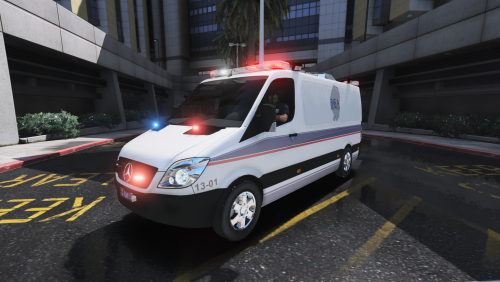
Hello! I have made a Bi-County Ambulance based on my local community one which serves Yuba County and Sutter County, CA. Hope you guys like it! Please do not share on other sites. Textures for: Mercedes Benz Sprinter by KoalaScars Installation: Replace the sign livery for each item in the respective ytd file. Note: On some instances you'll need to replace it in the +hi.ytd file as well. On this Sprinter you will need to replace the windows_vic texture as well. Vehicles:
-
-
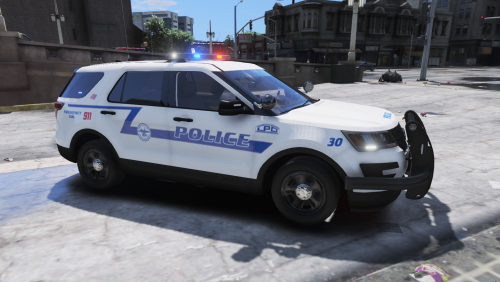 Hello Fam! I took inspirations from a livery request by Kemar Law, a LSPDFR community member. This is the Lynchburg, VA Police Department liveries. Hope you guys like it! Please do not share on other sites. Textures for: 2016 FPIU (Model by KLE0) 2013 FPIS Taurus (Model by ALLENjr12) 2013 Tahoe (Model by ALLENjr12) Installation: Replace the sign livery for each item in the respective ytd file. Note: On some instances you'll need to replace it in the +hi.ytd file as well. The Taurus and Tahoe do require you to replace the badges texture which is the license plate if you want the Virginia ones provided. When you edit the respective ytd search for the term "badges", without the quotes. Vehicles:
- 1 review
-
-

- 1
-
-
-
oh shit, good to see someone from the area. I actually live next door in Sutter but work in Butte County (Oroville).
-
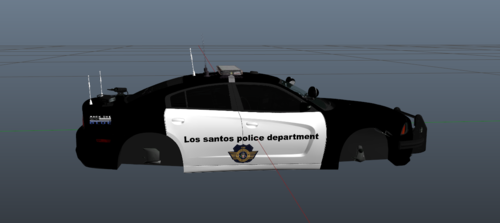 this hurts my soul
 -
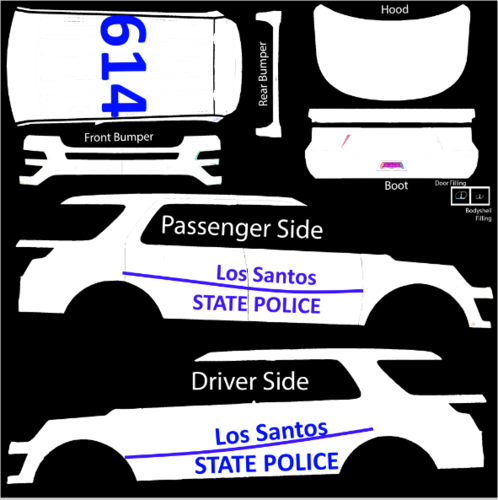 😱😱😱
😱😱😱 -
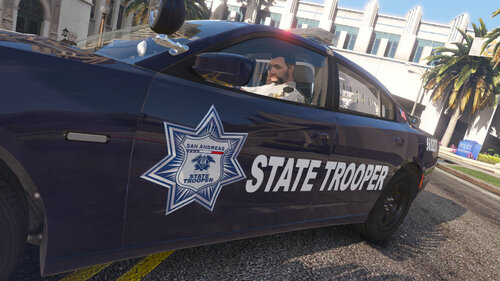
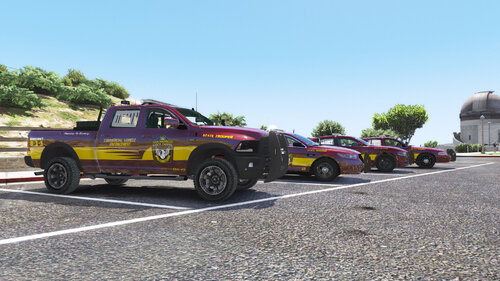 Hello Fam! I took inspirations on this pack from several State Trooper/Highway Patrol agencies. Here's looking at you Minnesota! Hope you guys like it! Please do not share on other sites. Textures for: 2018 Charger 2016 FPIS 2011 CVPI 2018 Ram Installation: Replace the sign livery for each item in the respective ytd file. Note: On some instances you'll need to replace it in the +hi.ytd file as well. Vehicles:
 -
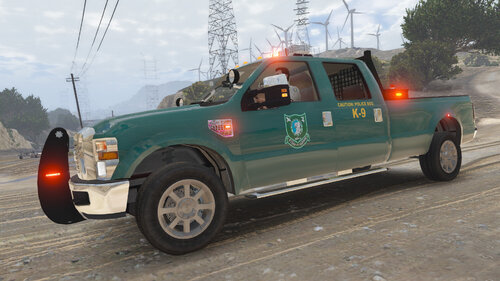 Steve6645's F250 is ELS
 -
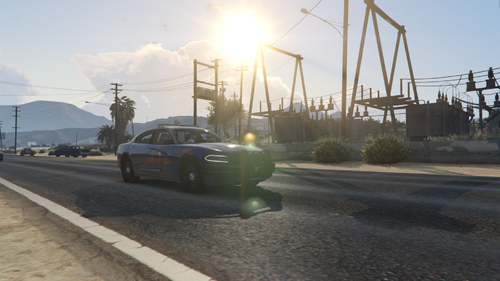 making the grey rambar black would make it pretty much 1:1
 -
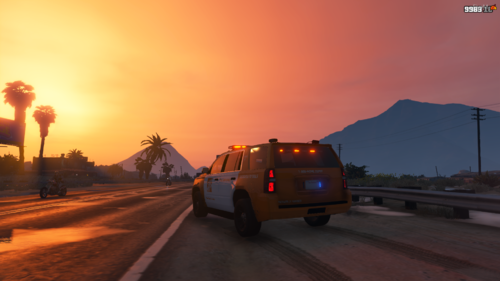 It’s pretty much Home Depot loss prevention lol
 -
Thank you for a great F250! It was tough finding a good model.
-
Hello Fam! From one of my favorite reality shows, North Woods Law, I bring you the NH Fish & Game Ford F250; lore friendly of course. This is the K9 version. Hope you guys like it! Installation: Replace the sign livery for each item in the respective ytd file, in this case ford_sign_01 or ford_sign_02. Note: On some instances you'll need to replace it in the +hi.ytd file as well. Vehicles:
-
-
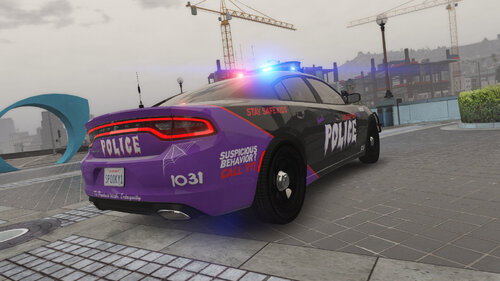 Hello Ghouls and Ghosts! I made a quick Halloween themed patrol Charger. Kid friendly. Stay Safe this Halloween! Hope you guys like it! Installation: Replace the sign livery for each item in the respective ytd file. On some you'll need to replace it in the +hi.ytd file as well. This is using thegreathah LSPD Pack [ELS] 2016 Charger . Vehicles:
- 1 review
-
-
- 1
-
-
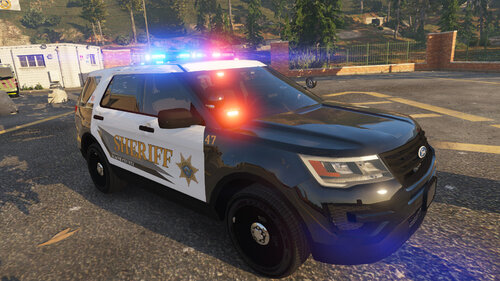 This is the Santa Fe County Sheriff's Office 2016 FPIU and 2016 FPIS. Screenshots don't show the license plates but I did add Lore Friendly ones afterwards. I know they have an F-150 which I am looking to make, just have to find the right one. Hope you guys like it! Installation: Replace the sign livery for each item in the respective ytd file. On some you'll need to replace it in the +hi.ytd file as well. This is using thegreathah LSPD Pack [ELS] . Fits on the TickleMyElmo LSPD Pack as well. Vehicles:
 -
 This is a 2018 Dodge Charger livery based on the Mexican Federal Police (Policia Federal). Hope you guys like it! Installation: Replace the sign livery for each item in the respective ytd file. On some you'll need to replace it in the +hi.ytd file as well. This is using the TickleMyElmo [ELS] LSPD Pack 2018 Dodge Charger model. Fits most 2018 Chargers. Vehicles: