zGohanz
Members
-
Joined
-
Last visited
Everything posted by zGohanz
-
-
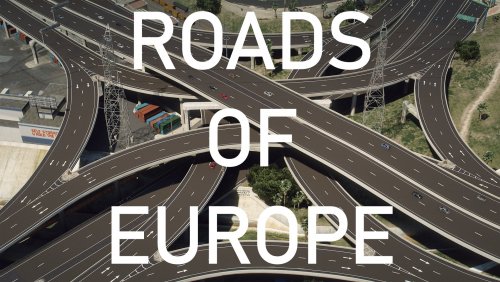 Damn I didn't know that LSPDFR allowed file sizes to be that big. Anyways, I'm gonna check it out ASAP. They look clean af ! Will leave feedback and review once I use it for a couple of days
- 36 comments
- 4 reviews
-
What do you guys think about this new PPV? Honestly, it looks more bulkier and nothing like the old tahoe's

-
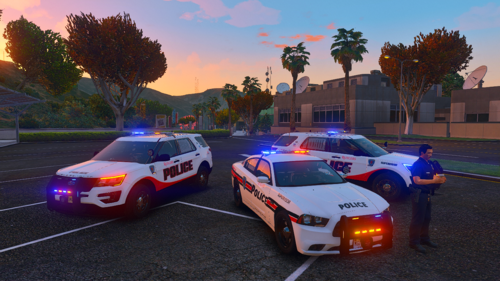 Thanks for taking up my request. Lovely textures, and they look almost the same. Good job brother
- 4 comments
- 1 review
-
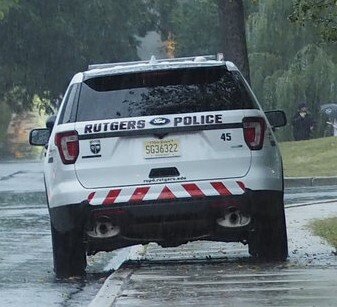
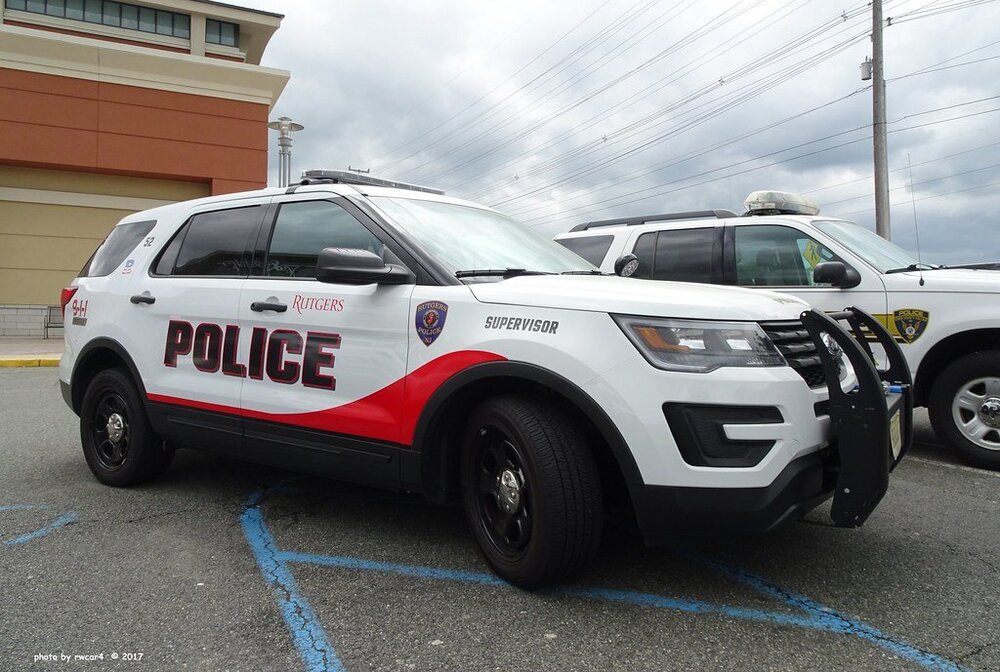
Hey, can you make Rutgers Police Department skins for TheHurk's 16 Explorer & 14' Charger from TickleMyElmo's pack. The rear end of the charger is similar to the FPIU as well. It's upto you if you want to make it lore-friendly or not. Thanks !
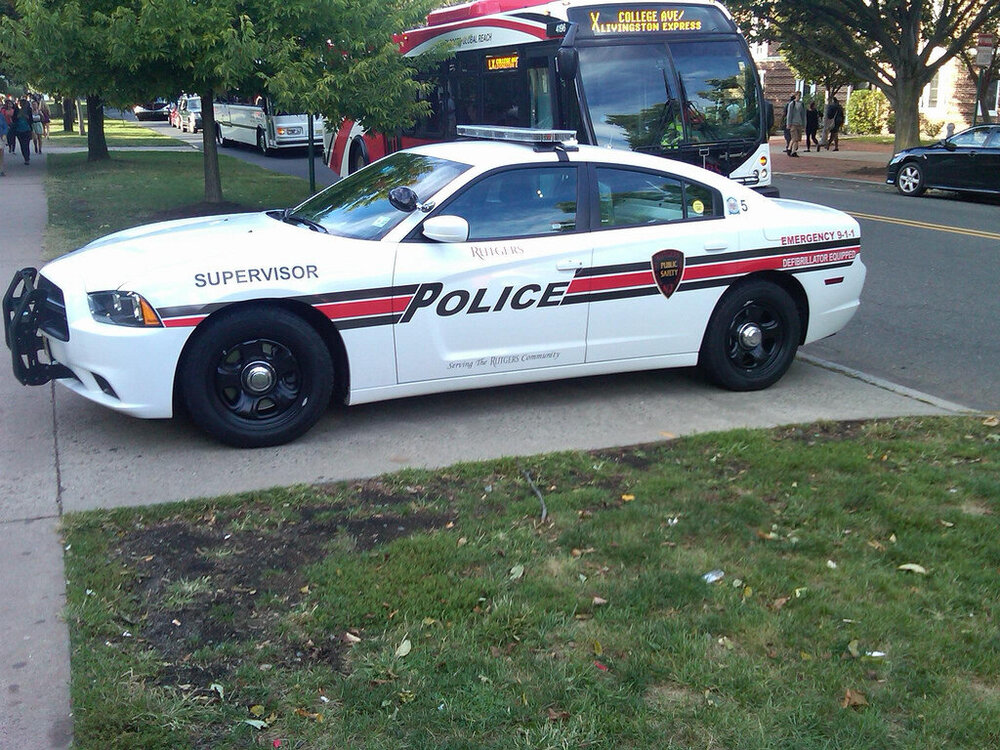
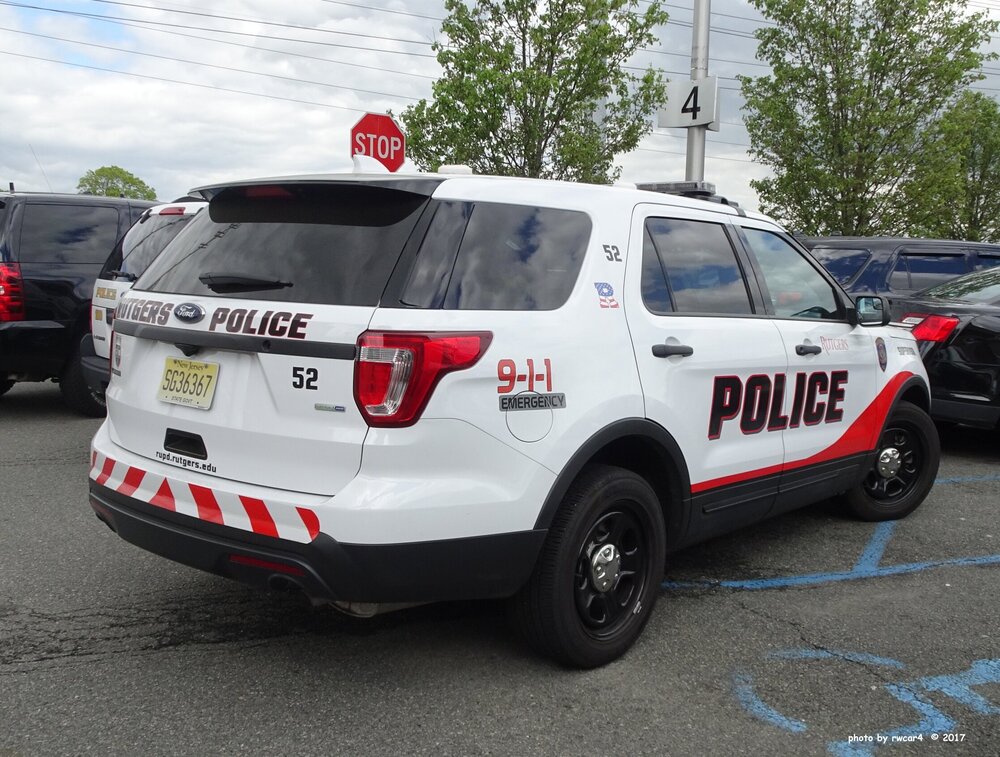
-
What's the difference between the Steam version and Epic Games version?
-
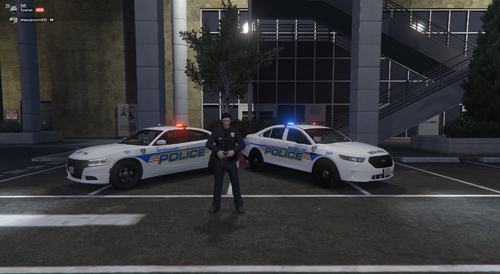 Love the textures and also the fact that you included PSD files to edit unit numbers and play around.
- 12 comments
- 1 review
-
-

- 1
-
-
Also the "Supervisuer" and "Urgence" placement on the left side is different on both sides. (in the PSD file) Sorry for being picky lol, but great skins overall
- 12 comments
- 1 review
-
The text border on the right and left side of the 16 Explorer don't match. The blue ribbon on the right side overlaps the gold/yellow text border when I edit the unit number and save it as DDS/PNG file
- 12 comments
- 1 review
-
Did you install any mods?
-
ScripthookV is not compatible with the new update. You need to wait for it to update and then replace your old scripthookv file with the new one
-
You just have to wait for ScripthookV to update. You can check its website
-
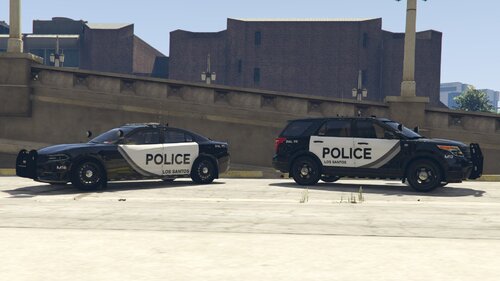 Good Work! Can you make it for the 14 Tahoe in the same pack?
 -
-
Is anyone planning to make a 2021 Tahoe or is it too early for the model to come out ?
-
-
 When I enable the friendly honk feature, pressing "E" on foot near a police car makes them blip, even though I'm not in my car. Idk if I can classify this as a bug, but it seems off for me at least. Yes, you can say I just waved at them on foot so they honked/blipped back.
- 262 comments
- 34 reviews
-
-

- 1
-
-
it works well without lspdfr loaded. The issue is that lspdfr itself is kinda heavy with all callouts and plugins and other mods. On top of everything, the traffic control sucks resources so it lags. But it's a really cool feature. Rockstar should honestly implement it in vanilla GTA
- 262 comments
- 34 reviews
-
-
- 1
-
-
A simple and a wonderful plugin. I love the friendly honk feature. I also tried the traffic control feature and it works flawlessly, but yes it also cut my frame rate by 20 and if I'm in a pursuit, I lose around 28. (i7-8750, GTX 1060, 16G RAM, 4k) Suggestion: Try making the other cop car honk at you if you honk and yelp/blip if you blip your siren.
- 262 comments
- 34 reviews
-
-
- 2
-
-
Yeah, but when you're in pursuit, do you really wanna get out and stand and press G ? This makes the job easy by automatically cutting it off when you exit the vehicle and also the friendly honk is my favorite lol.
- 262 comments
- 34 reviews
-
-
- 5
-
-
You're a savior omg. The community needed this type of plugin since forever! Honestly, this should be integrated with ELS by default. Great work dude!
- 262 comments
- 34 reviews
-
-
- 1
-
-
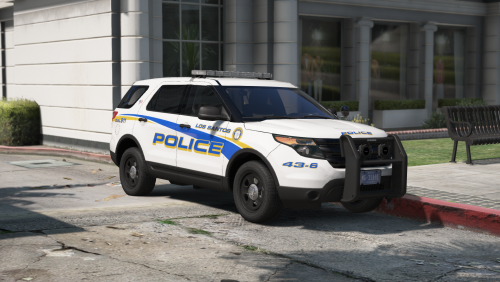 Hey I love these skins. The FPIU one is the best. Can you add liveries for Ticklemyelmo's LSPD pack too ? his charger is the best
- 25 comments
- 16 reviews
-
-
-
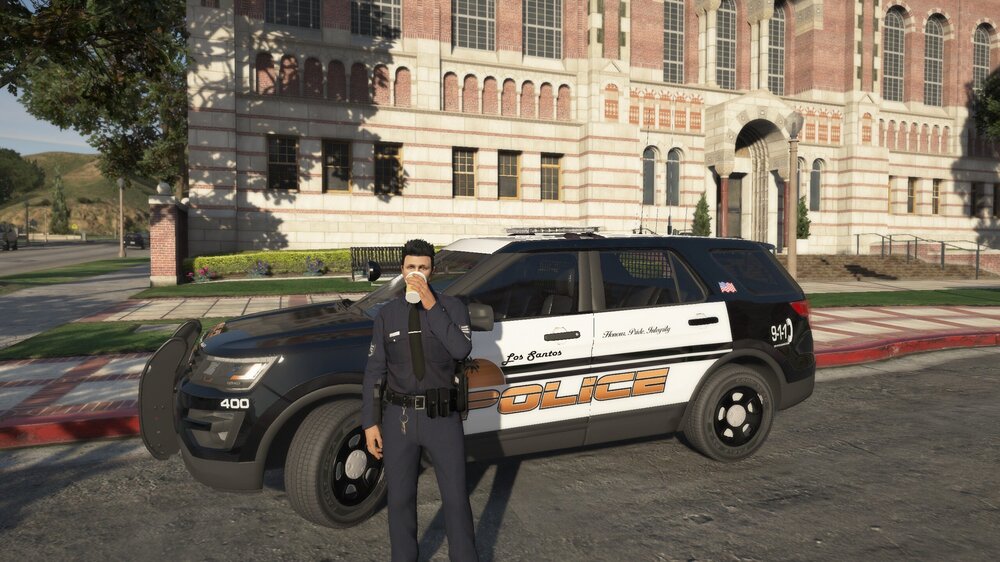
Keeping the University Campus safe!