
Thinks Development
Members
-
Joined
-
Last visited
Everything posted by Thinks Development
-
 Go into Plugins>lspdfr>FireCallouts.ini and change the mainmenu = F2 to what you want to open it
- 365 comments
- 20 reviews
-
-
Great callout pack I enjoy it alot and its something diffrent from other callout packs
- 365 comments
- 20 reviews
-
if possible you should add a fuel truck fire or a gas station on fire callout for it
- 365 comments
- 20 reviews
-
-

- 1
-
-
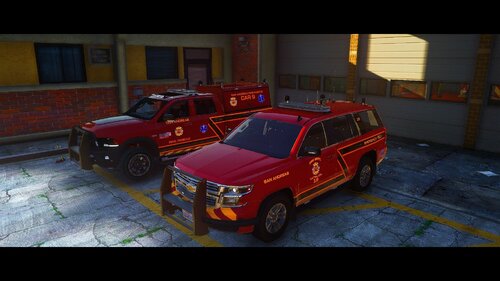
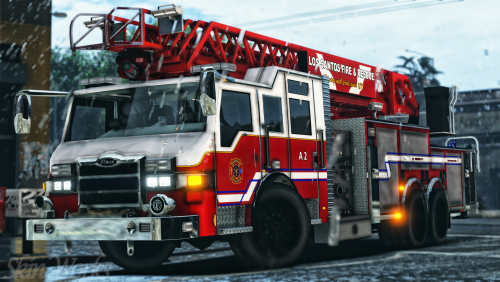 all the vehicle can be found on Modification Universe these skins dont work for the updated models though all the models arnt there because there still getting updated
- 54 comments
- 10 reviews
-
-
- 1
-
-
-
-
-
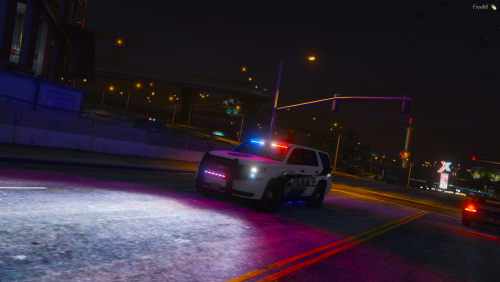 Is there a template for it?
 -
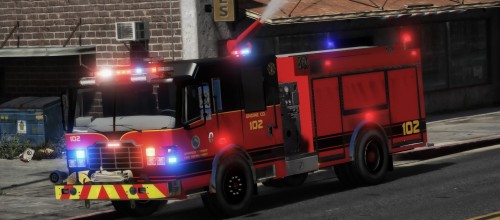 Great pack just one problem with the right side front wheel of the Durastar pumper
- 54 comments
- 2 reviews
-
-
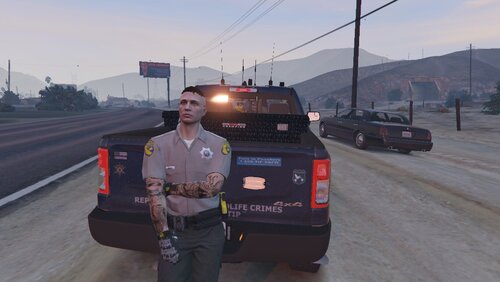 Who's 2019 Ram?
 -
Has this been finished?
-