
Thinks Development
-
Joined
-
Last visited
Everything posted by Thinks Development
-
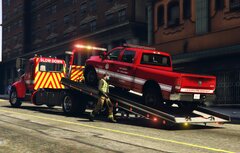
From the album: Los Santos Fire Department ( Discontinued )
-
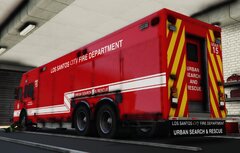
From the album: Los Santos Fire Department ( Discontinued )
-
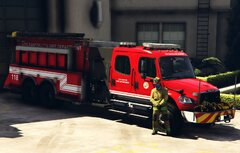
From the album: Los Santos Fire Department ( Discontinued )
-
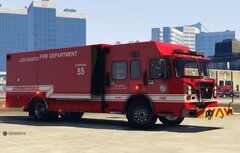
From the album: Los Santos Fire Department ( Discontinued )
-
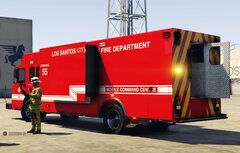
From the album: Los Santos Fire Department ( Discontinued )
-
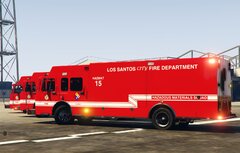
From the album: Los Santos Fire Department ( Discontinued )
-
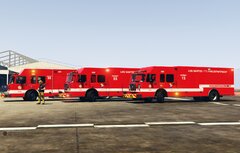
From the album: Los Santos Fire Department ( Discontinued )
-
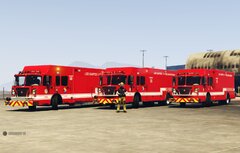
From the album: Los Santos Fire Department ( Discontinued )
-
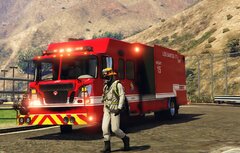
From the album: Los Santos Fire Department ( Discontinued )
-
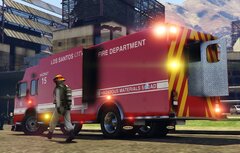
From the album: Los Santos Fire Department ( Discontinued )
-
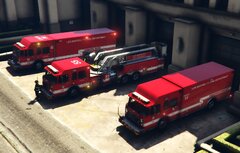
From the album: Los Santos Fire Department ( Discontinued )
-
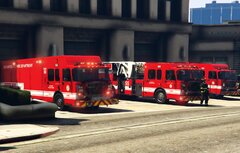
From the album: Los Santos Fire Department ( Discontinued )
-
-
 If you install 8.2 yes you will and if you had custom shirt textures for 8.1 they won't work anymore as they changed how the textures are for the new shirts
- 2,353 comments
- 238 reviews
-
Yes you need the $2.99 membership or higher on there patron to be able to access the download
- 2,353 comments
- 238 reviews
-
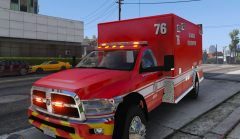 All of Medic4523's mods can be found here https://modification-universe.com/forums/members/mbm4523.2089/#resources
 -
Looks to be Medic4523's
-
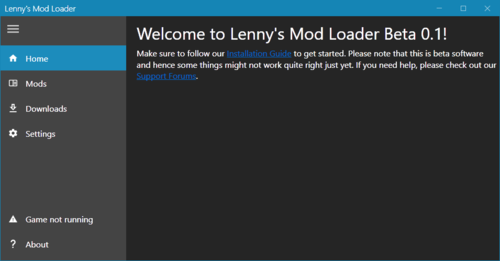
It says you have 3 versions of Coastal Callouts installed, Go in the ModManger.UI.exe go to the box looking thing in there it will show all the mods you have installed with LML, see if there is multiple of coastal callouts if there is remove the blue tick on the ones that are not the latest version then save it, Launch the game and see if it works
-
-
-
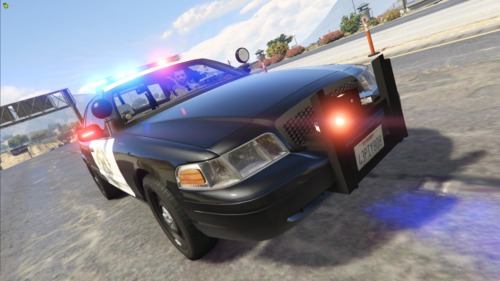 I found some of a older one but I would say do it on a 16 with the newer light bar
- 103 comments
- 4 reviews
-
-
-
Its not there for me on any of the LML compatable files
-
 Do you use Stop the ped? if so go in the STP.ini and change "EnabledOnStartup=yes" Under RealisticWeaponSystem to "EnabledOnStartup=no"
- 365 comments
- 20 reviews
-
-

- 1
-