



hfd350
Members
-
Joined
-
Last visited
Everything posted by hfd350
-
 So I installed the three required files, download this vehicle pack, follow instructions and install exactly how told.... get into game and the cars do not pop up in add on vehicle in simple trainer or with the add on vehicle spawn menu mod... whats causing this?
- 485 comments
- 78 reviews
-
-
-
 Well put together information about the mod including installation, gameplay video, now lets get to the good part... superb gunplay... are you tired you shooting someone over and over and over again well not anymore, enjoy realistic gunplay. PS this mod pairs great with a glock or m4 carbine on patrol
- 60 comments
- 8 reviews
-
-

- 1
-
-
Using this now, enjoy the style of gunplay much better, its much more realistic in my opinion
- 60 comments
- 8 reviews
-
-

- 1
-
-
Glad you found the source, make sure Main.PreloadAllModels is set to False in your gta v folder-lspdfr-lspdfr.ini I suggest and personally use Radiance V / Visual V (For graphic enhancement, note you need a separate file to use both those mods) Or if your looking into specially better ELS lighting i suggest trying "Better and Brighter Emergency Lights" Linked below (sometimes you may have to fix your taxi signs as they can become very bright but a quick "taxi light too bright" google will aid you with that. Good luck! Safe Patrols
-
Try starting vanilla with no extra plugins etc, then start adding them until you encounter the error, redundant to do but its a simple solution
-
Unfortunately if you did not have a backup the best option is to start fresh
-
If ELS was correctly installed, ensure you download and install ELS compatible cars only properly and you shouldn't encounter any problems
-
What Plugins/Scripts are you using? If everything was working fine with a clean vanilla version then you added scripts and plugins then encountered your issue i would say there is a conflict or issue with a mod your using
-
What are your frames like while everything is loaded? Can you list the plugins/scripts your using? Any other mods used?
-
High detail vehicles added to LSPDFR will also severely effect performance, to anyone having issues with texture loss a simple solution is ensuring your "Main.PreloadAllModels" is set to "False" location in Gta V- lspdfr- lspdfr.ini
-
Personally using mods like ELS i notice that its the lights which trigger vehicles to pull over as you can drive with your emergency lights activated and traffic will yield without your sirens activated. Again though i am using mods so my gameplay may be different
-
I work Fire/EMS and our portable radios have a button which we can press which sets off the computors in dispatch that portable 12 from EFD was activated for example, we were even taught that sometimes if we couldnt talk due to the circumstances we could just hit the button and turn the radio off so the person doesnt know you did so
-
-
-
-
-
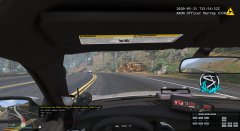 20200824020041_1.jpg
-
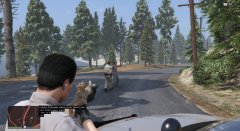 Felon On The Run
-
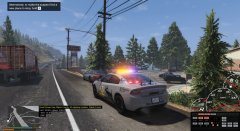 20200824015739_1.jpg
-
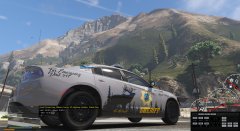 BCSO '20 Charger
-
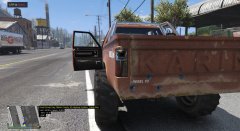 Shootout 4
-
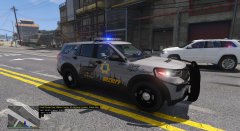 BCSO '20 Explorer
-
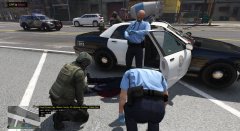 Officer Down
-
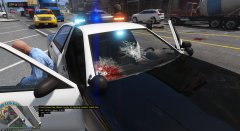 Shootout 3
-
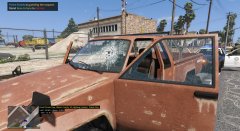 Shootout 2
-
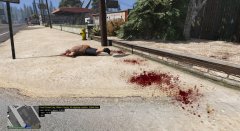 20200824015256_1.jpg
-
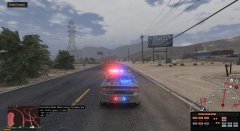 20200824021149_1
-
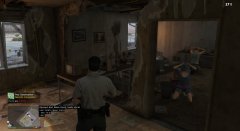 Meth Lab Raid 2
-
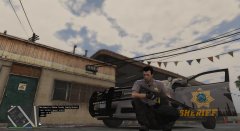 Meth Lab Raid 1
-
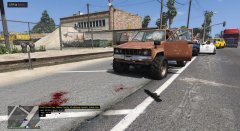 20200824015249_1
-
 20200824015230_1
-
 20200824014947_1
-
 UOF
UOF
-
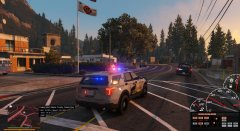 Pursuit
-
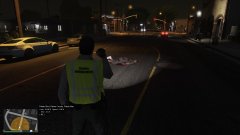 Shots Fired Investigation
-
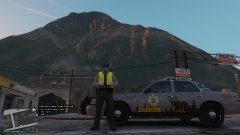 Beautiful Day In Blaine County
-
-
-
-
-
-
-
-




