
hfd350
Members
-
Joined
-
Last visited
Everything posted by hfd350
-
-
-
-
-
-
-
-
-
-
-
-
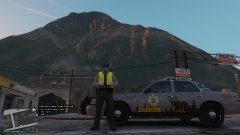
From the album: LSPDFR
-
-
-
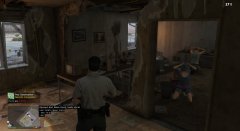
If you have EUP and have both the Law & Order pack and the Serve & Rescue pack there are many different variations of uniforms you can wear, with Coastal Callouts its fun to play as Coast Guard and do boat/heli rescues, you can play as a medic or firefighter with FireCallouts, campus security, i could go on and on with different ways you could play lol
-
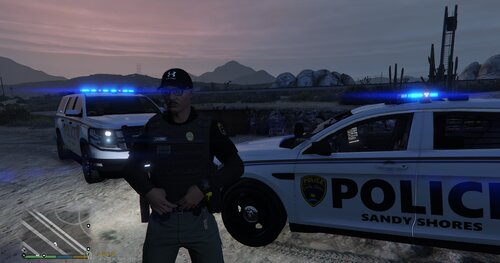 Constructive critisism, next time take the screenshots during the day so we can see the uniforms better, but other that that nice pack!
 -
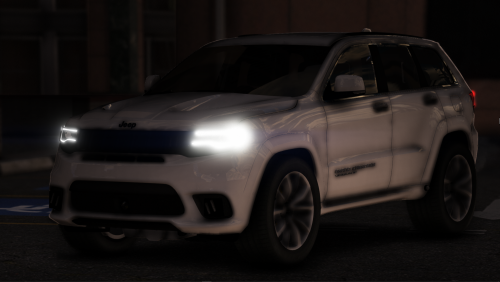 Yeah sounds like he's just listening to a police scanner in the background
 -
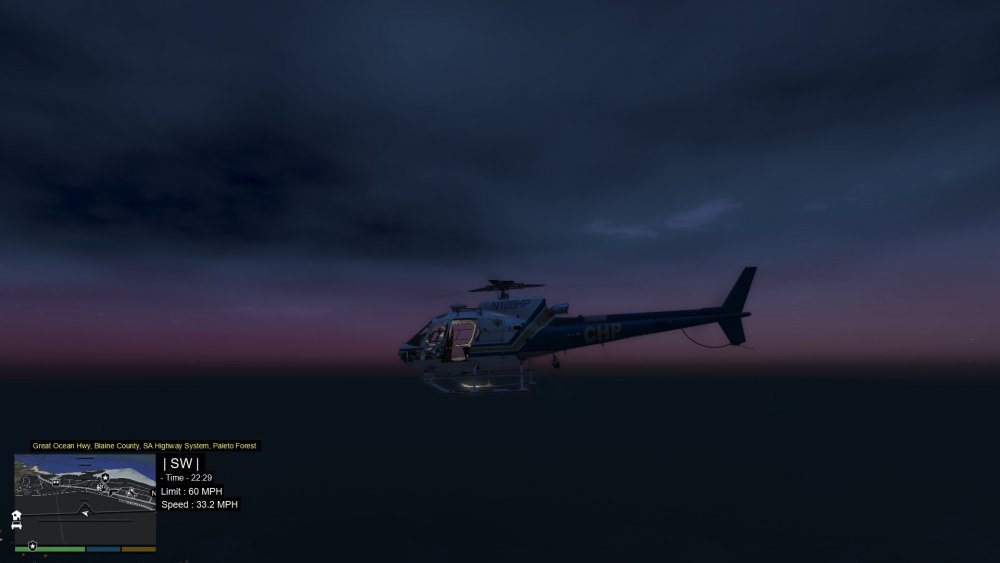
I'm not sure why but i love this one
-
My personnel list: GTA: LeFix Speedo LeFix Simple Fuel E.L.S Menyoo Simple Native Trainer Open Interiors Plugins: EUP Body Cam Clear The Way Cop Holster Disarm EUP Menu Persistent Weapon Flashlight RageShowMyLocation Scene Manager LSPDFR Plugins: (Some Callouts are buggy or don't work) ALPR Lite Attempted Crimes Callouts Arrest Manager Beach Callouts Compulite ComputerPlus Callout Manager CalloutsV County Callouts Fire Callouts HighWay Callouts LSPDFR+ PeterUCallouts PoliceSmartRadio StopThePed Ultimate Backup Vocal Dispatch Wilderness Callouts Felony Stop JaRm Callouts OC Spray Red Callouts Regular Ridiculous Callouts Simple Callouts Super Callouts Super Events Tacco Highway Callouts Traffic Policer Typical Callouts United Callouts Variety Callouts
-
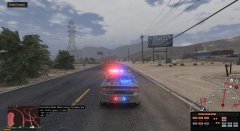
Before explaining the activity it is important to note i am using graphical enhancing mods, my population and variety settings are maxed, i have 0.5 increased Peds & Traffic as well My favorite activity is to just drive around and explore, i thought after playing for years i had seen all of GTA but you really haven't. GTA has awesome attention to detail and many smalls things to notice, the feeling of driving around and soaking in the views is the best. GTA truly is beautiful depending on what your computer can handle. I suggest finding some mods including realistic driving mods, graphics mods, turn your population setting up and population variety up then just go out on a drive. There are many mods for scenarios too which are always fun to explore and add variety such as Forests of san andreas for example, or a concert in los santos, they can also be used in conjunction with on duty work too
-
-
-
-
-