



J. Cooley
Members
-
Joined
-
Last visited
Everything posted by J. Cooley
-
-
-
From the album: Pics from patrol
-
From the album: Pics from patrol
-
From the album: Pics from patrol
-
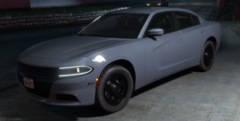
From the album: Pics from patrol
-
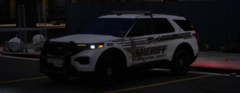
From the album: Pics from patrol
-
-
-
-
-
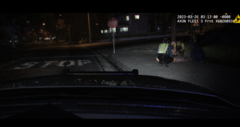
From the album: Pics from patrol
-
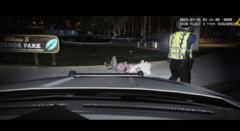
From the album: Pics from patrol
-
-
From the album: Pics from patrol
-
From the album: Pics from patrol
-
-
I have the same map and am also trying to move the locations of triggers. Could you link the thread you saw so I can take a look? Also, are there actually attributes such as "dutypoint" that you can change the coordinates for? I don't see anything like that in the station.xml file. Greatly appreciate your time!
-
-
-
From the album: Pics from patrol
-
-
-
From the album: Pics from patrol
-
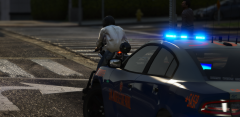
From the album: Pics from patrol


.thumb.png.1894b52069ae508db4b9b9e3d5c5fdc4.png)



