



J. Cooley
Members
-
Joined
-
Last visited
Everything posted by J. Cooley
-
So I have the MLO for the Mission Row police station by GABZ and was wanting to know if there is a way to change the locations of the trigger for the Locker Room spawn point and if there is a way to add an on foot drop off location as well as moving the vehicle drop offs. Currently I have one drop off point in front and one around the back of the station and they are both vehicle only.
-
-
-
 UGotCapped.png
-
 BVPD01.png
-
 GrippyGrewal
-
 Screenshot_103.png
-
 Screenshot_85.png
-
 Screenshot_83.png
-
 Screenshot_82.png
-
 Screenshot_63
-
 Screenshot_86
-
 Screenshot_59
-
 Screenshot_96
-
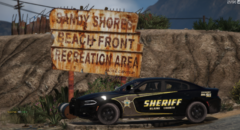 Screenshot_106
-
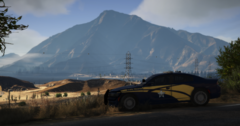 ospCHRG.png
-
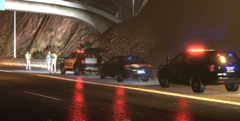 Screenshot_78.png
-
 Screenshot_108
-
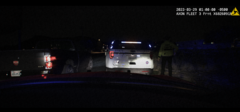 Screenshot_61.png
-
 Screenshot_31.png
-
 Screenshot_14.png
-
 illinoisshooting01.png
-
 Screenshot_48
-
-
-
From the album: Pics from patrol
Funny name haha -
From the album: Pics from patrol
-
From the album: Pics from patrol
-
From the album: Pics from patrol
-
From the album: Pics from patrol
-
-
-
-
-
-
-
From the album: Pics from patrol
-
-
From the album: Pics from patrol
-
From the album: Pics from patrol
-
From the album: Pics from patrol
-
From the album: Pics from patrol
-
-

From the album: Pics from patrol
-
-
.png.572c00565c43ac328bb7648a9db2c899.png)
From the album: Pics from patrol


.png.572c00565c43ac328bb7648a9db2c899.png)