


sssneaky
Members
-
Joined
-
Last visited
Everything posted by sssneaky
-
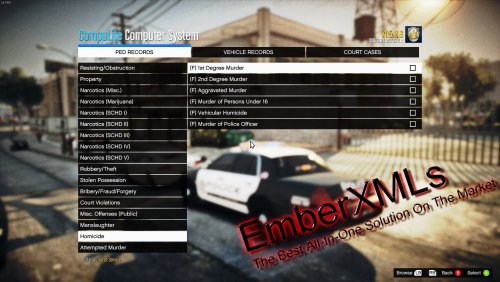 This is exactly what I wanted for like 2 weeks now and I haven't seen it til now. God dang it. 🤣 Going to test this tomorrow and more than likely add it to the immersion section of my thread!
- 96 comments
- 9 reviews
-
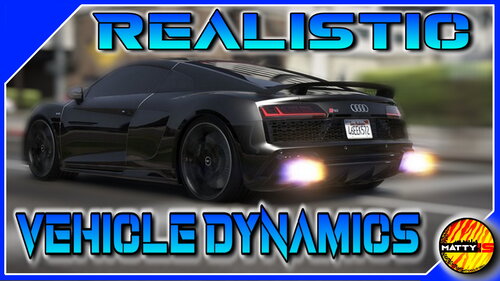 Do wheels come off with this mod? Genuinely curious because I've been using a realistic handling and damage mod but the feathering needed in order to not cause the wheels to spin triggers me. BUT with the mod I use, the damage is so realistic that if hit hard enough the entire wheel or wheels of cars can be completely torn off which I love so it makes it worth it for me.
- 23 comments
- 5 reviews
-
Remove Interaction+. It's unnecessary if you use STP and also is very outdated.
-
Had to remove your callouts pack pre the latest patch because callouts were crashing my game. Unfortunately I'll be removing it again after getting a crash on the "Gang Attack" today after not crashing for several hours. Attached my log in case it can help you debug these problems. Thanks. RagePluginHook.log
-
 No problem man. I love these extension mods for existing plugins like STP. Keep up the great work!
- 16 comments
- 1 review
-
-

- 1
-
-
Added many more callouts packs. I'm just playing the game now though (and having a lot of fun), hardly anything to test any more. Sorted out OBS recording and going to get Vegas studio and start pumping out some videos soon probably.
-
-
-
 Thanks for updating this man! I will definitely be giving it a go later today.
- 643 comments
- 55 reviews
-
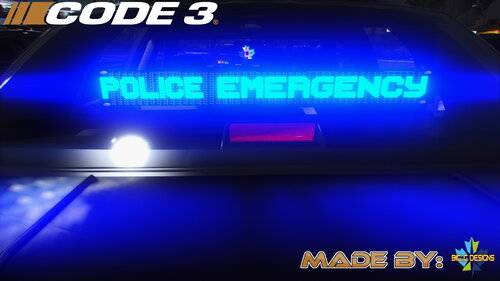 Any chance of making a replacement pack with these vehicles? Love the lightbars on some of these. Fantastic work regardless!
- 58 comments
- 4 reviews
-
So holding E on a person is stopping them and no menu appears a couple seconds later? Or does holding E not stop them at all?
-
Change these settings inside visualsettings.dat (found inside GTAV>mods>update>update.rpf>common>data: car.defaultlight.day.emissive.on 2500.00 car.defaultlight.night.emissive.on 900.00 sorry for the weird format I copy pasted this from my thread lol I just reread the OP. Might be related to the vehicles you're using. Some have better lights than others. Can edit them however if you know what youre doing.
-
Rename the files you've downloaded where it has "fbi" to "riot" instead. Make sure to do it inside patchday22 vehicles.rpf. Also be sure to delete the fbi files you've put in previously. Riot is the SWAT van ingame 🙂
-
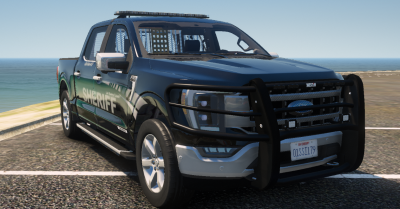 Super necessary if you're running a K9 unit. Love this vehicle, especially because you can change the paint on it & it's ELS.
- 22 comments
- 3 reviews
-
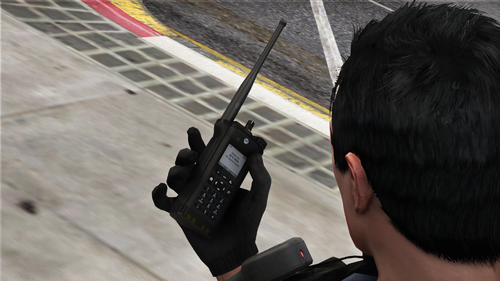 It's little mods like this that I love the most honestly. So much quality and easy af to install with almost zero chance of it bugging or crashing LSPDFR.
- 14 comments
- 6 reviews
-
-
- 2
-
-
Added this because it's sexy.
-
-
-
You still havent attached any logs so no one can help you lol. Please do so if you actually want help.
-
"Rage show my location" is showing up an awful lot in the logs. What plugins are ya using?
-
Have you updated the hook? Was a new one as of last week.
-
You need to attach your Ragehook log found in your main directory and/or a list of your plugins and mods.
-
StopThePed plugins > go to the rear of your unit (vehicle) > context menu > grab extinguisher. 🙂
-
You don't need a gameconfig unless you've installed mods that require it. I suggest you make your own thread and provide your plugins/mod list as well as your Ragehook log after a crash.
-
Set plugins timeout to 60000 and make sure nothing else is selected apart from load all plugins (not necessary) in your Ragehook settings before launching the game.


