


Devin Plays
Members
-
Joined
-
Last visited
Everything posted by Devin Plays
-
 Record whatever it is you wanna add, make sure its in .mp3 format and then just name it whatever comes next in the sequence so, like, the next file I add to this would be called "xchattr_206" and put it in Grand Theft Auto V\plugins\LSPDFR\XScanner\Audio\Default\XCHATTR
- 28 comments
- 5 reviews
-
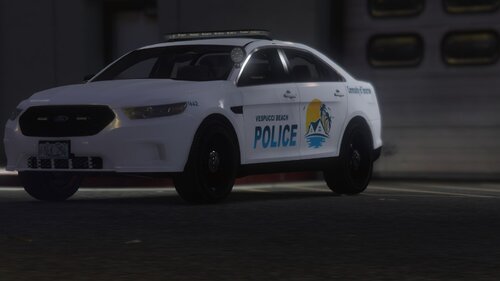 Always love seeing new vehicles for the smaller departments! Looking forward to trying these out. I'll throw up a video here when I do one!
- 15 comments
- 1 review
-
 You're very welcome, thank you for your efforts. I'll have a video with it being used out....probably this coming Tuesday.
 -
Appreciate this. Hard to find assets for the smaller departments.
-
-
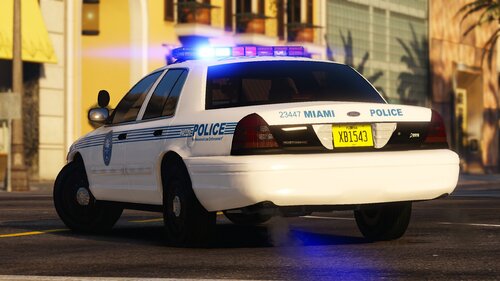 Been hearing about this pack for a while, and have been looking forward to checking it out!
 -
-
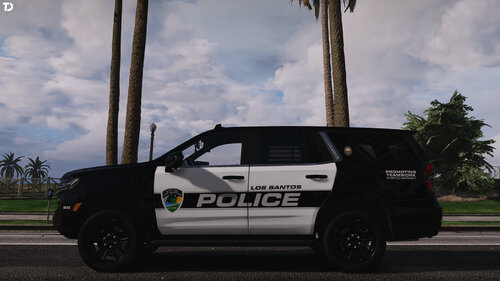 Great work as always Tom! If anyone would like to see these awesome cars in a video, here you go.
 -
Well, I can't say with certainty that you're crashing because of using xscanner....but I can tell you that I have used it non-stop since 2019, and it was outdated when I started, I know people who have used it for longer, and people who've only started using it recently. I know I have never, not once, in 2 years, crashed because of xscanner, and have never heard of anyone else crashing because of it. So, if I had to guess, Id say the culprit is probably not xscanner. Depending on what kind of crash you're getting, if its an RPH crash, or a CTD, or whatever, perhaps you could post your log and I wouldn't mind taking a look. If I can't help, there's a couple of good assistance discords put there who I guarantee who could.
- 28 comments
- 5 reviews
-
-
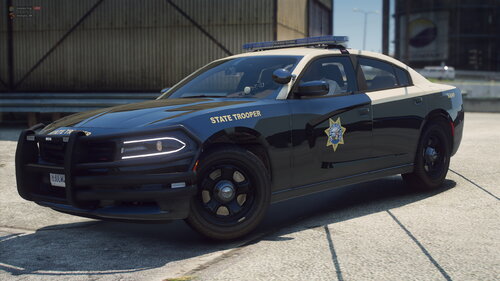 Here is this if you want it. Sorry it took me so long to get to after you sent to me. Great work!
- 9 comments
- 2 reviews
-
-

- 1
-
-
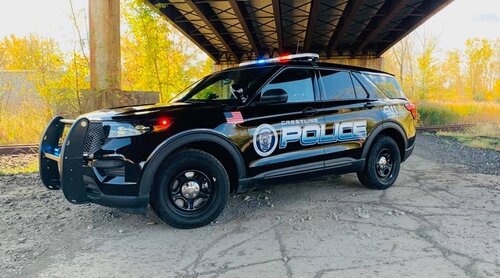 I'll bet @Trooper 923 would love these!
 -
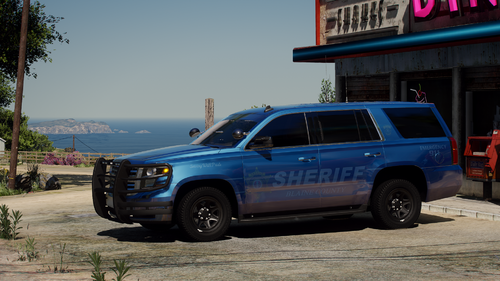 Without knowing exactly how you're set up, I can't really answer this accurately. If you're naming them any of the ingame vehicle names, like Police, or Sheriff, then you're replacing assets. Replacing the in game cars with new models is exactly what I use the Modding DLC for as well. Addon vehicles do not replace in game vehicles, but instead are independent assets. Like when Rockstar adds a new vehicle to the game. This can be done using the Modding DLC, and adding entries to the vehicle.meta and carvaritation.meta files or you can create your own independent DLC packs, like I believe arrexx has now done with this download, and how a lot of other devs do things. As an example, for my game, I have a separate DLC folder created for each of the 13 PDs I have set up, as well as for fire/EMS vehicles, unmarked vehicles, helicopters, and special purpose stuff. You make vehicle meta and carvariation entries for whatever cars you want (I name mine like SAHPCharger, PBPDCVPI. and so on In this image, you can see the inside of my mods folder, and these separate DLC packs. My YT channel has a video for creating DLC packs, but I also learned that there is actually a DLC pack creator on GTA V mods, which you could sue, but editing of the vehicle meta and carvariation meta would still be required.
- 77 comments
- 10 reviews
-
Its also easy af to do yourself. I have a video on it as do a bunch of other people. ---- @arrexx This looks awesome, Im going to most certainly check this out in game. Really interesting idea on the low vis blue skin.
- 77 comments
- 10 reviews
-
-
- 1
-
-
-
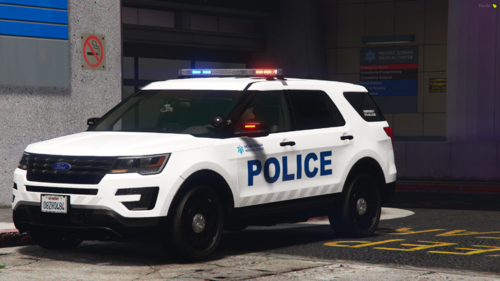 "This FPIU is very loosely based off of West Virginia University's Uniontown Hospital Police." Its really I found this, putting out a video tomorrow doing a ULSA patrol with some vehicles based on WVU's Morgantown campus police. I do believe I'll have to use these in a video soon, too. Thanks for the awesome work!
 -
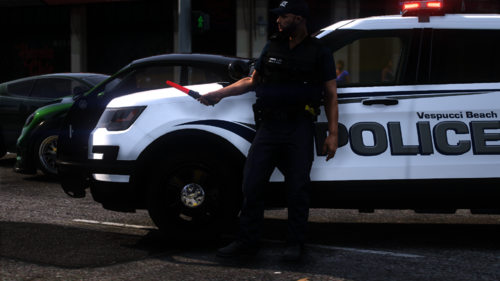 Far, far beyond my talents, I must say. Credit for that goes to Stobe Designs for the original, and AlecM125 for changing it from Grapeseed to Harmony.
 -
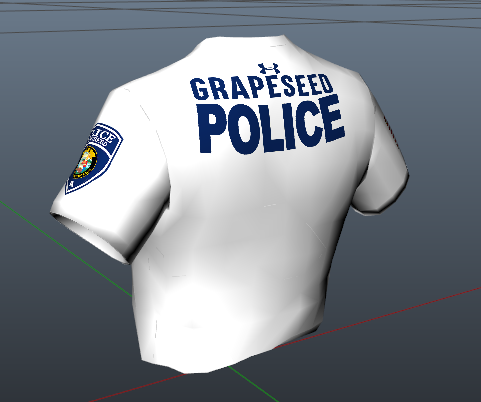
So, I'm not much of an artist, but, I really liked these Safariland PROTECH vests by @Patricktan112 and wanted to create some versions for the various department I often use in vides. So, being the pleb that I am, I fired up ole MSPaint and made up some quick and dirty textures. Much to my amazement, some people seemed to actually like them, so, I figured I'd upload them. They are intended for variant 5 of the supported vest, but, may work with the others as well. There are five supported departments Blaine County Sheriff's Office Harmony Township Police Department University of Los Santos Campus Police Rockford Hills Police Department Vespucci Beach Police Department Also, the Harmony vest has a logo on it which matches the uniforms I'm using for them. That logo came from here Check out my YouTube channels Discord and here are a couple videos which feature these vests Download the supported vest https://www.lcpdfr.com/downloads/gta5mods/character/28626-safariland-protech-oregon-city-armor-carrier/ You can follow the original install instructions, or you can install it anywhere else you like. I chose to install the vest to Mods\update\x64\dlcpacks\eup\dlc.rpf\x64\eup_componentpeds.rpf\mp_m_freemode_01 as Task_001 So, if you were to do that, your files would look like this task_001_u.ydd task_diff_001_a_uni.ytd Now, if you want to use all the included textures. Made copies of “task_diff_001_a_uni.ytd “ and rename them b, c, d and e….so you end up with task_001_u.ydd task_diff_001_a_uni.ytd task_diff_001_b_uni.ytd task_diff_001_c_uni.ytd task_diff_001_d_uni.ytd task_diff_001_e_uni.ytd Then simply replace the textures with the images I provided. Note that these are intended for use with variant 5 in the original download, but should work for variant 3, and possibly the others, I didn't bother to test.
-
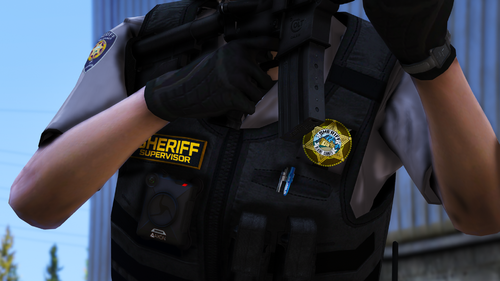 That was indeed the one I meant. Ill redownload. Thanks!
 -
This is some great work and thank you so much for it! Would you consider doing some textures for the soft vest from the same pack?
-
-
-
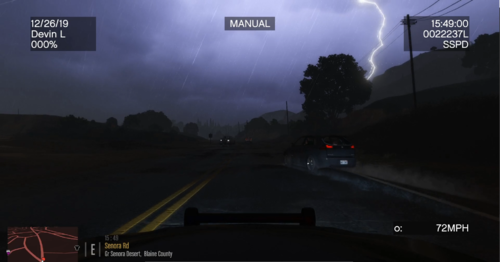 Yeah, I guess I did but I didn't mind how it looked without the black rims lol Sounds good man, thanks.
- 36 comments
- 2 reviews
-
-




