mellowyellowbudy
Members
-
Joined
-
Last visited
Everything posted by mellowyellowbudy
-
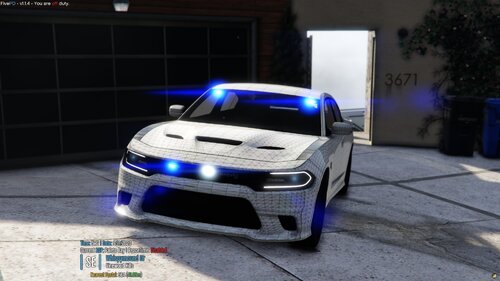 Glad to see you release this thing man. I know you've put so much hard work into it !!!
 -
 No. It's VisualVanilla with brighter lights. That's it
 -
-
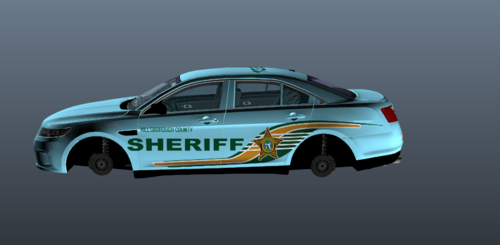 hello i would love to use ur pack because I live there but the car is backwards can u please fix i love playing gta v
 -
This file was created to allow you to keep the edits to the visualsettings.dat file from VisualVanilla while also using RADIANCE V
-
-
-
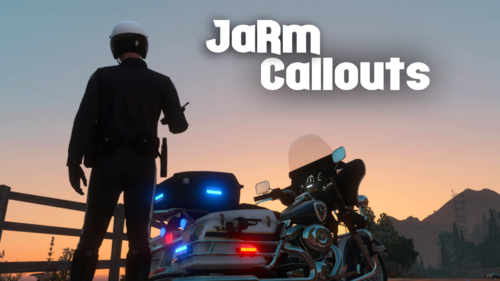 Is Albo Common a requirement?
 -
 I appreciate this, thank you, don't mind all of the other comments that don't see the need for this Hint, if you don't think you need it then don't download it? And if you think he's just ripping Albo off, well it's open source and he's certainly not doing 1 minor edit and reuploading, he's taken 1 piece of the puzzle that all of us are missing and released it without having to drop FPS
- 111 comments
- 21 reviews
-
-

- 1
-
-
- lspdfr plugin
- legacy
- lore
- non-lore
-
Tagged with:
-
-
 Hello To better explain what the mod does, read the following: so basically when you install VisualV, it replaces the visualsettings.dat file with it's own; if you want brighter emergency lights you'd then go install Radiance, however when you do that you lose the changes from VisualV -- this file simply combines the edits both authors did into one file so you can benefit from both The intensity of the lights is the exact same as Radiance
- 7 comments
- 1 review
-
This file was created to allow you to keep the edits to the visualsettings.dat file from VisualV while also using RADIANCE V
- 7 comments
- 1 review
-
-
-
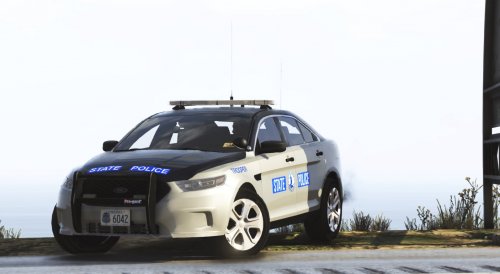 Try checking the VCF and see if you can fix it that way (the mirror thing), otherwise I'd just disable them in there
- 36 comments
- 4 reviews
-
-
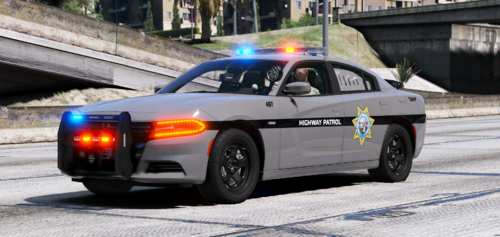 Beautiful liveries, super clean Would appreciate a transparent version so we can change the colour
- 3 comments
- 1 review
-
-
-
-
-
It's not finding you E: Capitalisation matters lol
-
You're 100% sure it's not a Windows Defender issue? See what it's taken out recently
-
-