


EthanO
Members
-
Joined
-
Last visited
Everything posted by EthanO
-
Thanks so much, I'll take a look!
-
Any timeline on when the guide will be published?
-
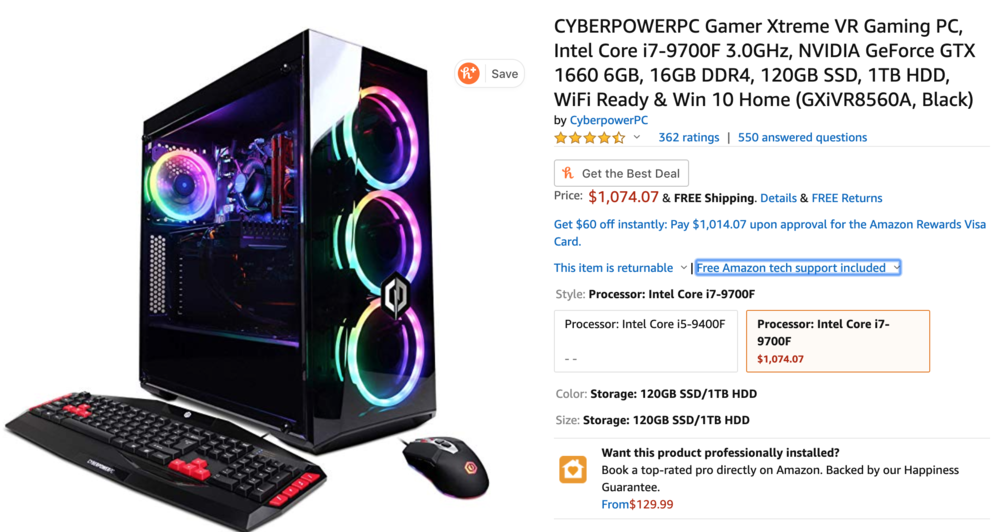
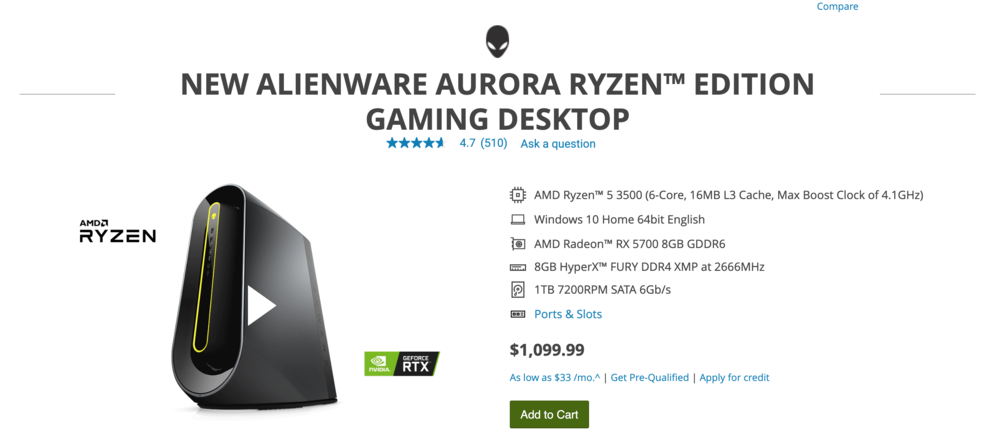
Hey guys, I am in the market for a Gaming PC and these two seem to be rated well. I am wondering what y'alls opinions are on them? Will these be capable of running GTA 5 with LSPDFR smoothly and with good graphics? Which one should I get?
-
.thumb.jpg.1db0be3e377ccefdd47e57a95ec56762.jpg) Anyone know how to uninstall what the automatic installer installed? Been trying to use other vehicles in Police4 but I can't because the light bar will be red and blue but it will only reflect blue due to whatever the automatic installer installed. Any help?
Anyone know how to uninstall what the automatic installer installed? Been trying to use other vehicles in Police4 but I can't because the light bar will be red and blue but it will only reflect blue due to whatever the automatic installer installed. Any help?- 239 comments
- 70 reviews
-
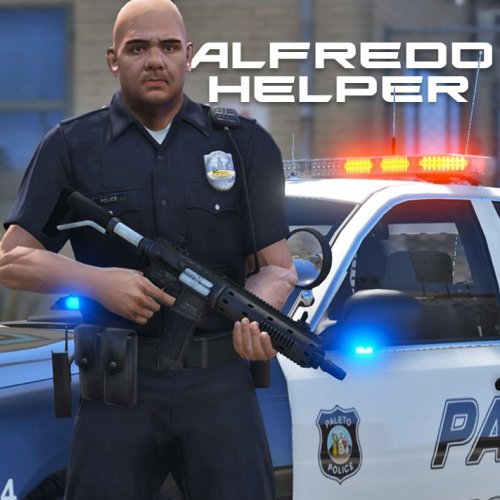 Can't seem to get it working? I've made a "Scripts" folder and placed it in there and I have all the prerequisites for it to work but I get in-game and press "F7" and nothing happens?
- 42 comments
- 22 reviews
-
-

- 1
-
-
 I re-installled the mod thinking it would pick back up with Police3 and it works perfect with every single car now except police 3, and all my cars are configured to sirensetting1.
- 150 comments
- 33 reviews
-
Well it was @Him1250's BCSO FPIU but he seems to have taken that vehicle down. But the light speed and reflections all worked when it was in the Police4 slot and now neither works with it since I've put it in the Police3 slot.
- 150 comments
- 33 reviews
-
My Police 3 slot vehicle has coronas and in the Police 4 slot it worked but it does not work in the Police 3 slot with this mod?
- 150 comments
- 33 reviews
-
-
-
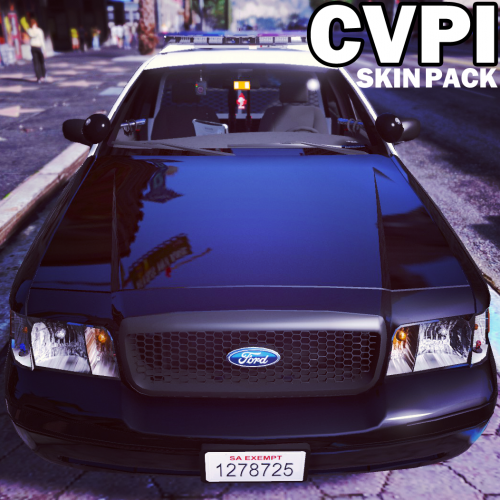
This pack, the CVPI in Police slot (Neither faster lights nor reflections) and the Charger in Police2 slot (faster lights but no reflections).
- 150 comments
- 33 reviews
-
All are SirenSetting1 At least they should be..let me check, do you know the carver locations for police and police2?? UPDATE: Yes they are all SirenSetting1 and the Police slot CVPI has no reflections and the lights are normal speed.
- 150 comments
- 33 reviews
-
@thegreathah I used the Ford Explorer from BlackJesus' pack and the lights don't have any reflections when using it in the Police slot but they do when using it in the Police2 a lot?
- 150 comments
- 33 reviews
-
 The .RAR file for F5544 models wont let me open/archive, says it's damaged or broken..any fix?
- 64 comments
- 18 reviews
-
Love the new speed of the lights and the environmental lighting, only downside for me is that the environmental lighting is only in front of the vehicle and not on the sides or back..other than that amazing job!
- 150 comments
- 33 reviews
-
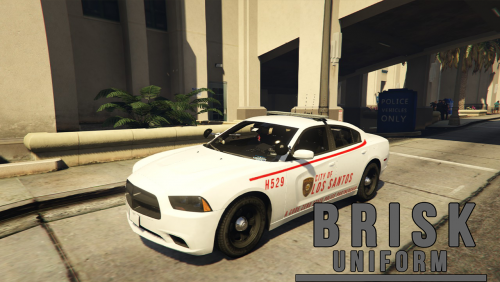 I would suggest taking the "Code Zero" text off the vehicles..I don't think anyone BUT Code Zero would enjoy using them if it had that on them.
- 14 comments
- 4 reviews
-
-
 I can not get the 2006 CVPI with the Valor bar to work, the lightbar is not rotating, I've changed the siren setting from 2 to 13 and it still doesn't work. Please tell me someone knows how to fix this, I would love to use that CVPI with that lightbar.
- 501 comments
- 104 reviews
-
Can't seem to find the install location for the Carvariations for the FBI2 slot? Anyone have an idea?
- 501 comments
- 104 reviews
-
-
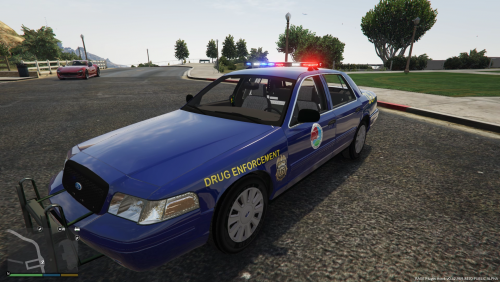 Okay thanks, really is a good skin for your first time.
 -
Link to the car?
-
-
-
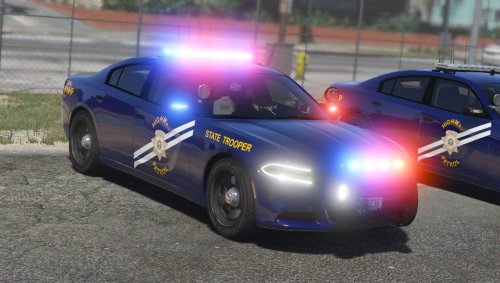 I didn't really notice it until I went first person, it is just red lines throughout the inside of the vehicle.
- 38 comments
- 19 reviews


.thumb.jpg.1db0be3e377ccefdd47e57a95ec56762.jpg)
