EthanO
Members
-
Joined
-
Last visited
Everything posted by EthanO
-
I’m struggling with the issue, how did you change the light setting and which one?
-
 Only issue I have found is on the marked and unmarked Tahoes. The headlight side strobes (Aux Corona 3 in the ELS file) are mapped wrong, they strobe under the Tahoes instead of the front sides of the headlights. Other than that, great pack!
- 207 comments
- 94 reviews
-
 Awesome pack! The only issues I’m seeing is the FPIU and slick top FPIS taillights don’t light up at night.
- 93 comments
- 28 reviews
-
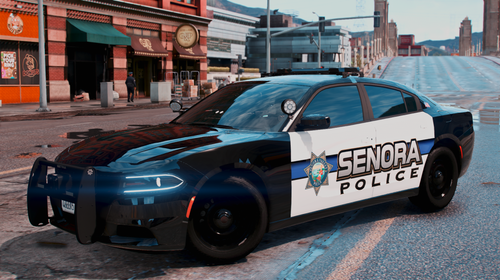 Awesome job!! Whose slicktop tahoe is the first Harmony picture?
 -
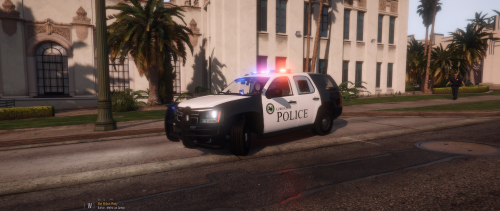 These are top notch! I went to Tech and these bring back some memories. Awesome job on the old skin on the CVPI!
 -
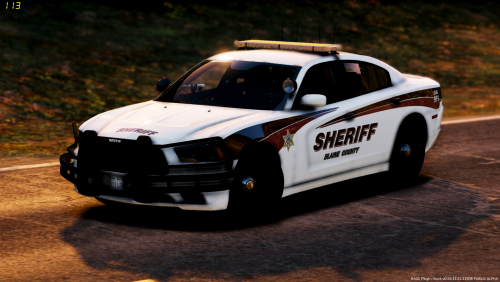 The Tahoe's brake lights are not working but great pack nonetheless! Any idea of an update soon?
- 26 comments
- 8 reviews
-
https://redneckmods.com/product?id=3fbaf24e-7775-432e-87e1-f168a57846e5
-
I'm pretty sure I installed them correctly, they are Redneck's cars. He doesn't specify whether they are FiveM or not. I tried putting them in a DLC pack of mine.
-
Yes, they are.
-
I bought some vehicles from Rednecks Whelen Pack and I can not get some of the extras to show or the lights working. Only half of the extras show and the siren will work butthats it. They came with a Carcol file, Vehicles Meta and a Car Variations and I installed them all the same way I have installed all of my ELS add on vehicles. Can anyone help?
-
 I'm still having texture issues on the Tahoe. It can only handle one livery, after you add more than one livery it won't spawn in game.
- 73 comments
- 22 reviews
-
 Is there any chance you would remake a North Liberty Hill Pack (cars & uniforms) but for GTA V?
- 19 comments
- 15 reviews
-
 Any way to edit the vehicles.meta for these vehicles? Some are not multiple livery enabled. I am just not sure where the vehicles.meta is located for these vehicles.
- 485 comments
- 78 reviews
-
Yes, the only solution I found also. On some of the vehicles I got away with being able to add a total of three liveries, including his original.
- 73 comments
- 22 reviews
-
Loving the pack, although when I add more than 2 extra liveries, it makes the vehicles bug out. Anyone else experiencing this?
- 73 comments
- 22 reviews
-
-
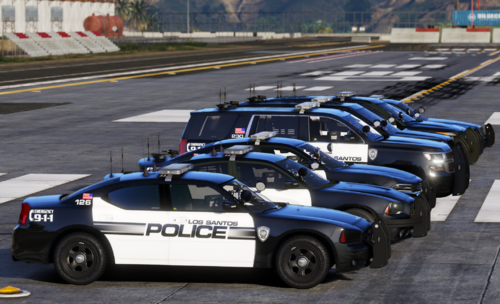 Both Tahoe's in this pack: ('19 is Dan With Da Vans and the '13 is Officer Underwoods)
- 25 comments
- 1 review
-
Is there any way you could make these skins compatible with Dan with the Van's '19 Tahoe?
- 25 comments
- 1 review
-
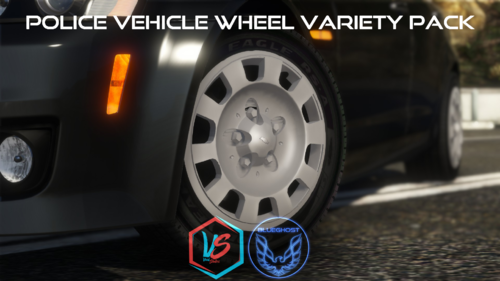 Some vehicles will not allow me to change the wheels. Any way to bypass this?
- 88 comments
- 18 reviews
-
Any way you could possibly make these skins compatible with any of the cars in these packs? 😁
- 25 comments
- 1 review
-
-
-
-
-
Hi all, I am trying to use BxBug's CVPI wheel pack but some of my police cars wheels do not change when using the trainer. Anyway I can make it to where I can change the wheels? Thanks in advance!