


Cpl.Griffiths
Members
-
Joined
-
Last visited
Everything posted by Cpl.Griffiths
-
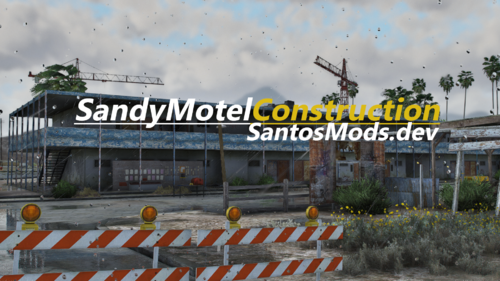 just need some callouts of people tryna take copper etc XD lots of tresspassers til its built
 -
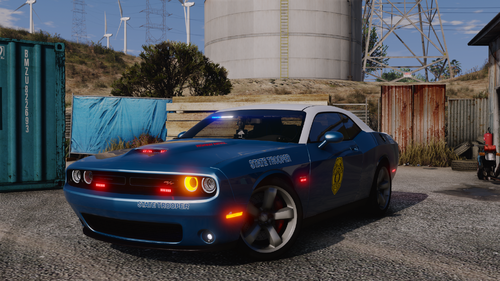 what visualsettings.dat r you using i cant get the halos working on the Durango
 -
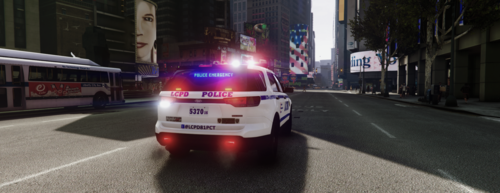 and as for traffic i remember this from gta4 days but anyway to limit them i raise my traffic already to 2.5x but taxis are a lil bit too much lol
 -
hows lspdfr and the game run with the new dlc map mod ? im thinking of trying it but gotta make a new folder for it!
-
can u post ur dlclist.xml?
-
.thumb.png.53c451113f296d3a686e0054a4c31baa.png) mirror lights on Tahoe and the new ford explorer be perfect ❤️ add the newer ERT dodge ram unmarked! no one has yet to make that those 😛 keep up that great work :)
mirror lights on Tahoe and the new ford explorer be perfect ❤️ add the newer ERT dodge ram unmarked! no one has yet to make that those 😛 keep up that great work :)- 6 comments
- 1 review
-
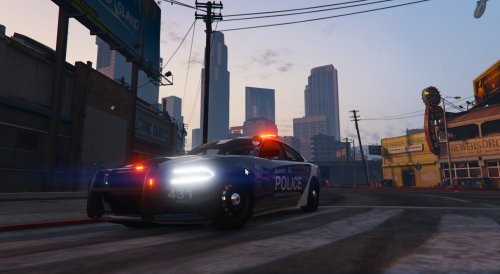 you have any o.p.p skins to can add to these! Love the setup too rare find!!!! 🙂
 -
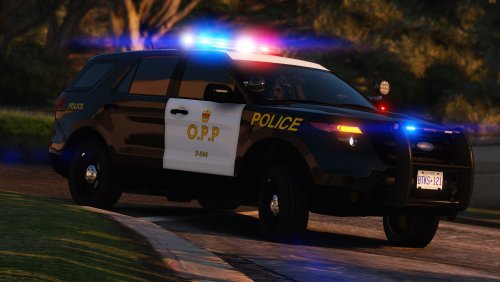 anyway of adding those bars or cage on the rear windows 😛 very needed and missing from this back !
 -
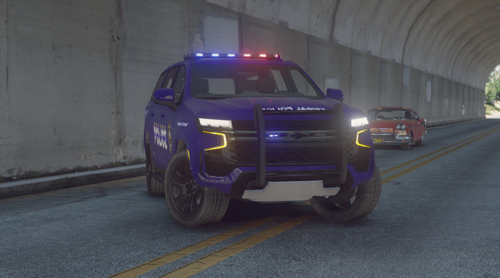 do Oneida or Six nations 😛 both in Ontario 😛
 -
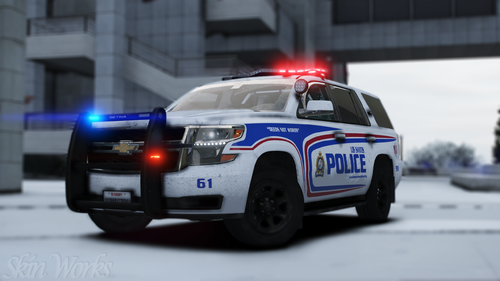 looking for an update 😉 😛 they got some new ford explores now and add some more stickers to the side like facebook and website:P
- 16 comments
- 8 reviews
-
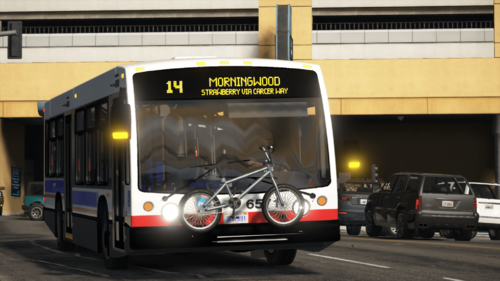 amazing<3 keep it up cant wait to see a new flyer bus 😛 🙂
 -
 that be great cause its causing issues sadly 😛❤️ 😞
 -
yea not sure what all ur mod changes but it was kinda heard to remove stuff that didnt need to be chnages like meta etc.... great mod but need feedback
-
can i get an uninstall oiv file plzzzzzzz 🙂 updated of course,,,,,,, its a great mod going back to patrol hopfully
-
# Recommended preset Main.PreloadAllModels = false Ambient.DisableAmbientGameCopSpawnBlock = true AmbientSpawn.DisableRandomUnits = true Chase.DisableAmbientAI = true WorldEvents.IntervalMultiplier = 0f WorldEvents.MaxNumberOfEvents = 0 Callouts.Multiplier = 0 Chase.CopsCanCommandeerVehicles = false AmbientSpawn.SpawnFrequency = 9999999 AmbientSpawn.MaxSpawnedCopsInArea = 1 AmbientSpawn.MaxCopsInArea = 0 Chase.DisableAmbientAI = true Chase.DisableTrafficDensityAdjustments = true Ambient.DisableEscapedSuspectEncounter = true Chase.TrafficDensityBudget = 0 Chase.TrafficDensityMultiplier = 0 Ambient.EscapedSuspectEncounterInterval = 0 Networking.DisableServerCommunication = true Networking.DisableDiscordRichPresence = true was not the issue nor that other things u said im waiting for somone to explain thiss all out but i fixed it and yes removing that shit help not confuse the ini .......
-
# Recommended preset Main.PreloadAllModels = false Ambient.DisableAmbientGameCopSpawnBlock = true AmbientSpawn.DisableRandomUnits = true Chase.DisableAmbientAI = true WorldEvents.IntervalMultiplier = 0f WorldEvents.MaxNumberOfEvents = 0 Callouts.Multiplier = 0 Chase.CopsCanCommandeerVehicles = false AmbientSpawn.SpawnFrequency = 9999999 AmbientSpawn.MaxSpawnedCopsInArea = 1 AmbientSpawn.MaxCopsInArea = 0 Chase.DisableAmbientAI = true Chase.DisableTrafficDensityAdjustments = true Ambient.DisableEscapedSuspectEncounter = true Chase.TrafficDensityBudget = 0 Chase.TrafficDensityMultiplier = 0 Ambient.EscapedSuspectEncounterInterval = 0 Networking.DisableServerCommunication = true Networking.DisableDiscordRichPresence = true that fixed the issue bud
-
its already true but im trying this way ommended preset Main.PreloadAllModels = false Ambient.DisableAmbientGameCopSpawnBlock = true AmbientSpawn.DisableRandomUnits = true Chase.DisableAmbientAI = true WorldEvents.IntervalMultiplier = 0f WorldEvents.MaxNumberOfEvents = 0 Callouts.Multiplier = 0 Chase.CopsCanCommandeerVehicles = false AmbientSpawn.SpawnFrequency = 9999999 AmbientSpawn.MaxSpawnedCopsInArea = 1 AmbientSpawn.MaxCopsInArea = 0 Chase.DisableAmbientAI = true Chase.DisableTrafficDensityAdjustments = true Ambient.DisableEscapedSuspectEncounter = true Chase.TrafficDensityBudget = 0 Chase.TrafficDensityMultiplier = 0 Ambient.EscapedSuspectEncounterInterval = 0 Networking.DisableServerCommunication = true Networking.DisableDiscordRichPresence = true i removed all that other crap
-
-
does this look right just need to know so do i get ride of those default lines and or the word presets etc?????? cause im having issues......... is there is certain order or what ????
-
dint work
-
RagePluginHook.log sorry for beeing so late still aint working i placed it
-
give me one hour and il show itt
-
i havnt installed any new callout in months shouldnt change with update i checked logs and said it was lspdfr world event
-
okok hang tight
-
thats what i have set.................... am i to remove the defaults or the line recommended presets ?????

.thumb.png.53c451113f296d3a686e0054a4c31baa.png)


