
normanoperator
Members
-
Joined
-
Last visited
Everything posted by normanoperator
-
 I for one really like the vehicles. Really fits in, especially when using lore-friendly SAHP textures. Keep up the good work, hope to see something more from you in the future!
- 325 comments
- 53 reviews
-
-

- 1
-
-
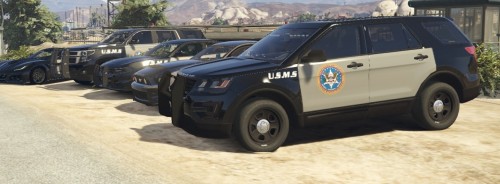 Thank you for educating me, I would've never had thought that they used marked vehicles. Very interesting.
 -
I don't think the Marshals actually use marked vehicles. Just like the FBI, DEA, ATF, PIS, etc. - they for the most part use unmarked vehicles.
-
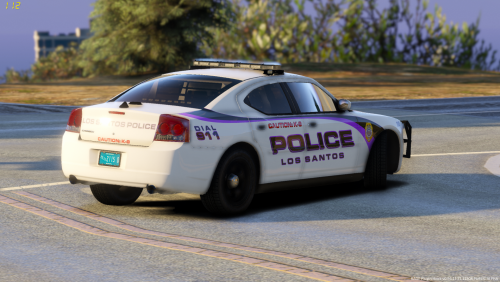
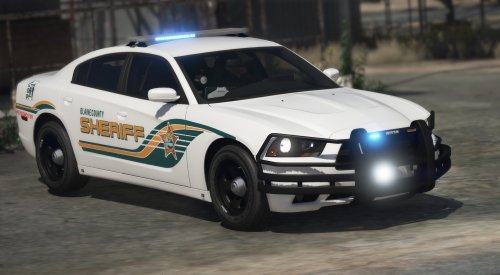 Noture sure if you know or not, but the C.O.P. badge on the 2014 Charger is messed up. Otherwise the models look very nice!
- 75 comments
- 19 reviews
-
-
- 1
-
-
 A small but meaningful mod. Thank you.
 -
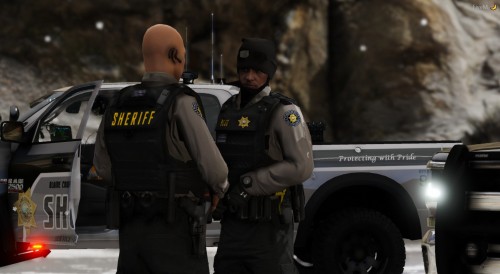 I love your videos, but I did end up purchasing the hoodie. It looks very nice to be honest with the bodycam and duty belt addons.
- 159 comments
- 7 reviews
-
-
-
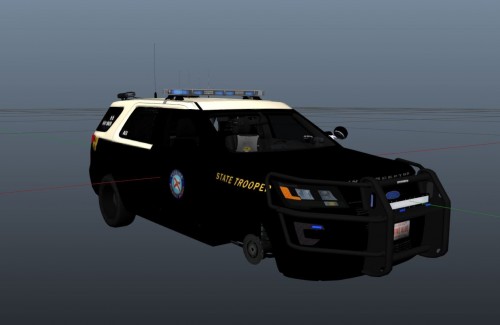 Nice but it'd be better if you hadn't used a K-9 version of the FPIU with a standard FHP patrol livery.
 -
These look very nice. The only thing I would suggest is that any livery with the actual pictured state should be swapped out for the state picture of San Andreas. That way the Idaho State Police (lore friendly) sign has the state of San Andreas pictured on it instead of Idaho which makes it even more lore friendly! Hopes this helps!
-
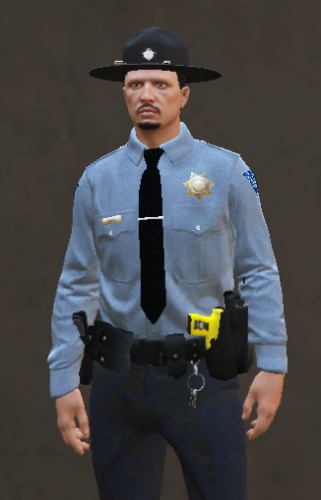 THIS IS WHAT IVE BEEN NEEDING!
 -
-
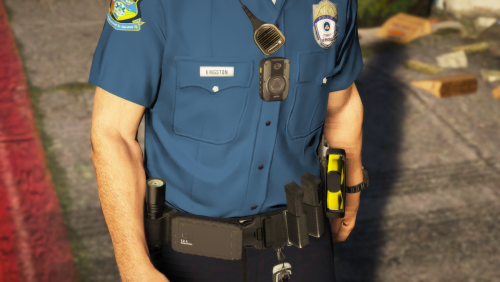 Where do you get that specific belt? Is that a paid model? If so can I get it from Codey?
- 8 comments
- 5 reviews
-
-
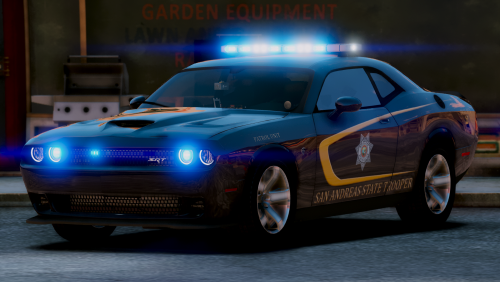 Looks very nice! I've been looking for a good State Police/State Trooper pack and this is definitely what I've been looking for! Excellent job!
- 17 comments
- 2 reviews
-
-
- 1
-
-
So it seems whenever I use a modded-in ambulance and call in for EMS to start working on a person or take a patient to the hospital, they'll take the patient and get stuck in this loop where they just walk into the side of the ambulance for maybe like ten seconds before the patient just teleports into the back by themself. Would there be anyway to fix this or is it stuck like this because its the main reason I use the vanilla ambulance despite there being much better models.
-
-
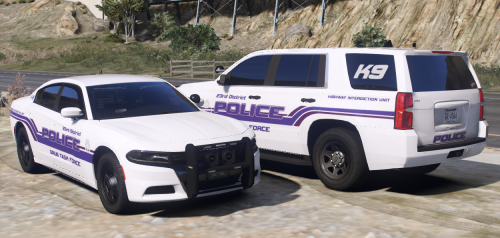 Very nice. Seeing as you're from the Nashville area, could you explain the 23rd Judicial Drug Task Force a bit more?
- 22 comments
- 4 reviews
-
-
Thank you very much, appreciate it.
-
So in the config, it says "ElsTrafCtrlOn = true". Is that the right line?
-
Thank you! This looks quite helpful.
-
Yes.
-
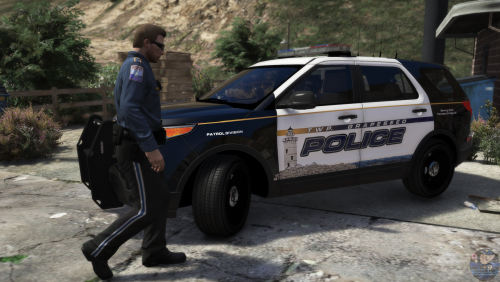 Hey, so I noticed the pants with the stripe actually replace the LSPD EUP pants. Am I doing something wrong or is that a bug on the mod's end?
- 13 comments
- 3 reviews
-
-
- 1
-
-
So when I start a traffic stop, I often have to use the Control + R option to mirror the target vehicle into a better traffic stop location, however when I do this and press Control + R again to finalize the location where the target vehicle is, the vehicle will then take off at full speed forward for quite a considerable distance and usually smash into something. I can't remember what plugin does this or if the base LSPDFR does this, but is there anyway to fix this?

.thumb.png.91dd1cbffe7b41c1bacbe89ef0909983.png)