


LtSnoDawg69
Members
-
Joined
-
Last visited
Everything posted by LtSnoDawg69
-
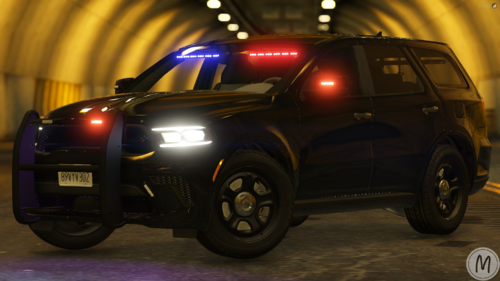 I have the minif150, mini ram something something, but I don't have the minirango.
 -
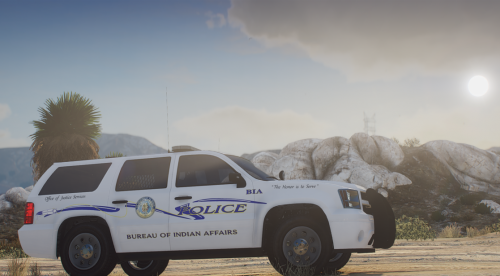 I thought it was Bureau if Idiotic Airheads.
 -
To each their own, it has never left me any pain, I love how it works. I just don't like how windows defender works. Also this was a reply to formal31b, not you.
-
-
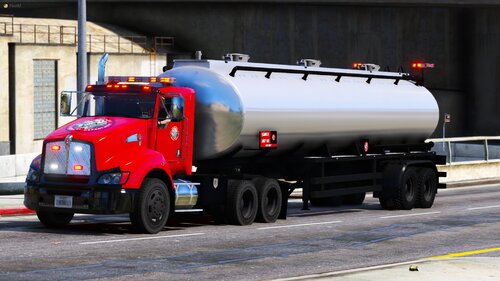 I think it might be best if mrmoon would not download anymore mods from Zeakor if all he is going to do is bitch, complain, insult Zeakor for his creations. The modeler knows way more about what he makes than any reviewer and downloader.
- 14 comments
- 3 reviews
-
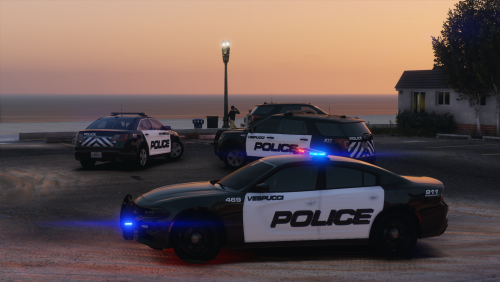 How are we supposed to get in the vehicle to drive around if we can't unlock the doors? Lol.
 -
My guess is the enhanced native trainer.
-
You've obviously never used Norton Anti-Virus 360.
-
.thumb.png.ef3dc39c78c15bd9dc4a0abce00f1a9c.png) i love the umranger, it's umfantastic, also you're one of the greates, best and most talented umcreator, umdeveloper, umdesigner for all the stuff you give unto us viewers, followers.
i love the umranger, it's umfantastic, also you're one of the greates, best and most talented umcreator, umdeveloper, umdesigner for all the stuff you give unto us viewers, followers. -
I know I've said it before bro, but you are one of the best most talented creators I've ever met on here. Keep up the great work, also don't mind any dicks in the future, they are all dickless knowitall when they know nothing about creating/developing/making/designing models. I only see one issue, and that is YOU.
- 14 comments
- 3 reviews
-
-

- 1
-
-
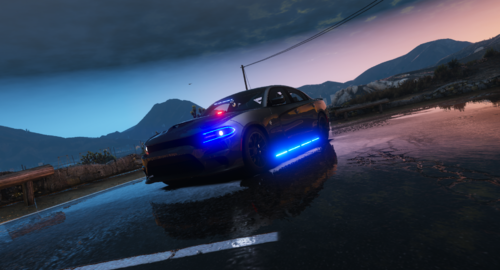 That's not at all true, please do not say something like that, these fivem vehicles that are either non els or els can be used in SP. That's actually a lie, you can use non els fivem vehicles in sp. Just use lenny's modloader.
 -
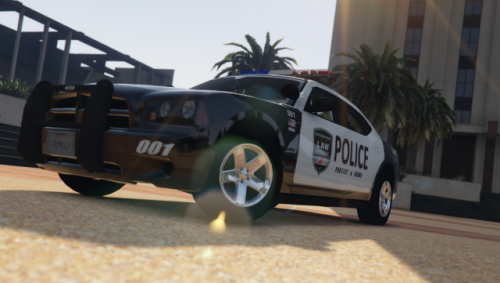 "Oh it's non els, why can't we have els, wah wah wah, boohooo, sucking me thumb cause no els" Too many needy people want els. If the dev forgot to put els on, he probably has had a reason, but just stop complaining, moaning, whining and bitching about it. I hear way too much of that in game already.
- 12 comments
- 5 reviews
-
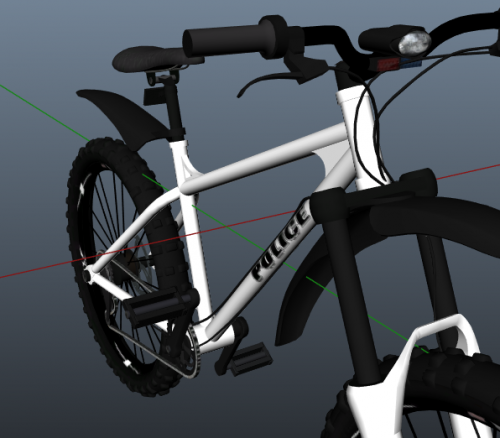 Any future complainers, just rename to any pedal bike in game. Or or rename it to policeb.
- 14 comments
- 2 reviews
-
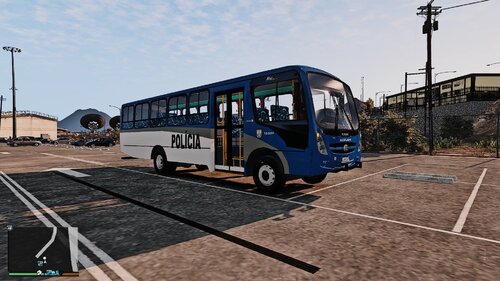 Since this doesn't have a lightbar where other vehicles do have a lightbar, it's not really a police vehicle for chasing suspects and responding to call outs. If it's only purpose is transport police personnel then it should be in the Other section of the Vehicles category.
 -
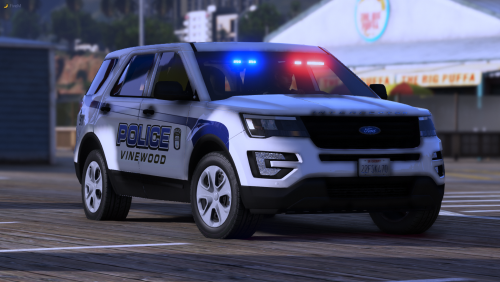 I keep thinking TOS stands for Terms of Sex.
 -
-
Well my bad, apologies.
-
Believe what you want, but I know from my own experience.
-
-
Yeah I remember having that problem, my best option for you would be to download enhanced native trainer(way better and a lot more stable regardless of what anyone else says). Plus in ENT, once you use the get all weapons cheat, your game won't crash.
-
I find it funny how you move the topic to lspdfr support even tho people still reply afterwards. And also all is good.
-
Might be best to get a new anti-virus program rather than relying on crappy windows defender. We have norton 360 which is way better.
-
I actually played pursuit pack without that and it worked. Also there is a reason why Cyan keeps moving these issues somewhere else, might be best to see where it goes. Pursuit pack does not need scripthookvdotnet, no plugins i know of need any scripthook to load properly. All they need is ragepluginhook among other things.
-
Heads up, this issue was moved to GTA V forums. Has nothing to do with lspdfr.
-
I always test the police, just to see how angry they get. Lol. Which is why i never trust wikipedia.

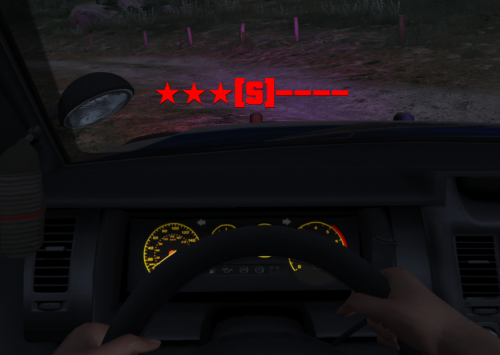
.thumb.png.ef3dc39c78c15bd9dc4a0abce00f1a9c.png)

