


YannisManesis
Members
-
Joined
-
Last visited
Everything posted by YannisManesis
-
Nope, should I try with it set on 'false'? Although the glitch still occurs when LSPDFR and RPH are not even enabled Tried it, nothing changed.
-
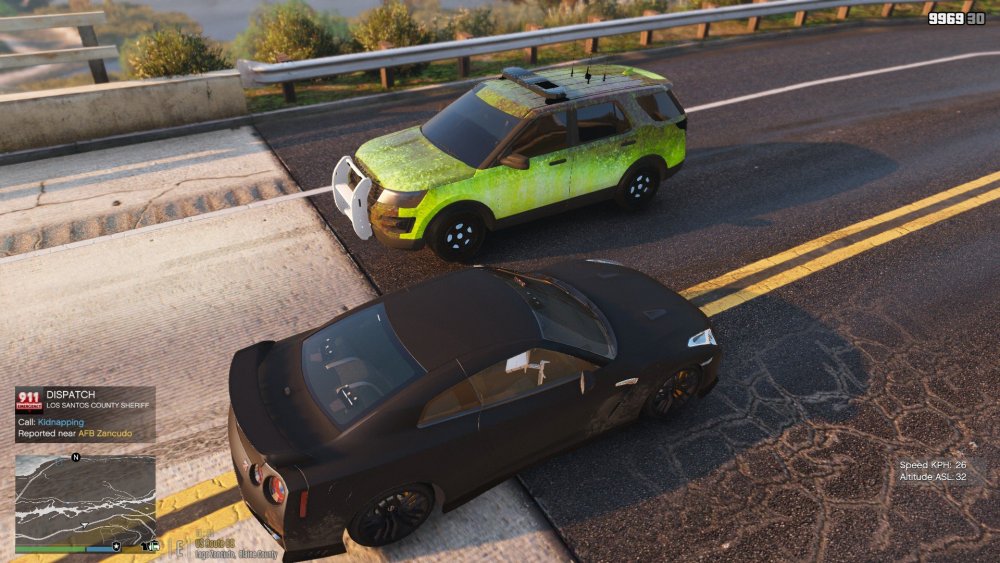
So recently I reinstalled VisualV and NVR along with LSPDFR and many of its plugins. For some reason, this is what my game looks like. And for another strange reason, this glitch disappears during nighttime. Any idea what could be causing that? Thanks.
-
Yeah, pretty much what the title says..the 'launcher.log' has these lines regarding the crashes: [2018-10-07 17:55:55.928] [ ERROR ] ************************************************************************ [2018-10-07 17:55:55.932] [ ERROR ] Exit code 0xc00000fd indicates a game crash (unknown cause) [2018-10-07 17:55:55.946] [ ERROR ] Unable to clear in-file and out-file! [2018-10-07 17:56:08.076] [DISPLAY] Uninitializing.
-
Yes, it's World of Variety...let me check and I'll keep you updated, thanks! Ooof, worked like a charm! Many thanks for your help and guidance 😄
-
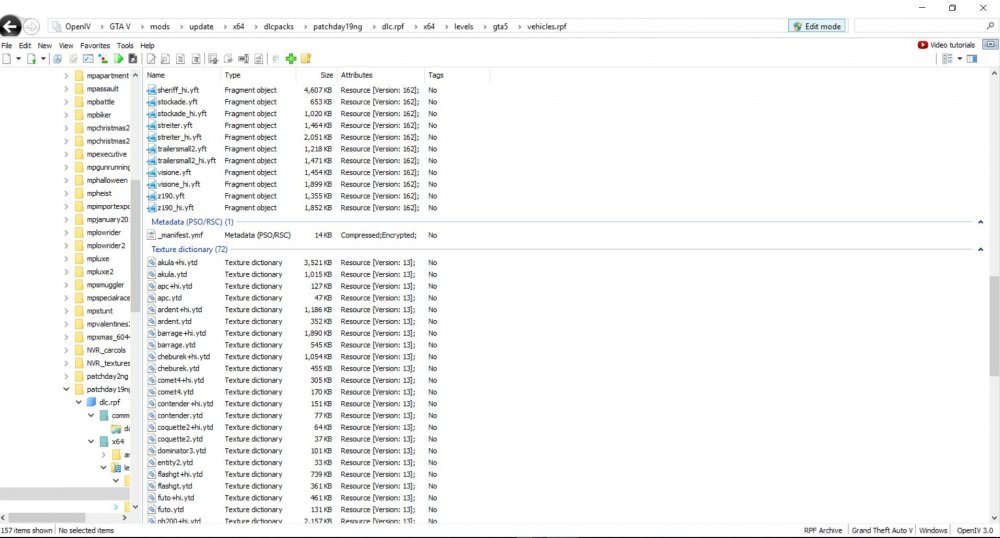
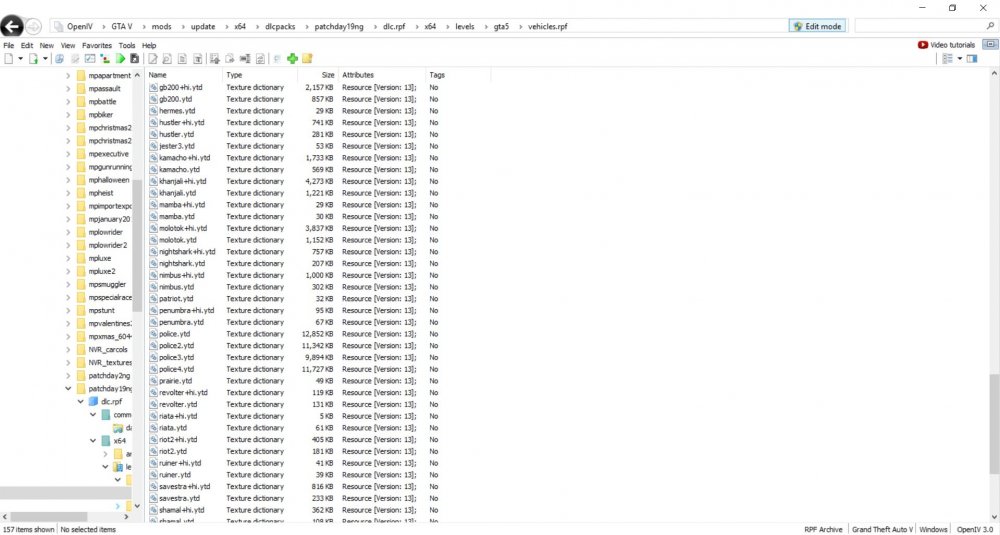
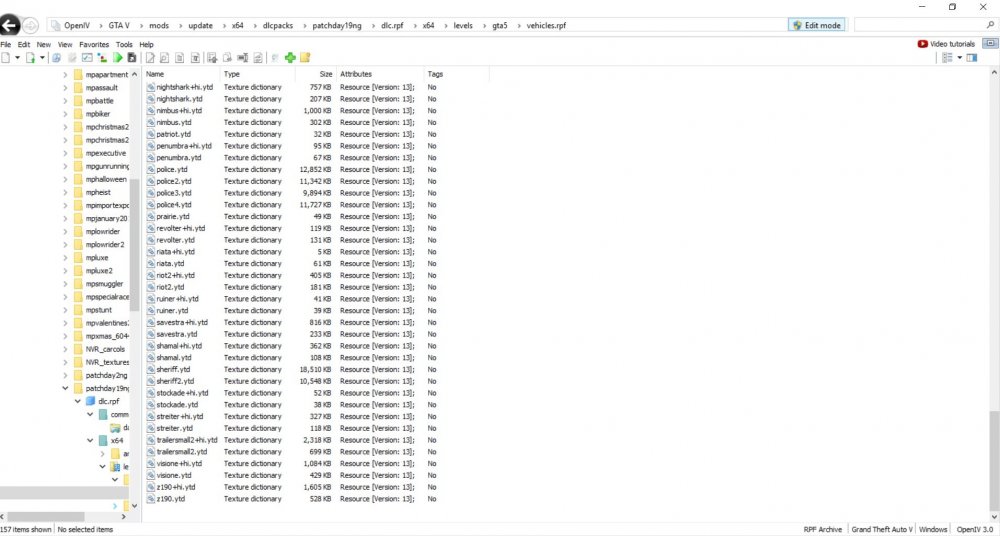
Here you go:
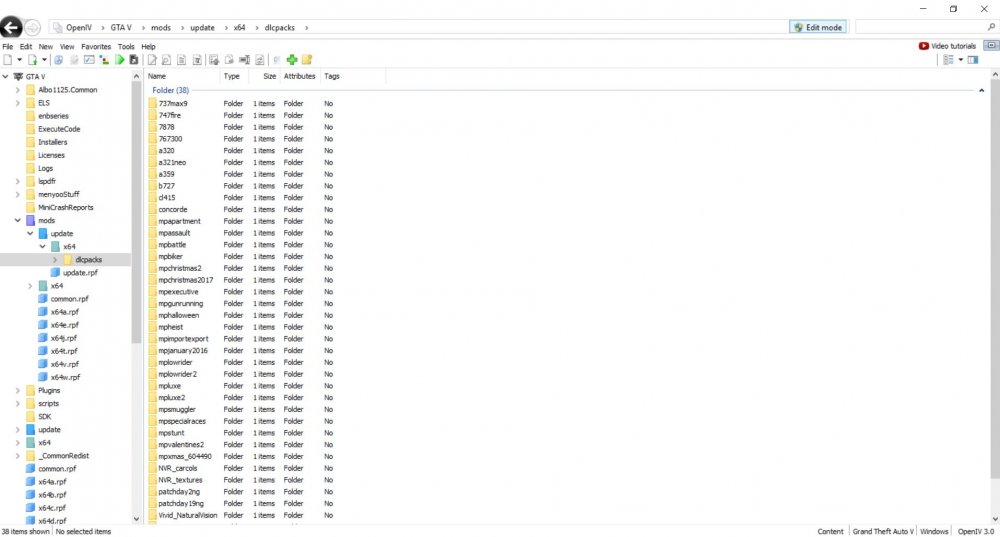
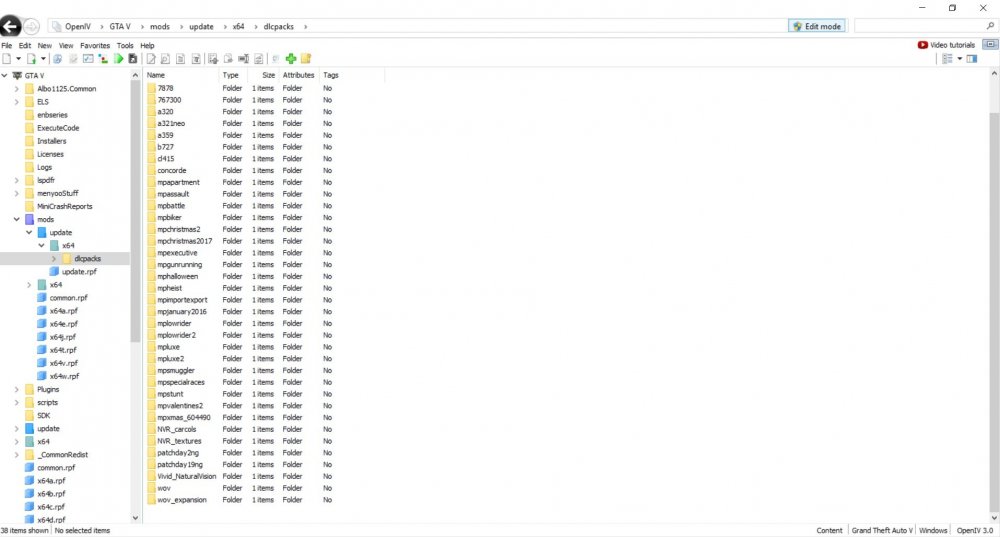
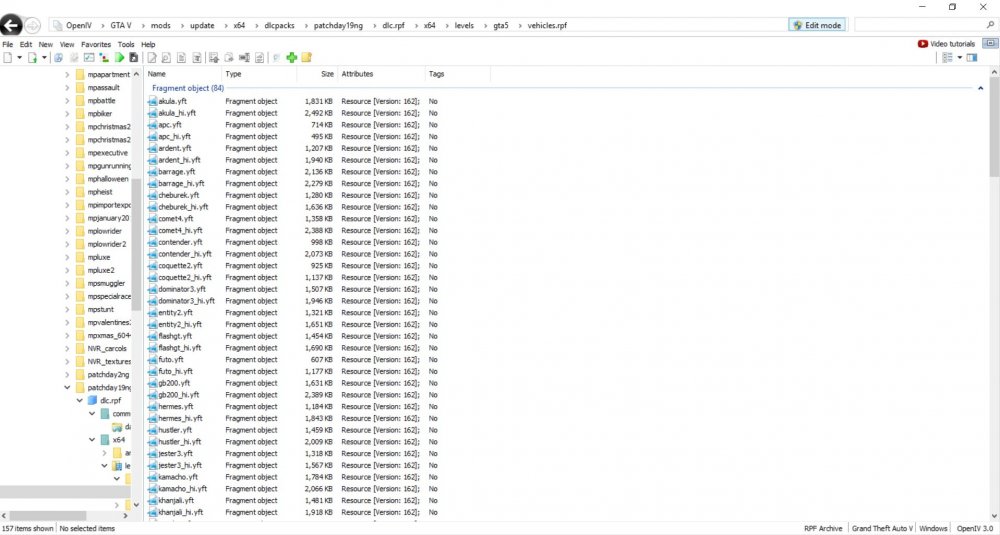
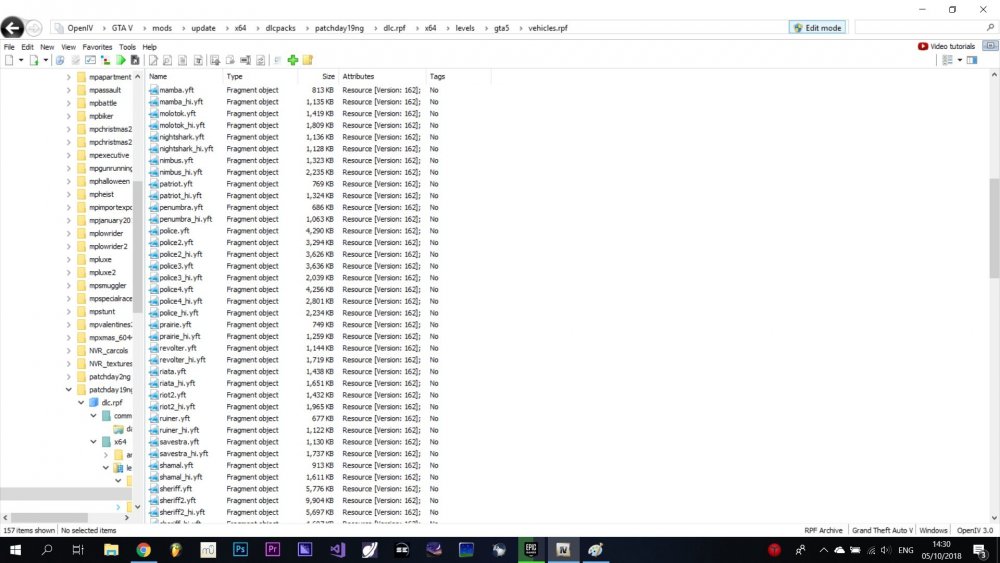
-
It's just sheriff2 and sometimes even sheriff (basically "sheriff" was only broken one time at which I still had the nvr_emissives folder)
-
No, I had it deleted even before you suggested me to do so..no luck 😞
-
I've deleted it 😕
-
Yes, I've installed NVR..thanks for the advise though
-
I've replaced it in every location. @Giordano yes, I've witnessed it in every pack I've tried
-
Oh, yas! 😝
-
Hahah do not be sorry, I always screw things up XD. Fixed the crashing issue, the cause was that I mistakenly placed the vehicle files in the patchday19 which was not in the mods folder.
-
Lol, putting them in patchday 19 did not change anything, plus it made my game crash every time I drive in to Paleto Bay
-
I understand, I've replaced the files everywhere in the 'mods' folder but not placed them inside patchday19
-
Ok, I just installed NVR. It pretty much fucked all my game up. No cloud textures, no weapon and radio icons, all vehicle textures messed up ... 😕
-
@UnknownBastion it's the sheriff2 @Giordano I have VisualV but not NVR...but I did not excactly understand what you suggested me to do. Install NVR and then delete it?
-
Hey and thanks for answering. It is the Sheriff SUV
-
It is still happening...tried at least 3 other vehicle packs..
-
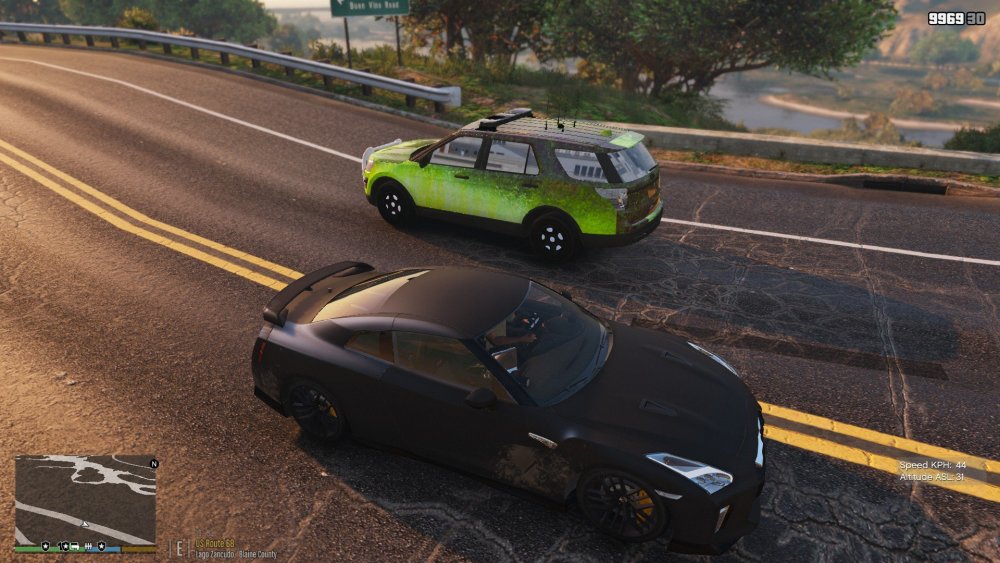
I've installed all textures correctly but there's still this bug...what may have I done wrong? 😕
-
Sorry to say but @Giordano is right.
-
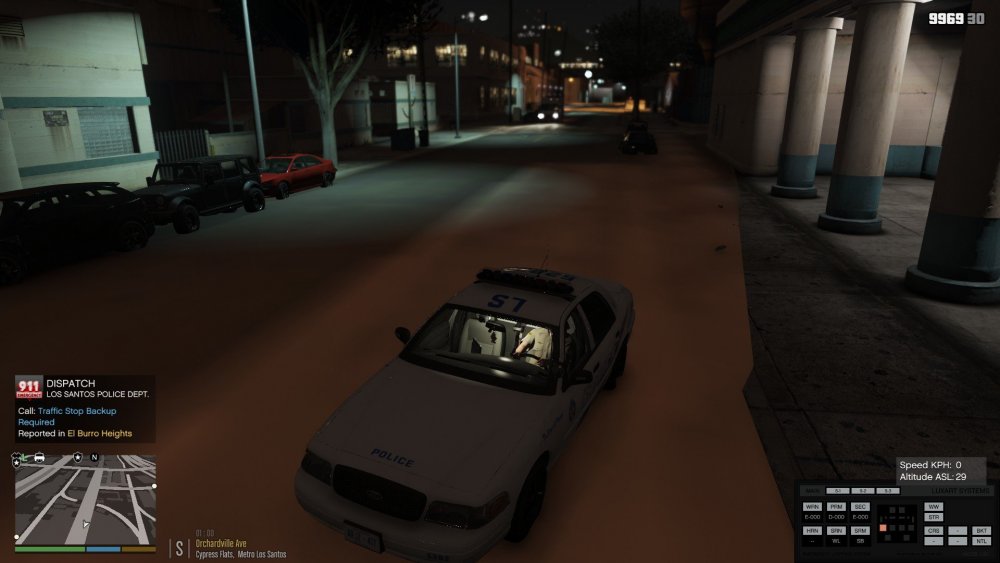
@Pav500 I think I found a solution. If you tap 'J' quickly, there will be a short beep of the sirens between stage 3 and stage 1, this is properly making the ordered vehicle to come to a stop
-
 Hey, is this available for download? 🙂
 -
@Pav500 Ugh, it happens in the first 10-15 minutes of gameplay while on duty in LSPDFR..maybe it's these new vehicles I installed today..thanks for the reply, just for the record I leave my system specs here: - Intel Core i5 7300HQ - NVIDIA GEForce GTX 1050 - 8GB of RAM
-
It happens periodically though and is also affected by camera movements
-
When I go behind a vehicle and order a traffic stop by beeping my sirens, the car instead of slowing down and pulling over properly. it just goes nirvana and drives straight for eternity, not turning left or right, braking or speeding, just going forward...what's happening?





