




UnknownBastion
Community Team
-
Joined
-
Last visited
Everything posted by UnknownBastion
-
Hello, Unfortunately, that is not the RPH Crash Log. In order to find it, follow these steps: 1. Open your GTA 5 Main Directory. 2. Find the text file titled: "RagePluginHook". 3. Copy it to your desktop. 4. Click the "choose files..." under the text box here and upload it. Thanks! 🙂
-
I never leave these forums. Its a gift and a curse. XD
-
Hello, I see that you have your plugin timeout threshold set to 10,000. I would recommend setting it to 60,000. You need to go into your RPH Settings Menu and change that. Hope That Helps! 🙂
-
I am not sure if this callout pack is around anymore, but there used to be one with gang activity and one with terrorist activity. I forget the name though, so if anyone can help here. Lol!
-
Sometimes it can.
-
That is most likely the issue then. You can always remove some in order to get rid of some of the lag.
-
It can be a mixture of both, I have just seen more fps drop when I have like 50 addons installed. But vehicles tend to take up a lot of memory.
-
Hello, Do you force duty when you use lspdfr? Thanks! 🙂
-
Try removing Super Callouts and see if the issue persists.
-
The issue isn't the callouts. It is a memory issue, it is most likely due to an excess amount of addon vehicles causing the game memory to be taken up.
-
Hello, Is it a game crash or LSPDFR crash? Thanks! 🙂
-
How many?
-
You need to upload it. You will click the "choose files..." button below the text box and select the Crash Log.
-
Let me know if that works.
-
No problem! Glad I could assist. 🙂
-
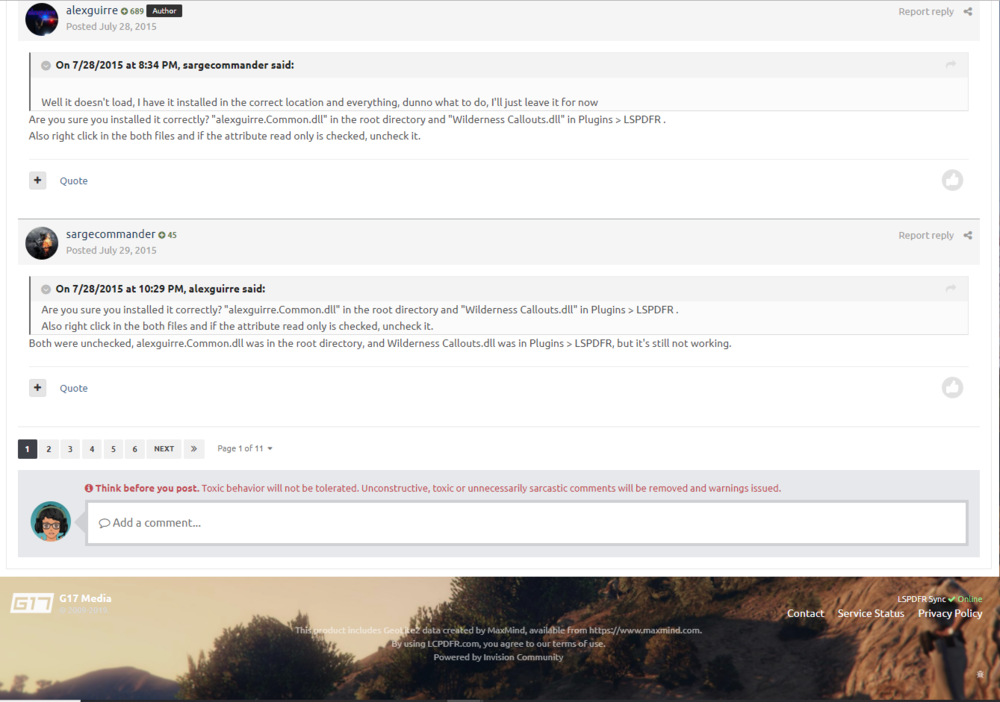
Hello, In the comments tab for downloads, if you scroll to the bottom of the the page, there will be a place to post a comment. As shown below:
-
Do you have any addon or replace vehicles?
-
Hmm, that means the game isn't hooking at all. What anti-virus do you have?
-
Hello, Try renaming the mods folder to _mods and tell me what happens. Thanks! 🙂
-
I want you to disable the mods folder again and then run the game and send me the crash log from that.
-
I would suggest either disabling the anti-virus or creating an exception.
-
Negative. Ambient events are only a part of it. However, I would answer Lock's question as he is pretty knowledgeable.
-
Crashing on startup correct?
-
Hello, So I took a look through your log, and there is no indication in the log for the reason of the crash. Can you please post a screenshot of your Main Directory. Thanks! 🙂
-
Change the plugin timeout threshold to 60,000.


