
andy22296
Members
-
Joined
-
Last visited
Everything posted by andy22296
-
-
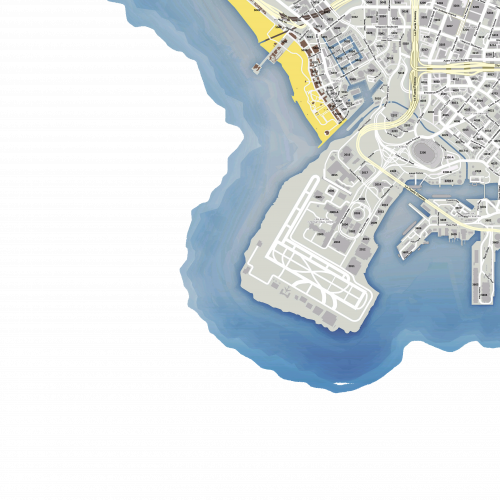 Is it possible to have it on a minimap hud i saw that on various fivem servers but i don't know how to do it
- 33 comments
- 7 reviews
-
It works now, thanks for the tip Admin, you can close the ticket.
-
Hello, I never had such a persistent issue, every time i try to get on duty with a 'ForceDuty' command in F4 menu the mod crashes immediately. I have tried to re-install LSPDFR an RHP but still same problem occurs. Before I used older version of the game an LSPDFR and everything worked, something crashed my old version so i installed a new version and after I finished with the setup this problem started. RagePluginHook_30042020_171209.log
-
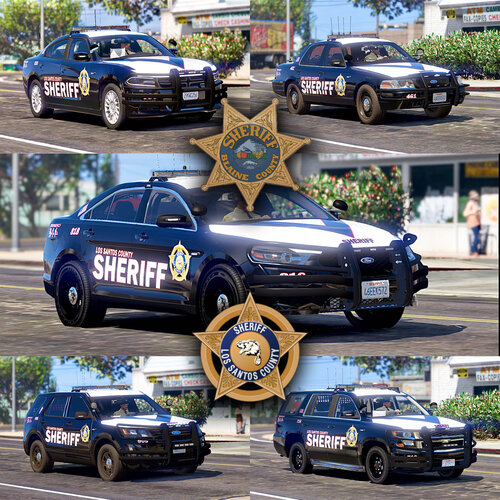 looks great
 -
-
 I could be because I am using an old version of GTA V before the latest update try to extract the weapons.meta from the original update folder and try with the other file.
- 15 comments
- 1 review
-
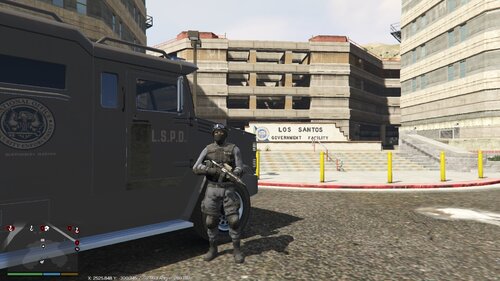 When I spawn at fort zancudo fire I automatically get 4 stars and the cop that dropped me off kills me
 -
I don't think so, it shouldn't have anything to do with the campaign mission, just check the meta file at line 13257 at the weapon flags there should be Silenced flag, as show below and make sure you have installed it correctly and at the correct path.
- 15 comments
- 1 review
-
Great job, you may add a lifeguard station at Del Perro beach.
-
Not sure if it works with all guns, but it might though, add Silenced tag at weapon tag, just find a gun you want with find feature and just add Silenced with other tags.
- 15 comments
- 1 review
-
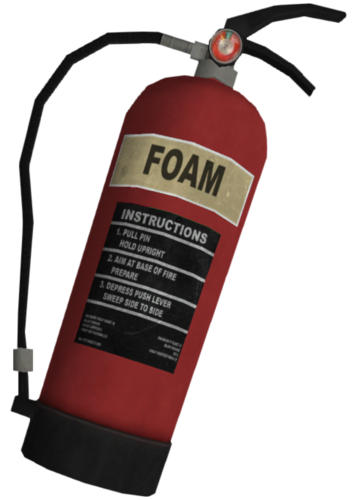
This simple file will stop AI from panicking and attacking you when you want to put out a fire. This is especially useful when you want to be a fireman in Grove area, this way no-one will shoot at you. INSTALLATION: Put the weapons .meta at mods/upadate/update.rpf/common/data/ai Make sure you tuned EDIT MODE on. Rate if you find it useful.
- 15 comments
- 1 review
-
-

-

- 6
-
-
 I found a solution, in weapons.meta add a "Silenced" tag for a fire extinguisher
- 364 comments
- 19 reviews
-
-
- 3
-
-
Anyone knows what to do to stop AI from panicking and attacking me when I'm using a fire extinguisher. It's annoying, especially in Grove area, gangs are shooting at me.
- 364 comments
- 19 reviews
-
Oh my... It was a handling line, I changed it to BUS because I tried a long ladder truck and on FIRETRUK line the brake were bad an tyres were screeching all the time, now i switch back to FIRETRUK and the cannon works again. I feel so dumb. Thanks for the tip. I never expected handling line could have something to do with it.
- 364 comments
- 19 reviews
-
-
- 1
-
-
-
Anyone knows what makes the water cannon work, when I installed a new vehicle the cannon stopped working and even when i went back to the original firetruck it didn't work either. Someone please help me.
- 364 comments
- 19 reviews
-
 Is there a way to remove the carbon bonnet it doesn't match with some of the skins i made.
- 110 comments
- 39 reviews
-
-
- 1
-
-
 Amazing
 -
Life saving mod
-
-
-
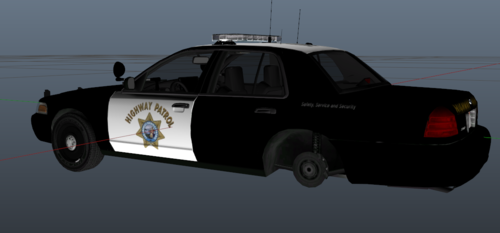 Model shown above? but there is nothing there, just a link to discord.
 -
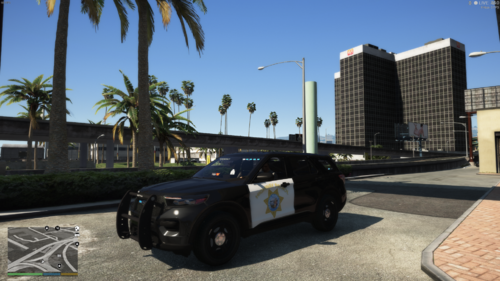 The roof should be white and there should be motto on the sides near the back.
 -
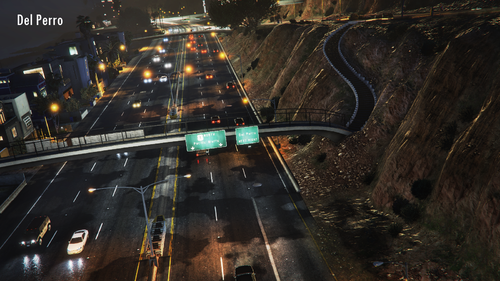 It's a great mod (finally AI is sticking to speed arround 50 on route 68) but they drive way too fast in the city, they keep crashing and running lights (they drive as if they were all drunk ). Is it possible to change the max speeds in particular areas? Tried to mess around myself but it seems too confusing.
- 124 comments
- 7 reviews
-
-
- 1
-