


bakerxgooty
Members
-
Joined
-
Last visited
Everything posted by bakerxgooty
-
 Nope both, actually installs easier for LSPDFR just replacing the Resident file
- 32 comments
- 10 reviews
-
 Weapons are in Weapons.rpf not in the resident. I also did it because it's the only way to make it FiveM ready from the download. Also this one sounds like shit compared to my studio recorded one BTW
- 14 comments
- 2 reviews
-
-
 I mean I can artificially make one.
 -
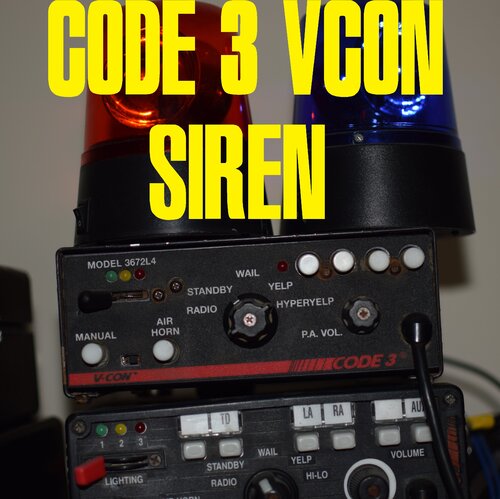
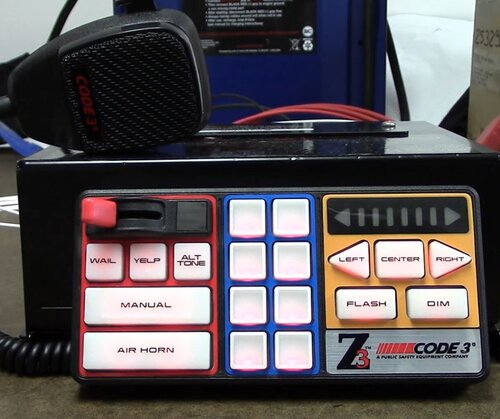
Another studio recorded siren from my personal collection the Code 3 V-con Model 3672L4. With tones pretty much exactly the same as the Code 3 Z3 siren the V-con is an OG siren from Code 3 and I custom EQ'd this with a slight delay to give a more full sounding siren when responding to scenes. FiveM ready for you to roll code 3 online. Enjoy. Files included: FiveM Ready version Raw Tones Vehicles.oac Siren Pack DEMO VIDEO: MY REAL LIFE SIREN I USED FOR THIS PACK:
-
-
 Great job man.
 -
-
-
-
-
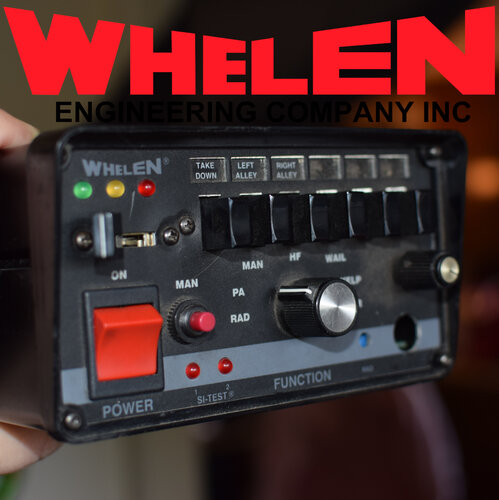 I bring you another professionally recorded siren from my personal IRL collection, my Whelen 295HFS5A. Recorded a loud crisp version to sounds real to life with my Shure SM57 through my Federal Signal AS124 speaker. Siren is usable in both FiveM and LSPDFR. Also added in the pack is my custom made Federal Signal EQ2B firetruck siren. Enjoy. Included: FiveM / LSPDFR siren Raw Tones Instructions Vehicles.oac DEMO VIDEO: (Way louder in game, this is a twitch clip) My siren from my collection used for this pack.
- 19 comments
- 2 reviews
-
-

-

- 6
-
-
-
You can add them to any pack you just have to use Archive fix for the new resident file so it works with FiveM
- 32 comments
- 10 reviews
-
 You're not doing it right that's why. Easier to just swap the Resident.rpf file in your mods folder.
- 33 comments
- 5 reviews
-
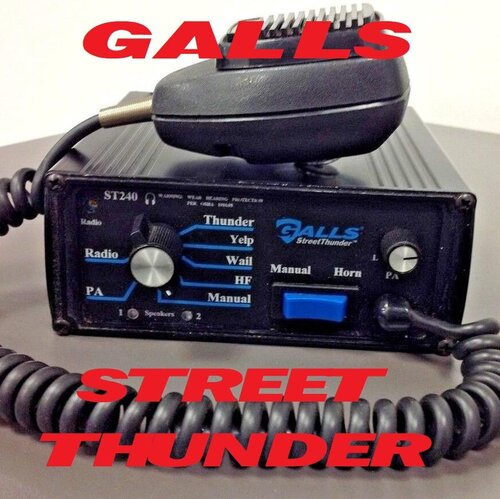 I finally bought a new siren IRL on Ebay to bring you guys a brand new rare high quality studio mic recorded siren from my personal collection, the galls street thunder siren. This one is pretty rare on the site and this is the ONLY one available recorded from the REAL siren personally. I used a Federal signal AS124 speaker through a Shure SM-57 mic to record the siren for the best tones possible. This is the same speaker you see slapped in front of CHP cars and various others. Hope you enjoy ! Included: Hyperyelp, Street Thunder & Hi Lo priority tone versions Raw Tones Instructions Vehicles.oac SIREN DEMO HYPERYELP VERSION: (way louder in game) SIREN DEMO Hi Lo VERSION: (way louder in game) SIREN DEMO STREET THUNDER PRIORITY: (Louder in game due to this being a twitch clip)
- 18 comments
- 2 reviews
-
-
-
- 3
-
-
 You're importing it wrong, but good thing is you dont gotta do that. Just replace the resident.rpf in your mods folder and you're good.
- 34 comments
- 5 reviews
-
-
-
A various collection of on the beat photos.
-
-
-
-
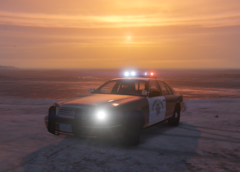
From the album: On The Beat
Using @apoundofapples retro pack. -
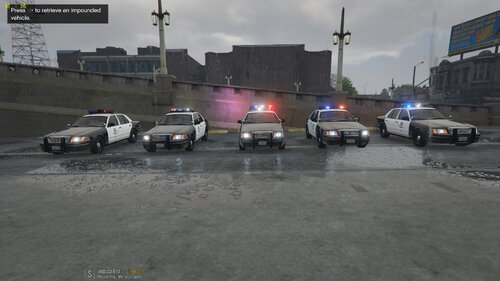 I've been on this website a long time, i've searched far and wide and downloaded many rotator cars. Nothing and I mean NOTHING comes close to the quality of this pack. A holy grail dream come true of a retro car pack of the cars I grew up seeing. Thanks so much for all the awesome work man.
- 21 comments
- 8 reviews
-
-
- 2
-

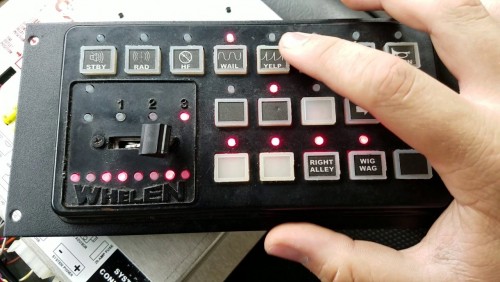
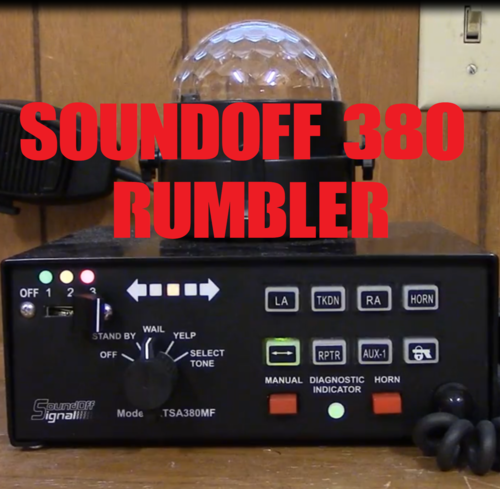


.jpg.f95bd65ec77b2985fe115455991372db.jpg)

.jpg.dc719d5a2edbfe2e846ecec8258d16d4.jpg)
.jpg.4ae77c6f1901b0a358e77133d7541c03.jpg)
.jpg.afc986df5e493545645cd0e7e9cb4ac3.jpg)
.jpg.b599fa50fd260c7a5f342806c90f461d.jpg)


