




Yasd
Community Team
-
Joined
-
Last visited
Everything posted by Yasd
-
if microsoft framework 5.0 comes with your system, you cant deinstall. otherwise you can deisntall via default deinstall programs. just install the software, you do not need to deinstall.
-
didt know those existed, but E should be the same? If you write anything ingame, for example the ingame cheat console, open with ^, you can check what key what is.
-
rename mods folder to _mods
-
so double E should open the STP menu.
-
Update RageNativeUI right here.
-
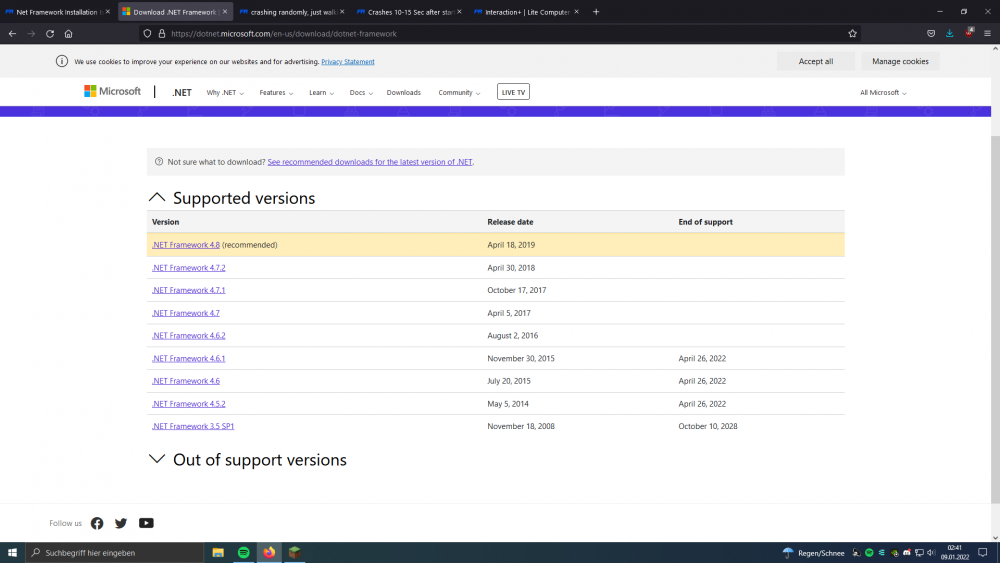
you installed sth wrong, pls reinstall your mods.STP is loaded fine, it should work. Have you installed RageNativeUI in the main folder?if you have a newer version, you do not need the old one. the newest is 4.8
 try disable all of your plugins except for lspdfr.Always include your Ragepluginhook.log from the main gta folderThis is a known bug in the old LSPDFR, update LSPDFR.He told in antoher topic that he always gets green eyes from his character, he cannot change the eye color...Add "Ambient.DisableEscapedSuspectEncounter = true" to your config file. You can find all settings here: This was psoted by LMS in this topic.Pls post a screenshot of the eye color. Try changing the eye color and something else, f e. the hair and tshirt, save and restart, if the other things are changing.Update RageNativeUI. Update StopThePed, your version is known to crash whenever you call a towtruck.1. In your log, everything looks fine, no crash. 2. Do I get you right? Your game crashes TO DESKTOP when you open the backup menu from Ultimate Backup? Have you installed modded vehicles or anything in your mods folder? 3. Please post the Ragepluginhook.log right after your problem occurs.Luce.Benson Post a screenshot of the green error. And post your Ragepluginhook.log from the main gta folder.You cannot open a .dll file. That file is not a folder...Update LSPDFR. Remove Traffic Policer & Assorted Callouts, outdated. Reason for crash is RageNativeUI. SOlve that by updating RageNativeUI.So you have corrupted files in your mods folder. sounds logic, because the files are in the disabled mods folder. Update your gta.Set RPH loadtime to 60000. Remove TrafficPolicer, outdated.have you updated mods folder, scripthookv, trainers, ragenativeui?reinstall lspdfr on clean directory.



