
RoguePlus
Members
-
Joined
-
Last visited
Everything posted by RoguePlus
-
-
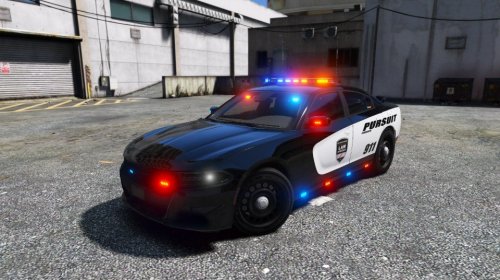 The only minor issue I have seen is the Rear accent light and the 3rd brake light not working.
- 23 comments
- 11 reviews
-
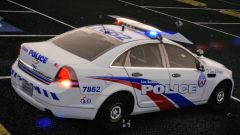 To bad we cant get them in canada
 -
-
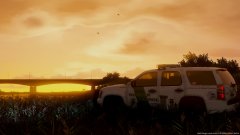
From the album: Rogue's Photos
-
I'm really new to creating plugins and was wondering if someone was able to assist me in creating a Dept focused call-outs for LSPDFR. I have watched Albos1125 youtube videos, but it does not go into much detail. From what I have learned, I do have some type of call-outs but I can not figure out the milti / single ped spawning script references or locations. If someone can help me please pm me. much appreciated, -Rogue Thunder
-
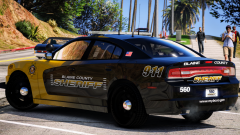 I was digging the white
 -
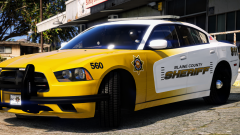 Rear-end a fleeing mustard truck?
 -
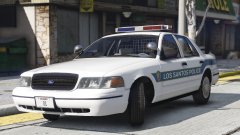 Yoo that Tomar!! Bringing me back to the old Calgary Police car look https://c1.staticflickr.com/8/7074/6964542162_e6794f1bae_z.jpg
 -
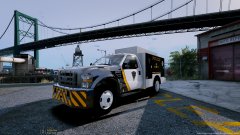 oops ha ha easy fix ty :)
 -
From the album: Rogue's Photos
© NSD
-
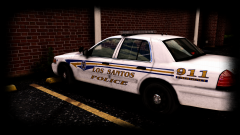 you dirty dirty man...
 -
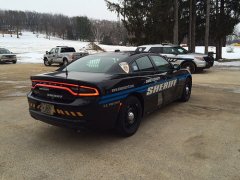 Yooo those graphics are sick!!!
 -
-
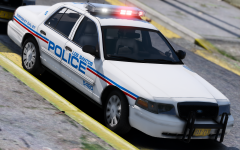 Clean and simple, I like it.
 -
![LSPD 2008 Ford F350 [WIP]](//s3-gallery.int-cdn.lcpdfrusercontent.com/monthly_2016_08/small.GTA5-2016-05-06-20-56-18-71.jpg.7c24f92da60a567563cfcd989a518e24.jpg) whelen lightbar option??
whelen lightbar option?? -
 LSPDFR would crashing after accepting calls while having the K9 in the vehicle, The Husky would spawn with chop over lapping, and after a 10 block foot chase and I couldn't get the dog to attack the fleeing suspect. I have tried everything preventing LSPDFR to crash while HeroCop was installed and nothing was working. I do wish the K9 aspect was a bit more simple. My official rating is 3 1/2
- 542 comments
- 98 reviews
-
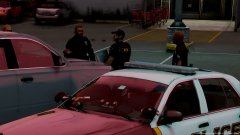
From the album: Rogue's Photos
© NSD
-
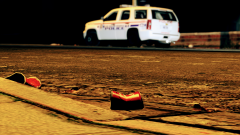 Durham! What I win? lol
 -
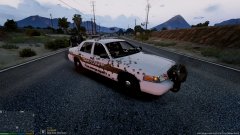
From the album: Rogue's Photos
© NSD
-
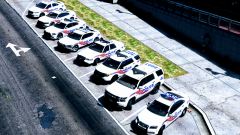 dam... going to town on skins this month I see
 -
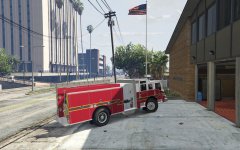 Finally! someone that knows the proper side the pump controls go on
 -
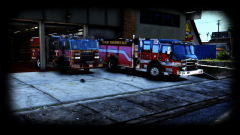 ahh man would really love to have that pumper in my game.
 -
Well after some testing it does work as stated. Its also nice to use some of excellent vehicle models that modelers worked very hard on and are now "off the grid" due to the fact that most people prefer ELS over Non-els.
- 37 comments
- 15 reviews
-


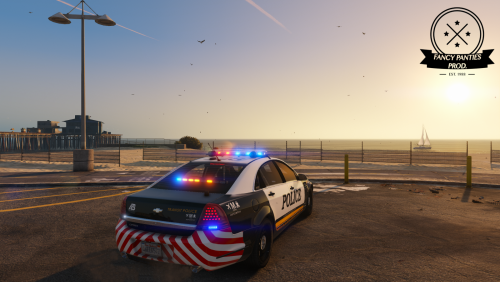
![LSPD 2008 Ford F350 [WIP]](http://s3-gallery.int-cdn.lcpdfrusercontent.com/monthly_2016_08/small.GTA5-2016-05-06-20-56-18-71.jpg.7c24f92da60a567563cfcd989a518e24.jpg)