Dingleberry
Members
-
Joined
-
Last visited
Everything posted by Dingleberry
-
That's not even possible as GTA updates only appear on Tuesday's..
-
Just wait for it to be updated and look at the description
-
Just look through the features in the description
-
Get ready for high load crash on the site, well at least for me :D
-
2 and a half hours till August 10th :D In the meantime I'm just refreshing the Misc's sections of 5mods and this site every once in a while
-
-
It'll probably be released on the 11th for you because of timezones
-
-
-
It depends on timezones, so they could release it on the 10th or 11th for you
-
-
-cut-
-
3.0.1 doesn't support the latest one but 3.1 will
-
-
They're adding lots of things and fixing some instability issues with the latest game patch
-
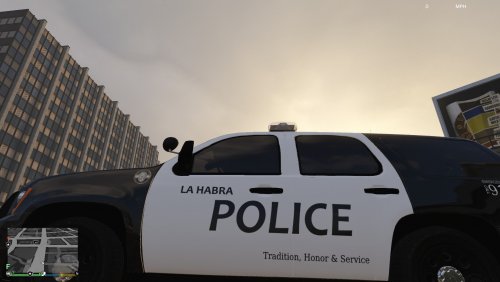 You should put both files into .rar or .zip formats to make it easier for those to download
 -
-
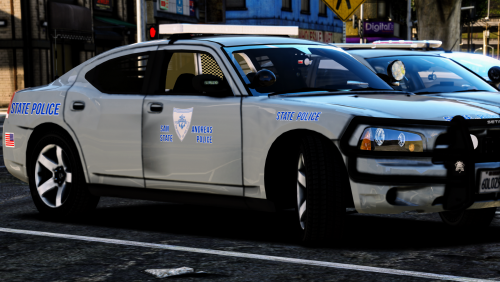 I see a 2009 Charger in one of the screenshots and where is that vehicle from?
- 5 comments
- 4 reviews
-
-

- 1
-
-
-
-
-
-
-
 Can't you just change your phone button to whatever in the settings/controls ingame?
 -
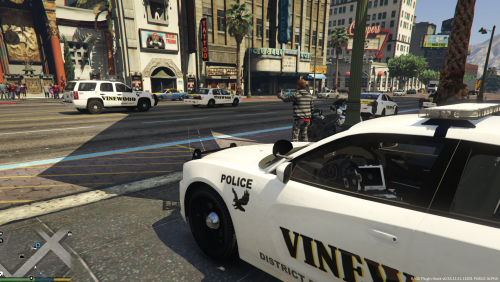 You should really put all the textures into an archive to make it easy for others to download..