
Benjamin255
Members
-
Joined
-
Last visited
Everything posted by Benjamin255
-
-
-
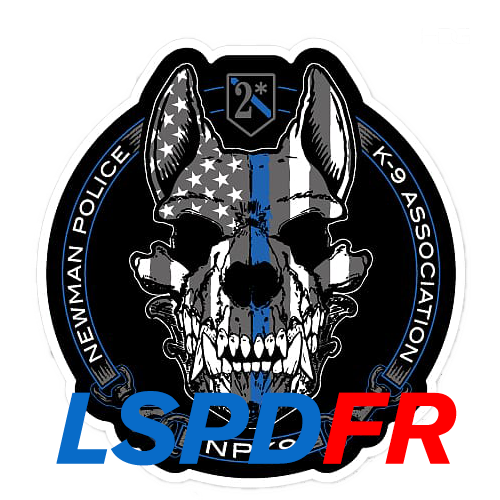 This time I brought everyone the Police-sheriff k9 logo. I only changed the font size and color and added the K-9 font.
- 4 comments
- 1 review
-
-

- 3
-
-
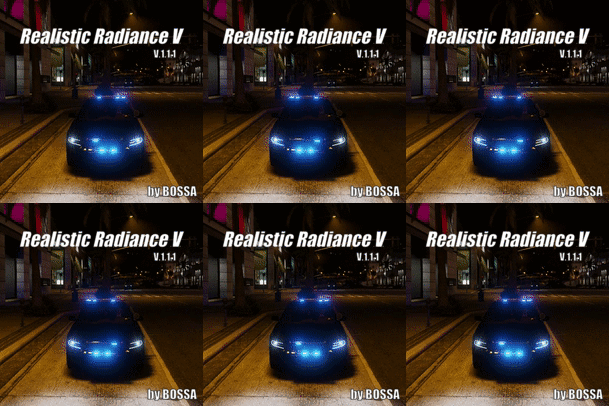
Not a flash, but a ray like the picture
-
-
-
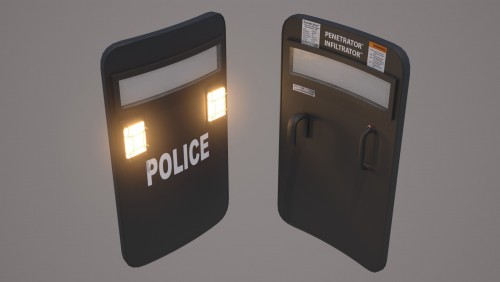 When I tried to install and use it, I found the texture messy. What should I do? ? ?
- 36 comments
- 3 reviews
-
-
-
-
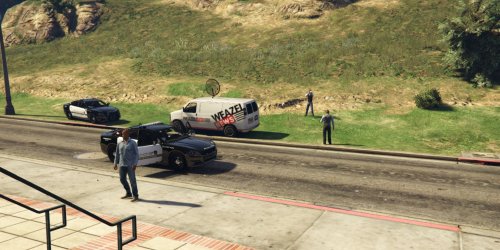 When I load PeterUCallouts, it always prompts me to upgrade LSPDFR to fix the error. What should I do? ? (I use LSPDFR0.41 version)
- 546 comments
- 103 reviews
-
-
-
-
Can anyone tell me what to do to have a flash in the picture?
-
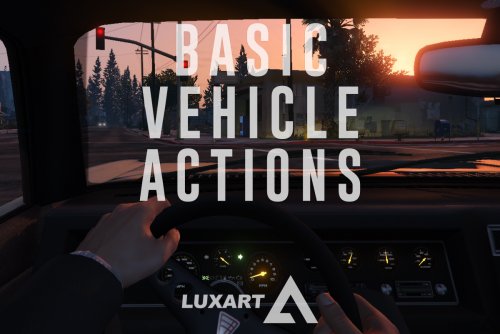 How to disable the player's ability to enter the vehicle as a passenger? ? ?
- 108 comments
- 24 reviews
-
The file approval time is too long, some files have been available for several days, still can not download
-
-
-
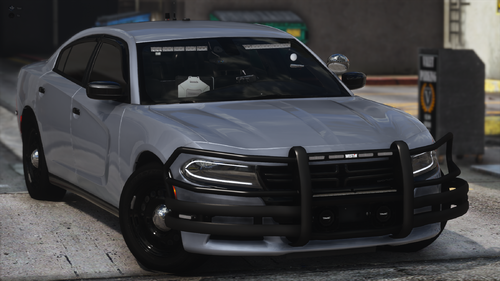 Why are the three vehicle files included in the archive only available with fbi.yft, and the other two files are not available? ?😥
- 175 comments
- 25 reviews
-
 Why can't the font of the interface display properly? ? Some of them are garbled
- 1,743 comments
- 172 reviews
-
-
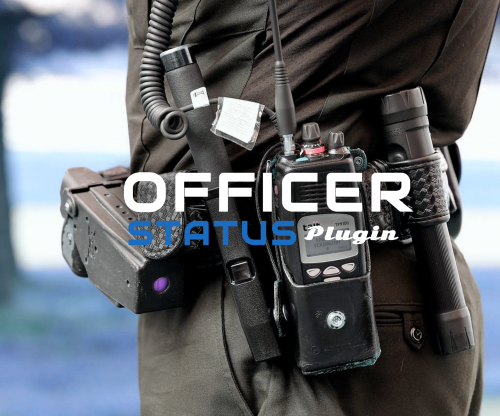 I want to change the plugin display language to another language. What should I do? ?
- 132 comments
- 26 reviews
-
-

.thumb.png.df723c9e1a33f4d5dd245ba4a8e630ea.png)