Creators: Due to background reprocessing of files, approvals and file security checks may be delayed. Thanks for your patience.

infidelplz
Members
-
Joined
-
Last visited
Everything posted by infidelplz
-
 Oh absolutely I am as well. It's just funny because I'm in Florida on vacation and I saw a Hillsborough county tahoe today that looked exactly like these cars and I had to come and ask. I then saw a bunch of FHP and my pants got tight. But I already have a bunch of FHP in my game.
- 75 comments
- 19 reviews
-
-

- 1
-
-
-
-
im quite intrested in the State trooper vehicles with the Valor bar. EDIT: actually all the Trooper vehicles
-
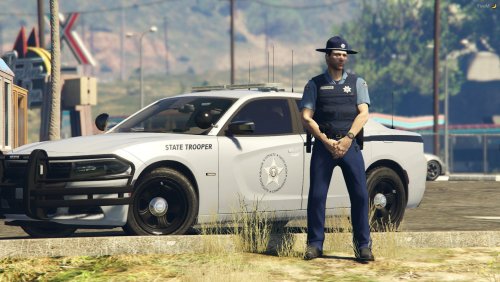 Are the vehicles in your screenshots Private? I can't seem to find any that look exactly the same, and if they are private, are they attainable in anyway?
- 18 comments
- 2 reviews
-
-
-
-
-
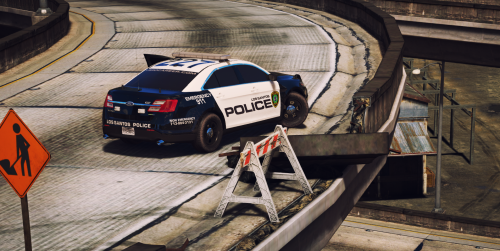 I know they probably dont use an 18' charger but could we maybe see a skin for on in the future?
- 51 comments
- 13 reviews
-
I appreciate this! I've been digging deep like a mad scientist tonight and I just figured it out right before you posted this. Thank you though!
-
So I'll try to explain this as best I can, I currently have captain14's LAPD pack installed for the vehicle slots. I have all the vehicles replaced with other things I wanted. So my question is, can I add more than 7 vehicles? Do I just need to update the vehicles.meta to represent a police8? Or is there more to this? I'm only looking to maybe add two or three more slots.
-
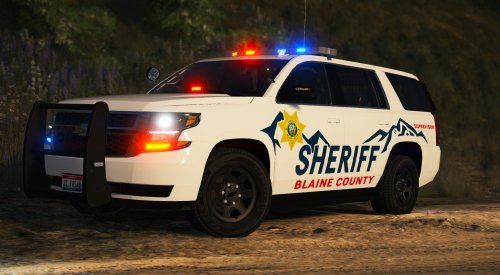
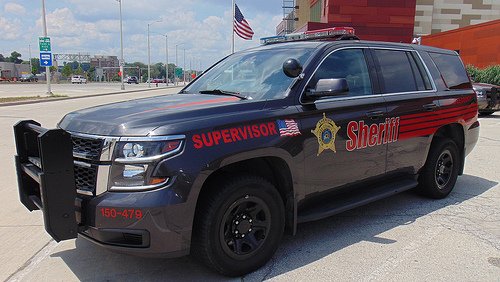
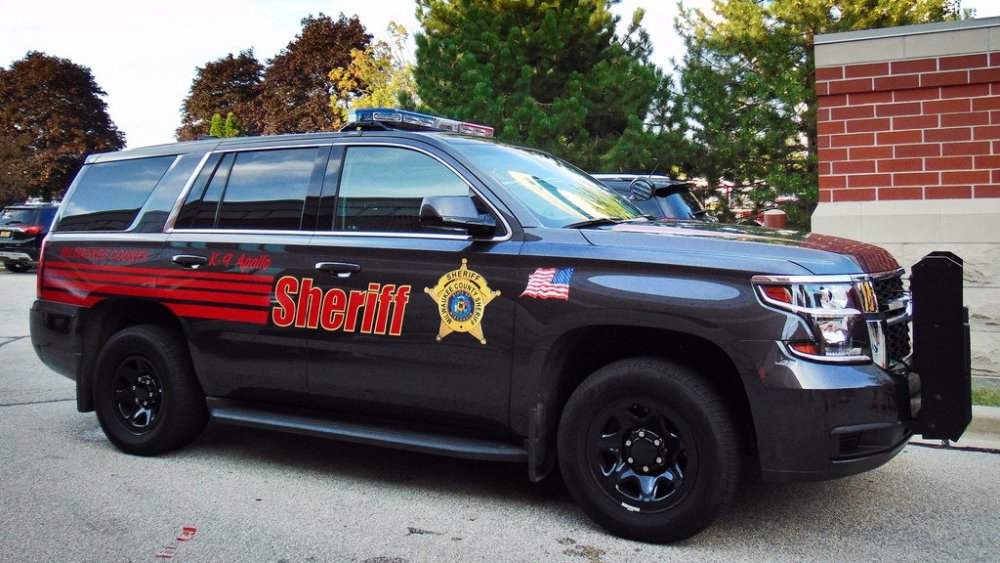
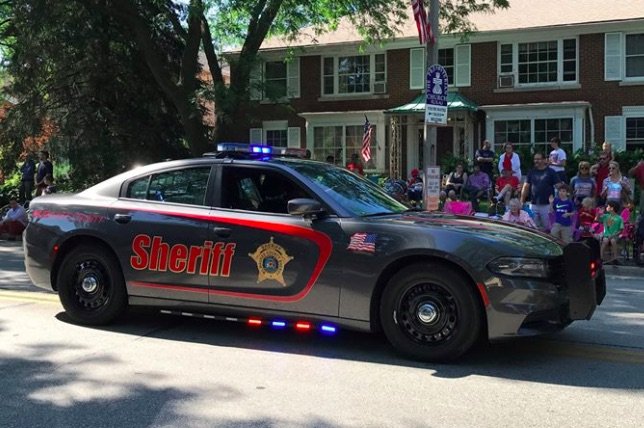
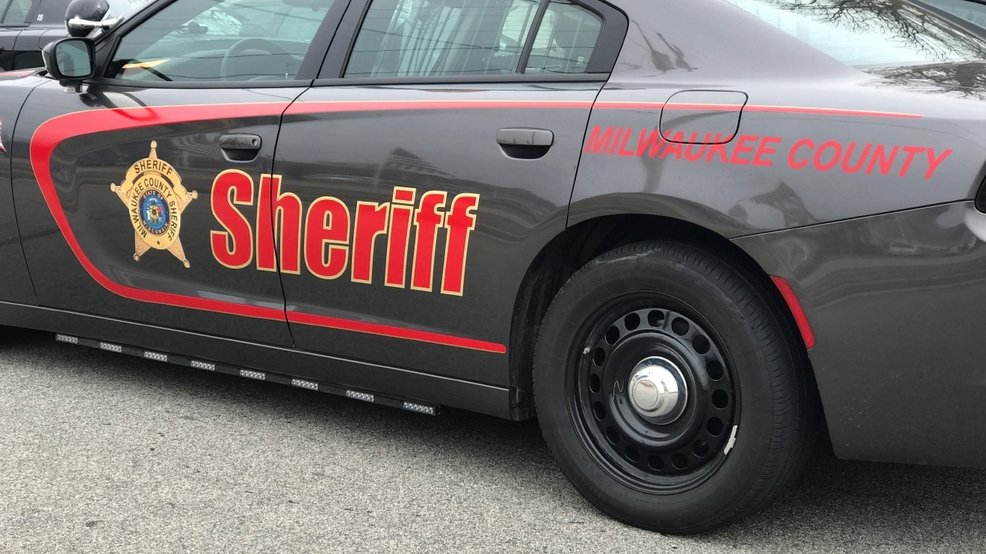
Just some local sheriff departments around me.
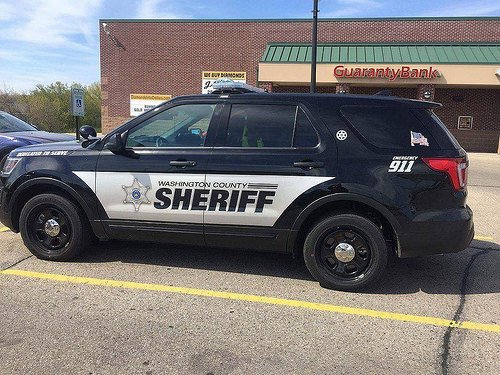
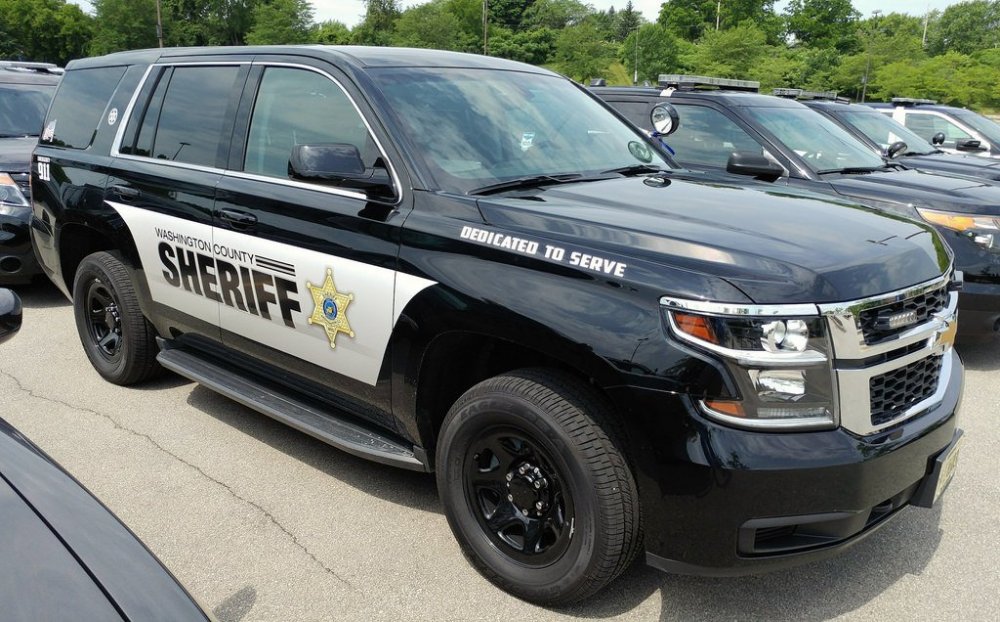
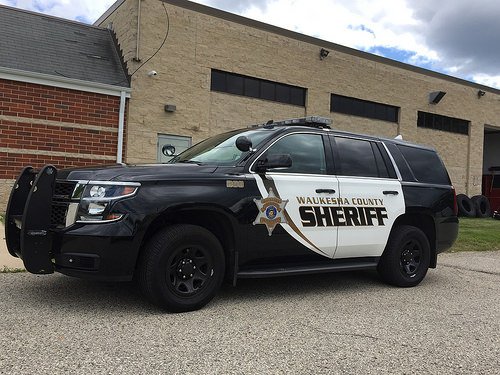
-
 I would love to use this pack on some newer ELS vehicles, any plan to update these skins?
- 101 comments
- 17 reviews
-
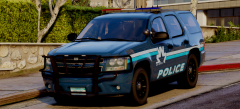 I cant wait for this. looks awesome
 -
I've been looking for a good LSPD pack for a long time that was pleasing to me. I kept seeing this one but I didn't know if it would fit the vehicle pack that I use. I decided today just to try it and see, and I'm in love. Unbelievable work. These will be my LSPD for toe foreseeable future.
- 51 comments
- 13 reviews
-
-
- 1
-
-
 Im not sure if this is a common issue, but everytime I accept the "officer hit panic button" in Chumash and I arrive on scene the game crashes. Other than that I don't think I've ever had any issues.
- 136 comments
- 42 reviews
-
-
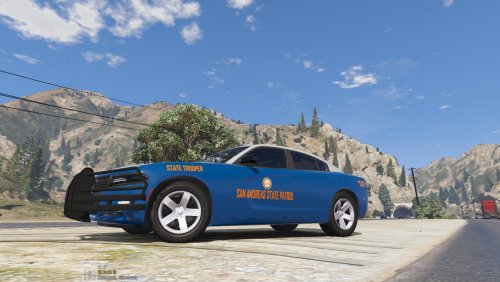 Whens the FPIS and FPIU coming?
 -
-
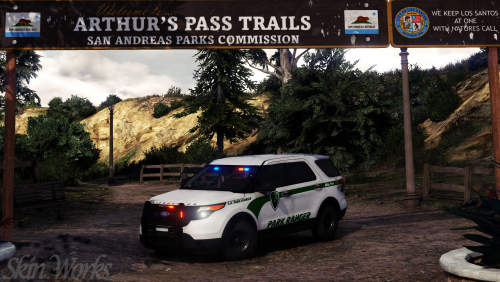 I never play as a park ranger, but I always want my park ranger looking good. This pack does that. Amazing.
- 7 comments
- 7 reviews
-
-
- 1
-
-
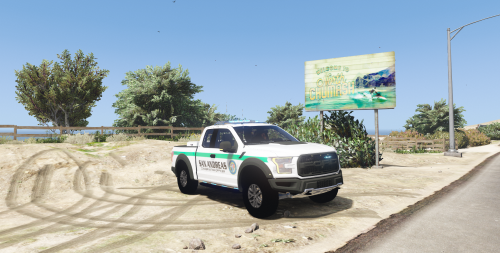 I really enjoy this model for my park ranger. I just wish it had a brush guard on the front, with a mocked winch. I feel as a conservation officer in the mountains, both of those would be necessary. It would also be nice in a crewcab. But none the less good job on this!
- 20 comments
- 3 reviews
-
 I'm usually not one for writing reviews, but these are amazing. I'm pretty new to LSPDFR but I seem to gravitate towards your work. I hope you plan on adding a couple Tahoes and maybe a FPIU to match.
- 61 comments
- 27 reviews
-
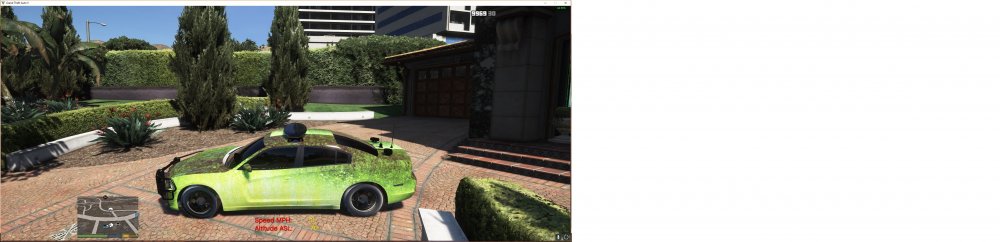
So I'll start off by saying I'm new here. Now I don't know if I'm even posting in the right spot but here goes. I just started installing ELS and car mods into my game. Every vehicle i try to change and add ELS to, works great, except the original Sheriff slot. Every mod I attempt to add into this slot, does not work. The car ends up a pasty green color and the windows are black. Like I said, I'm new to all of this and I Have no idea whats causing this. I'll Attach a picture to showcase whats happening.