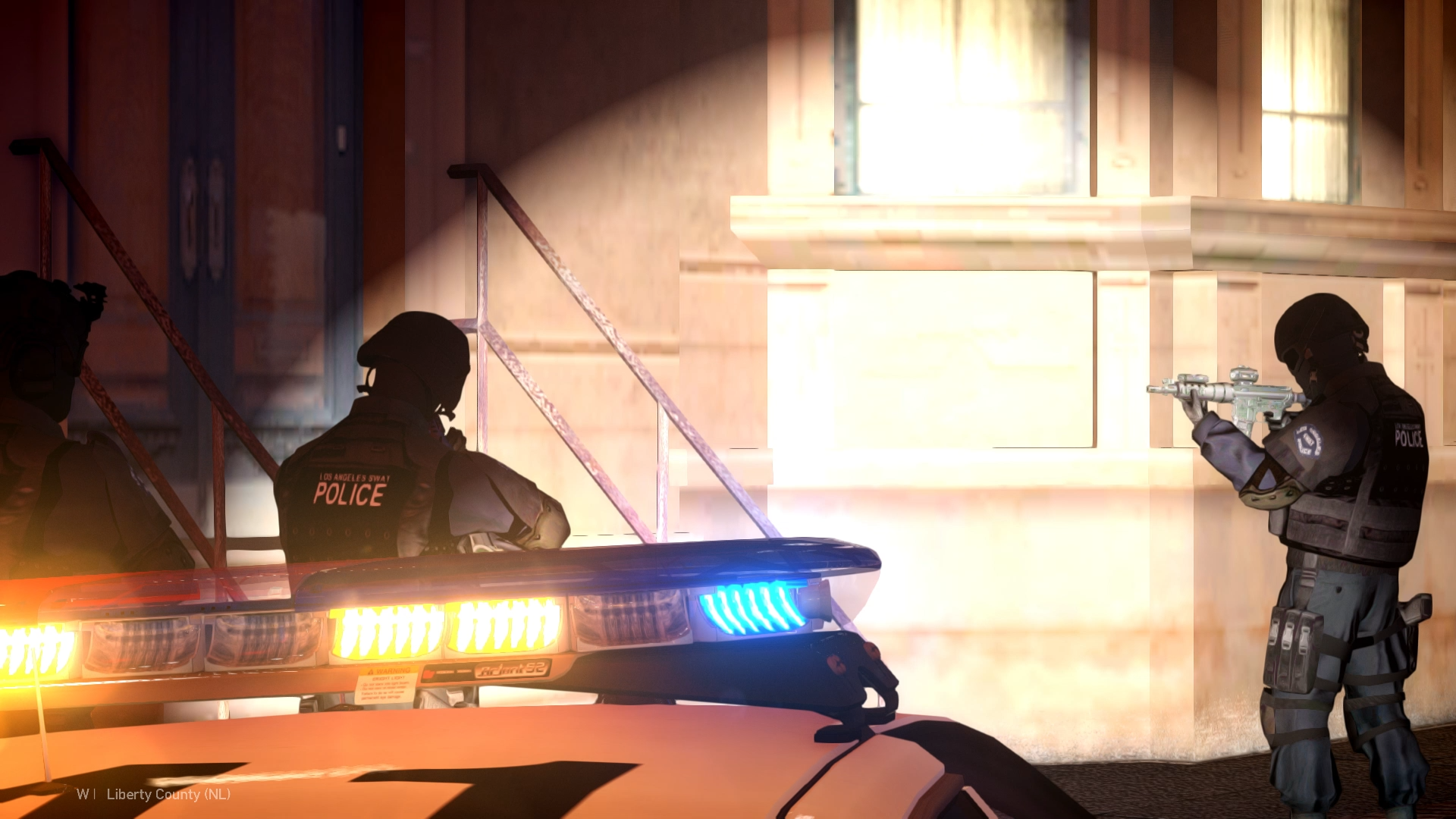
Ever wanted to perform a proper felony traffic stop in GTA IV with multiple police units backing you up? Well, here you go!FelonyTrafficStopIV is a lightweight script designed to make high-risk traffic stops in LCPDFR a little more interesting and unpredictable. Nothing too complicated - just a simple addition to bring some extra action and realism to your patrols around Liberty City. How does it work?Once you activate the script, three additional police vehicles will respond to your location with their sirens on. They'll approach and position themselves around your patrol car, creating a felony stop formation. Each vehicle comes with two officers, giving you a total of six additional officers. Once all units have arrived and parked, the officers will exit their vehicles, draw their weapons and aim toward the suspect. But here's where things get interesting: If there's a vehicle with a driver stopped in front of you, the script will make the suspect exit their vehicle after a short delay. By default, there are two possible outcomes: 50% chance - Surrender: The suspect exits the vehicle, raises their hands and complies with the officers. 50% chance - Armed Resistance: The suspect pulls out a randomly selected weapon and opens fire! Officers will react to the threat and engage the suspect. The outcome is random, so you never know exactly how your next traffic stop will end. You can also customize these probabilities in the INI file. FeaturesThree responding police vehicles with customizable models. Six police officers (two per vehicle). Automatic vehicle positioning around the player's patrol car. Police officers aiming at the suspect and reacting to armed threats. Random suspect behavior with surrender and armed resistance scenarios. Multiple possible weapons for armed suspects. Automatic traffic cleanup around the stop to help responding units. Ability to cancel the procedure at any moment. Officers return to their vehicles and drive away when dismissed. New units can be requested without waiting for previous units to disappear. Customizable activation key and plenty of additional options through the INI file. CustomizationThe mod comes with a configurable INI file where you can adjust various settings, including police vehicle models, arrival behavior, vehicle positioning, suspect reactions, weapon selection, traffic cleanup and more. The default activation key is F8, but you can change it to whatever works best for your setup. Most settings can be left at their defaults, but if you enjoy tweaking things, there's quite a bit to play around with! A few things to keep in mindThe script has been tested during gameplay and I haven't experienced any crashes caused by it during my tests. However, remember that this is still GTA IV, and we all know how its AI can behave sometimes. Police vehicles might occasionally get stuck in traffic, take an unusual route or have trouble positioning themselves correctly, especially on narrow streets, intersections or complicated roads. The script does its best to handle these situations, but perfect AI behavior isn't always possible in GTA IV. For the best experience, I recommend performing felony stops on reasonably open roads with enough room for the responding vehicles. Important: This mod is designed to work with traffic stops initiated through LCPDFR's original traffic stop system. Other methods have not been tested and may not work as intended. InstallationMake sure you have LCPDFR and ScriptHookDotNet for GTA IV installed. Simply place FelonyTrafficStopIV.net.dll and FelonyTrafficStopIV.ini into your GTA IV scripts folder. You can find additional installation and configuration information in the included README file. Final wordsThis is just a small script made to add something extra to the classic GTA IV police experience. Nothing huge or overly complicated - just a fun way to make traffic stops a little more intense. Hope you enjoy it, and have fun patrolling Liberty City! If you encounter any issues, feel free to leave a comment. Gameplay Showcase: