
Mistor78
Members
-
Joined
-
Last visited
Reputation Activity
-
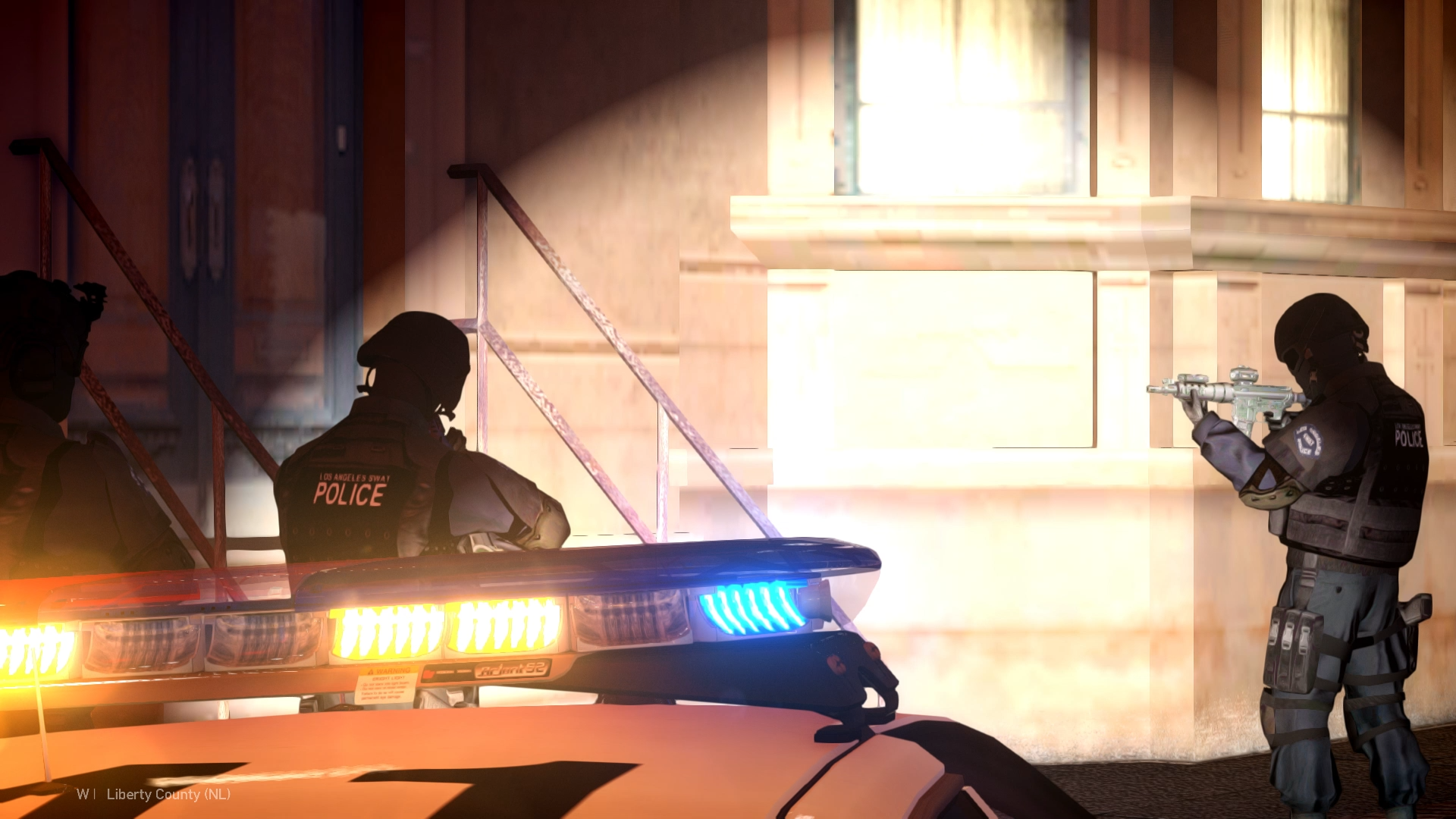
 Mistor78 got a reaction from Gan Ceann in LAPD METROLAPD units responded to an armed suspect barricaded inside a residential building. Officers established a perimeter and initiated a tactical entry with SWAT support.
-
Mistor78 got a reaction from Wehrmachgt in Starting GTA IV & LCPDFR in 2023 - help please!Hello!
For 1.0.8.0 Game version you need: LCPDFR 1.1 Legacy Edition + Compatibility Patch
For 1.0.7.0 Game version you need: LCPDFR 1.1 (Not Legacy) without Compatibility Patch
1.0.8.0 Game version does not support plugins + scripts.
1.0.7.0 Game version does support plugins and scripts.
So I prefer to use 1.0.7.0 - there is more possibilities.
For downgrade you can use Downgrader from:
Or use Rockstar Games 1.0.7.0 patch from:
http://updates.rockstargames.com/patches/gtaiv/title_update_7_EN.zip
If you need help with RG patch contact me via my Discord server:
https://discord.com/invite/AnJmaYkUfr
-
Mistor78 got a reaction from JakeKindaSus in Starting GTA IV & LCPDFR in 2023 - help please!Hello!
For 1.0.8.0 Game version you need: LCPDFR 1.1 Legacy Edition + Compatibility Patch
For 1.0.7.0 Game version you need: LCPDFR 1.1 (Not Legacy) without Compatibility Patch
1.0.8.0 Game version does not support plugins + scripts.
1.0.7.0 Game version does support plugins and scripts.
So I prefer to use 1.0.7.0 - there is more possibilities.
For downgrade you can use Downgrader from:
Or use Rockstar Games 1.0.7.0 patch from:
http://updates.rockstargames.com/patches/gtaiv/title_update_7_EN.zip
If you need help with RG patch contact me via my Discord server:
https://discord.com/invite/AnJmaYkUfr
-
Mistor78 got a reaction from unitedOrange66 in Alt P not workingHello!
After downgrade what version of LCPDFR did you install?
Remember that:
For 1.0.8.0 Game version you need: LCPDFR 1.1 Legacy Edition + Compatibility Patch
For 1.0.7.0 Game version you need: LCPDFR 1.1 (Not Legacy) without Compatibility Patch
1.0.8.0 Game version does not support plugins + scripts.
1.0.7.0 Game version does support plugins and scripts.
-
Mistor78 got a reaction from unitedOrange66 in Hi i need help i am getting a error in gta 4Hello!
For 1.0.8.0 Game version you need: LCPDFR 1.1 Legacy Edition + Compatibility Patch
For 1.0.7.0 Game version you need: LCPDFR 1.1 (Not Legacy) without Compatibility Patch
1.0.8.0 Game version does not support plugins + scripts.
1.0.7.0 Game version does support plugins and scripts.
-
Mistor78 got a reaction from unitedOrange66 in GTA IV ELS crashHello!
ELS for for slots:
police
police2
fbi
noose
polpatriot
nstockade
pstockade
Is very unstable. If you really want to play with modded police cars on these slots try to use Non-ELS vehicles.
If you want to play with ELS without crashes create Addon vehicles, like police3, police4, policeb, policew. I am using these slots for my ELS vehicles - for now its the best way. + ELS support more those police slots:
EMERG1
EMERG2
EMERG3
EMERG4
EMERG5
EMERG6
EMERG7
(Remember to add new slot in _SLOTCONTROL in els folder)
If you want to create Addon vehicle:
In vehicles.img rename model to police3, police4 etc. (.wft, .wtd)
Then go to the:
Handling.dat - create new line for your vehicle
Vehciles.ide - ^
Carcols.dat - ^
Cargrp.dat - add your vehicle in the # POPCYCLE_GROUP_COPS
Then go to the LCPDFR.ini and add AdditionalCopCarModels=POLICE3;
That's it, you have new police addon vehicle in game!
-
Mistor78 got a reaction from JerryG146 in GTA IV ELS crashHello!
ELS for for slots:
police
police2
fbi
noose
polpatriot
nstockade
pstockade
Is very unstable. If you really want to play with modded police cars on these slots try to use Non-ELS vehicles.
If you want to play with ELS without crashes create Addon vehicles, like police3, police4, policeb, policew. I am using these slots for my ELS vehicles - for now its the best way. + ELS support more those police slots:
EMERG1
EMERG2
EMERG3
EMERG4
EMERG5
EMERG6
EMERG7
(Remember to add new slot in _SLOTCONTROL in els folder)
If you want to create Addon vehicle:
In vehicles.img rename model to police3, police4 etc. (.wft, .wtd)
Then go to the:
Handling.dat - create new line for your vehicle
Vehciles.ide - ^
Carcols.dat - ^
Cargrp.dat - add your vehicle in the # POPCYCLE_GROUP_COPS
Then go to the LCPDFR.ini and add AdditionalCopCarModels=POLICE3;
That's it, you have new police addon vehicle in game!
-
Mistor78 got a reaction from unitedOrange66 in Is it necessary to downgrade to version 1.0.7?Hello!
For 1.0.8.0 Game version you need: LCPDFR 1.1 Legacy Edition + Compatibility Patch
For 1.0.7.0 Game version you need: LCPDFR 1.1 (Not Legacy) without Compatibility Patch
1.0.8.0 Game version does not support plugins + scripts.
1.0.7.0 Game version does support plugins and scripts.
-
Mistor78 got a reaction from unitedOrange66 in Error with LCPDFRHello!
For 1.0.8.0 Game version you need: LCPDFR 1.1 Legacy Edition + Compatibility Patch
For 1.0.7.0 Game version you need: LCPDFR 1.1 (Not Legacy) without Compatibility Patch
1.0.8.0 Game version does not support plugins + scripts.
1.0.7.0 Game version does support plugins and scripts.
Please use the latest LCPDFR version. The latest is: 1.1
-
Mistor78 got a reaction from unitedOrange66 in Cannot start GTAIV with LCPDFR installed, after downgrading to 1.0.7.0That's why your game doesn't start. Please use Downgrader:
https://www.lcpdfr.com/downloads/gta4mods/misc/38986-gta-iv-downgrader/
Downgrader will add necessary files, then you will be ready to play. (Skip GFWL thing if you dont want to play multiplayer)
-
Mistor78 got a reaction from unitedOrange66 in Starting GTA IV & LCPDFR in 2023 - help please!Hello!
For 1.0.8.0 Game version you need: LCPDFR 1.1 Legacy Edition + Compatibility Patch
For 1.0.7.0 Game version you need: LCPDFR 1.1 (Not Legacy) without Compatibility Patch
1.0.8.0 Game version does not support plugins + scripts.
1.0.7.0 Game version does support plugins and scripts.
So I prefer to use 1.0.7.0 - there is more possibilities.
For downgrade you can use Downgrader from:
Or use Rockstar Games 1.0.7.0 patch from:
http://updates.rockstargames.com/patches/gtaiv/title_update_7_EN.zip
If you need help with RG patch contact me via my Discord server:
https://discord.com/invite/AnJmaYkUfr
-
Mistor78 got a reaction from Jebediah Turner in Starting GTA IV & LCPDFR in 2023 - help please!For texture create:
commandline.txt - open it and paste
-nomemrestrict
-norestrictions
-
Mistor78 got a reaction from GamerCop23 in Starting GTA IV & LCPDFR in 2023 - help please!Hello!
For 1.0.8.0 Game version you need: LCPDFR 1.1 Legacy Edition + Compatibility Patch
For 1.0.7.0 Game version you need: LCPDFR 1.1 (Not Legacy) without Compatibility Patch
1.0.8.0 Game version does not support plugins + scripts.
1.0.7.0 Game version does support plugins and scripts.
So I prefer to use 1.0.7.0 - there is more possibilities.
For downgrade you can use Downgrader from:
Or use Rockstar Games 1.0.7.0 patch from:
http://updates.rockstargames.com/patches/gtaiv/title_update_7_EN.zip
If you need help with RG patch contact me via my Discord server:
https://discord.com/invite/AnJmaYkUfr
-
Mistor78 got a reaction from unitedOrange66 in Error In Lcpdfr first downloadHello!
What game version are you using?
What LCPDFR version did you download?
Remember that:
For LCPDFR 1.1 Legacy Edition you need Compatibility Patch + 1.0.8.0 game version
For LCPDFR 1.1 (Not Legacy) you need 1.0.7.0 game version without Compatibility Patch