CptAcross
Members
-
Joined
-
Last visited
Everything posted by CptAcross
-
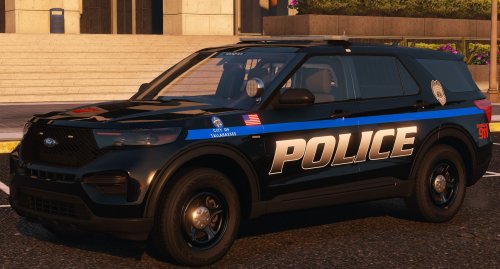 Nice pack, very detailed and a lot of effort put into it. I noticed only one thing and I do not know if it is my fault or so comes along with the pack: the blue light is on one side, but reflects as red on buildings and so on. Is this a setting in the ELS XML or why are the colors virtually reversed? If there is a fix the pack is a 10/10 ❤️
- 28 comments
- 3 reviews
-
Your gift is to be healthy and to have people around you who love you
-
I just said that we all have to wait🤗
-
It can still come out today. Just wait
-
I hope it comes out before Friday, because I'm on a school trip Friday until March. That's really bad ...🙄
-
We do not know it all
-
what makes you think that?
-
Have fun
-
I can not wait to finally go on patrol😋
-
The wait for 0.4 is so incredibly difficult. Every 30 minutes, I check if there is something new. When do you think 0.4 will be released?
-
-
-
I hope the chases are overhauled. I want it to be like on TV when it's reported.
-
when does it appear?
-
-
-
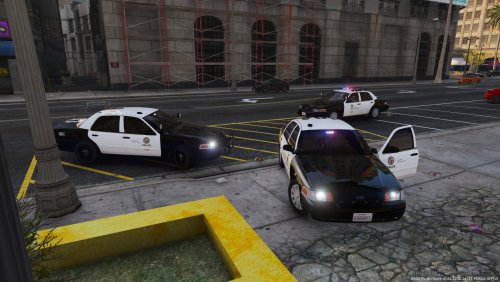 That's great. I wish someone released a complete lapd pack. Anyways.good work!!!
- 28 comments
- 8 reviews