



Makubex
Members
-
Joined
-
Last visited
Everything posted by Makubex
-
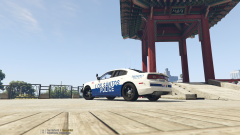
From the album: Makubex Livery WIPs
-
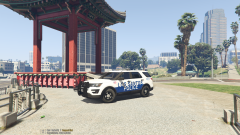
From the album: Makubex Livery WIPs
-
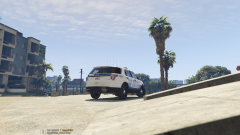
From the album: Makubex Livery WIPs
-
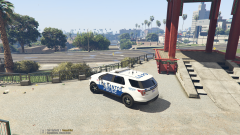
From the album: Makubex Livery WIPs
-
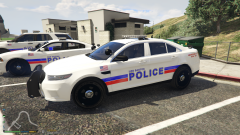 Cool beans. I just published it to the downloads section.
 -
I tend to make my textures template specific, so realistically any vehicle that uses the same template it should work for that way people don't feel obligated to use certain packs. That being said since this is a PD skin I'm working on, I'm going to do some additional testing with the three common packs I see. These three as well as each of Maurice97's Legend vehicles (Los Santos Regional Skin Based). If there's a specific pack you're thinking of, let me know and I can do some testing while it's still in development.
-
This is a texture pack I'm working on.
-
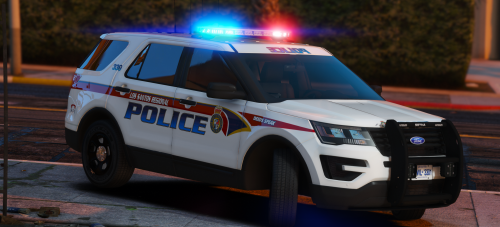 Outstanding car, man! Your Legend series is by far my favorite and my go-to vehicles.
- 12 comments
- 10 reviews
-
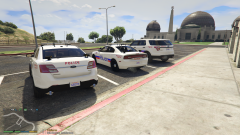
From the album: Makubex Livery WIPs
-
From the album: Makubex Livery WIPs
-
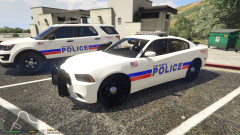
From the album: Makubex Livery WIPs
-
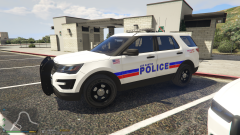
From the album: Makubex Livery WIPs
-
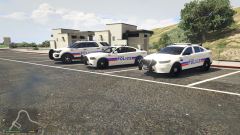
From the album: Makubex Livery WIPs
-
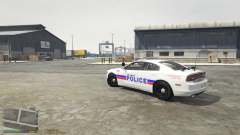
From the album: Makubex Livery WIPs
-
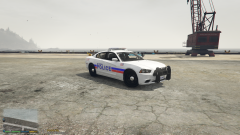
From the album: Makubex Livery WIPs
-
Look under your settings for Post FX and make sure it is on Ultra or Very High. See if that works.
-
I'm rolling in a 2018 Focus ST. Fun little car.
-
Hi dave! There are several communities that are "hiring" as they like to say. You'd have to do some googling to find them, or look up the tag lspdfr on instagram, lots of them do advertising there. I'm not part of any of these communities, so I dont' know anything further. Best of luck!Hi folks! Figured I'd make my own thread where I can post up skins I'm working on for some critiques, thoughts, and opinions. Always good to have some other eyes on things. I've released a few skins already but I'm looking to release a few more within the next week. Thanks to some temporary unemployment, I have nothing but time. Below are two different Park Ranger skins as well as a set of Lifeguard skins. Let me know what you think!


