
Makubex
Members
-
Joined
-
Last visited
Everything posted by Makubex
-
From the album: Unit 7K20 Gameplay Photos
-
Absolutely. I don't think it'd be a bad idea. I've noticed more and more people making textures, myself included. A template with the doors might help out a lot of people (myself included, I hate doing doors) and increase the quality of skins. Keep it up, mate!
-
Great tutorial, man! Having the door templates would be a pretty sweet idea, I think.Should be able to do it in your trainer. Falls under Restricted Areas. I use SimpleTrainer and if I simply disable RestrictedAreas I no longer have any problem entering Zancudo by air or ground.Build Name: Cryosilence – Mini Six CPU: Intel - Core i5-8400 2.8GHz 6-Core Processor CPU Cooler: CRYORIG - H7 Quad Lumi 49.0 CFM CPU Cooler Motherboard: Asus - ROG Strix Z370-I Gaming Mini ITX LGA1151 Motherboard Memory: Crucial - Ballistix Sport LT 16GB (2 x 8GB) DDR4-2400 Memory Storage: Samsung - 860 Evo 250GB 2.5" Solid State Drive Storage: Crucial - MX500 500GB 2.5" Solid State Drive Video Card: EVGA - GeForce GTX 1060 6GB 6GB SSC GAMING Video Card Case: Inwin - A1 (Black) Mini ITX Tower Case w/600W Power Supply Case Fan: CRYORIG - QF120 Silent 44.0 CFM 120mm Fan (x5) Fan Controller: Corsair Commander Pro Monitor: ASUS 24-inch (VG245H) 1080p Keyboard: Vortex Race 3 (Cherry MX Black) Mouse: Logitech G602 Wireless Headset: Astro A40 PCPP Link: https://pcpartpicker.com/b/Jy9J7PFinally got around to making another video.
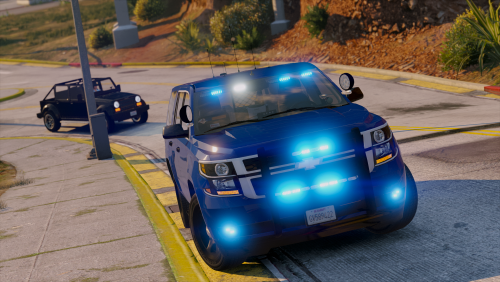 Love it! My only problem is the windows get dirty pretty quick. Normally not an issue but it blocks out the lights. Other than that, great!
- 26 comments
- 13 reviews
-
-

- 1
-
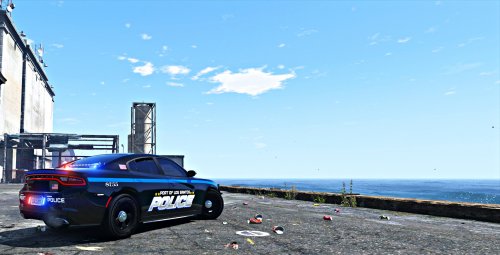 Looks good, dude! I like it.
 If you're adding them as Add-on cars and not replacing them, you have to reflect it in the vehicles.meta files and carvariations. If you look up LSPDFR Add-On in the search bar, someone did all the work already you just have to fill in the gaps.
- 253 comments
- 53 reviews
I'm "retired" now. I was Air Force Security Forces, their version of Military Police. Not quite the same world as the civilian side lol I was going to try and go State or Sheriff but I got hurt during my military time so it's unfortunately not possible anymore. Instead I get to live it out on LSPDFR hahahaThanks! I did find the settings for the blip, turned it off as soon as I found it! lol I haven't made any more since these two, but I'm looking to do another one soon!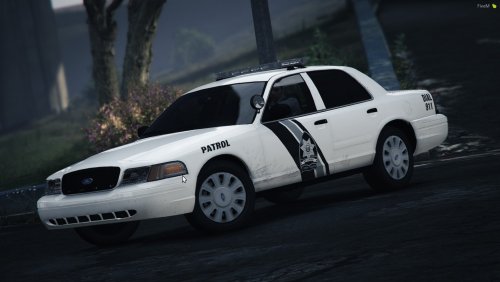 Missing FPIS files, bud. Other than that they look good. I'll play with them a bit and drop you a review later.
- 22 comments
- 3 reviews
I had a similar problem. I've fixed mine by replacing the GameConfig (https://www.gta5-mods.com/misc/gta-5-gameconfig-300-cars) and removing TrafficController since it was also causing issue for me. Don't seem to have any issue with it now.
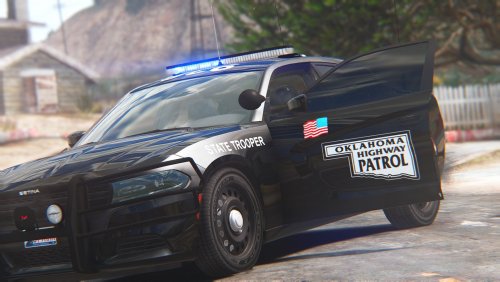
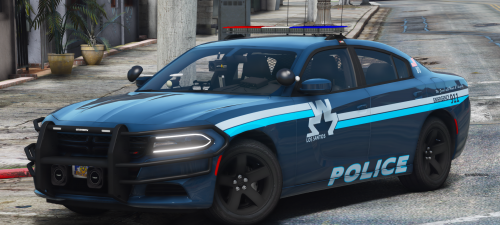
From the album: Makubex Livery WIPs
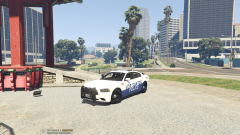
From the album: Makubex Livery WIPs
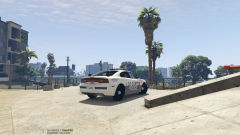
From the album: Makubex Livery WIPs
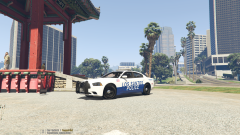
From the album: Makubex Livery WIPs
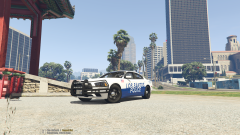
From the album: Makubex Livery WIPs
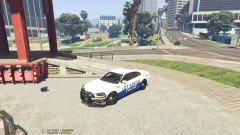
From the album: Makubex Livery WIPs
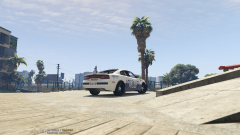
From the album: Makubex Livery WIPs