
Makubex
Members
-
Joined
-
Last visited
Everything posted by Makubex
-
.thumb.png.55ef5bbfad435d16ffcefaa9cbec464b.png) Hey mate! For your first skin, it's not bad! Here are a few tips if you're willing to have them. The first thing I noticed is the stripe on the side comes to a sudden end, as a result it looks kind of out of place. If you angle it off so it's at a point or extend it past the vehicle so it's one solid stripe I think it'd look much better! Of course this is mostly personal preference. I'd offset Sheriff on the back to either side of the logo so that the whole word can be read. Where it's at right now you can't really see it. With the stripe where you have it, you don't really have to erase any of it. If you let it run off into the wheel well in the texture template it won't be there when you upload it to the vehicle (because the wheel wells aren't colored). This prevents the issue you have on the right side where it looks like you tried to erase the stripe to match the contour of the fender. Other than that, it's look good, mate! Definitely keep going! You'll only get better with time!
Hey mate! For your first skin, it's not bad! Here are a few tips if you're willing to have them. The first thing I noticed is the stripe on the side comes to a sudden end, as a result it looks kind of out of place. If you angle it off so it's at a point or extend it past the vehicle so it's one solid stripe I think it'd look much better! Of course this is mostly personal preference. I'd offset Sheriff on the back to either side of the logo so that the whole word can be read. Where it's at right now you can't really see it. With the stripe where you have it, you don't really have to erase any of it. If you let it run off into the wheel well in the texture template it won't be there when you upload it to the vehicle (because the wheel wells aren't colored). This prevents the issue you have on the right side where it looks like you tried to erase the stripe to match the contour of the fender. Other than that, it's look good, mate! Definitely keep going! You'll only get better with time!- 4 comments
- 1 review
-
 Looks good! I'll give it a run in my game and get back to ya!
 -
I think if you're here a lot, you get used to the pace at which things release and it starts to feel slow. Recently, I took a small break and came back about a week or two later and the amount of new mods was surprising. If things start to feel like things are dying, it might be good to step back and do something else for a bit to "re-ignite the spark" that made LSPDFR fun to begin with. I do it a lot.
-
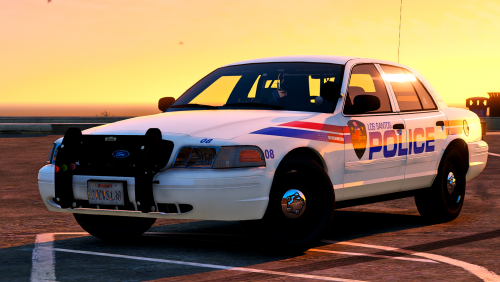
 What’s Included: Inside this pack there are skins for several vehicles: FPIS, FPIU, F150, Ram, several chargers, Impala, and Tahoe. Developer’s Notes: Another simple skin for a part of the map that doesn't get a whole lot of attention. There's not much to say beyond that really. I hadn't touched it in awhile so I figured I'd release it. Disclaimers: Do not redistribute, reupload, or edit this skin without my permission. This skin is not based off any specific agencies but is heavily influenced by several. Vehicles: Textures will fit anything that uses: fpis_sign / tau_sign / tahoe_sign / exp_sign / impala_sign / chr2_sign / charger_sign / livery_chrg_sign / charger_18 West / ram_sign / F150_sign
- 1 comment
- 2 reviews
-
-
Damn dude. One of my favorites! Sad to see you go, my man. LSPDFR won't be the same without your vehicles! Good luck out there.
-
-
-
-
-
From the album: Makubex Livery WIPs
-
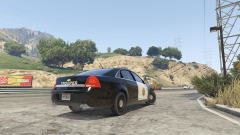
From the album: Makubex Livery WIPs
-
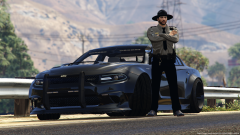 It's the stance police! Patrol car shows with authority! lol
 -
It's so hard to choose lol I think that Special Ops Charger followed by the slicktop Tahoe for me. They all look so good!
-
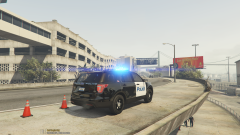
From the album: Makubex Livery WIPs
-
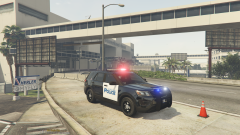
From the album: Makubex Livery WIPs
-
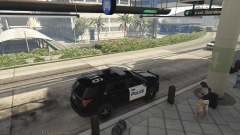
From the album: Makubex Livery WIPs
-
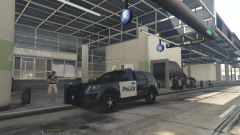
From the album: Makubex Livery WIPs
-
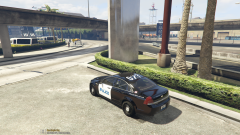
From the album: Makubex Livery WIPs
-
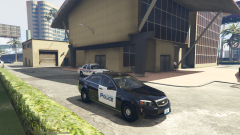
From the album: Makubex Livery WIPs
-
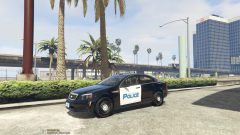
From the album: Makubex Livery WIPs
-
Started working on some Caprice skins, because why not.
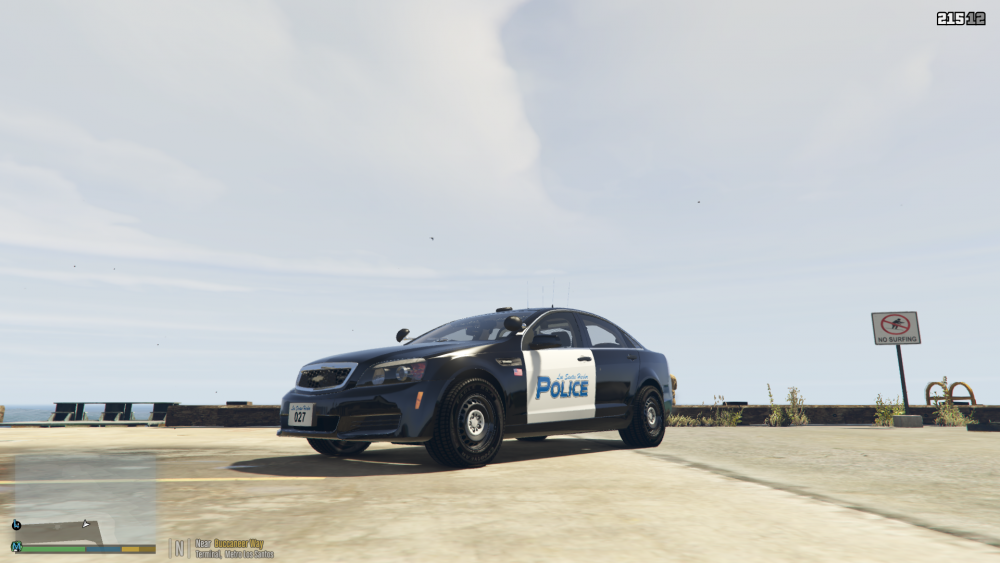
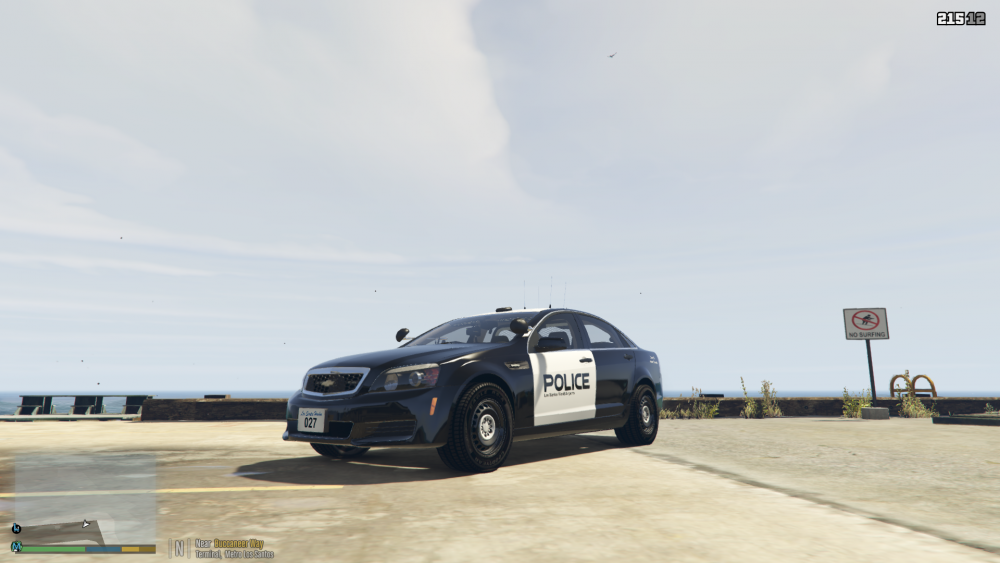
-
Started my first ever Sheriff skins. Not quite sure on a few things. Trying to decide if I should I do unit numbers, usually I'll just leave it all blank and generic so there's never any real conflict with having multiple of the same units show up. Thoughts?
-
-
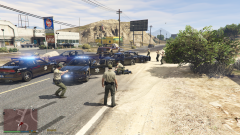
From the album: Unit 7K20 Gameplay Photos
.thumb.png.55ef5bbfad435d16ffcefaa9cbec464b.png)