




GTAIVCode3
Friends of LSPDFR
-
Joined
-
Last visited
Everything posted by GTAIVCode3
-
It does not matter. You can still use the phone to bring up the movie editor
-
Use the phone
-
just follow the readme. To prevent lagging and stuff i suggest to close all the unnecessary background programs.
-
Yes you should be able to
-
I love the international engine. I just think the bumper is a little to big.It is probably first person. The els might depending on the carsOne has already been created here
 wow, awesome pic
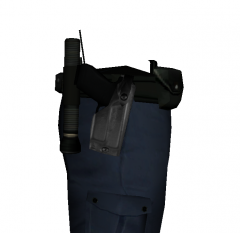 wow that looks amazingUse this http://www.gtagarage.com/mods/show.php?id=11213i guess you could but it might require a little scriptingdid u install patch?
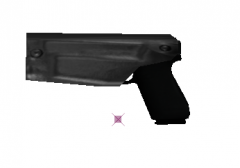 NiceWhat legend said. What is you graphics card? You can run this tool canyourunit.comall you gotta do is a search google for a little bit. Here you go http://www.gta4-mods.com/tools/gta-iv-car-configuration-editor-v101170-beta-f3377Please try one of the following command lines: -memrestrict 629145600 (for high textures) -memrestrict 314572800 (for medium) -memrestrict 209715200 (for low) Next time just make one topic
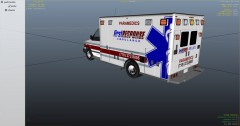 nicelet me know if it worksUpdate to patch 1.0.7.0I think that more languages will be in the full releasejust install lcpdfr and i suggest that you use els 5. It is a lot more stable with lcpdfr than 6deletewhen u launch the game, did u use LanuchGTAIV?Did you eun it as administrator?


