




Mags
-
Joined
-
Last visited
File Comments posted by Mags
-
-
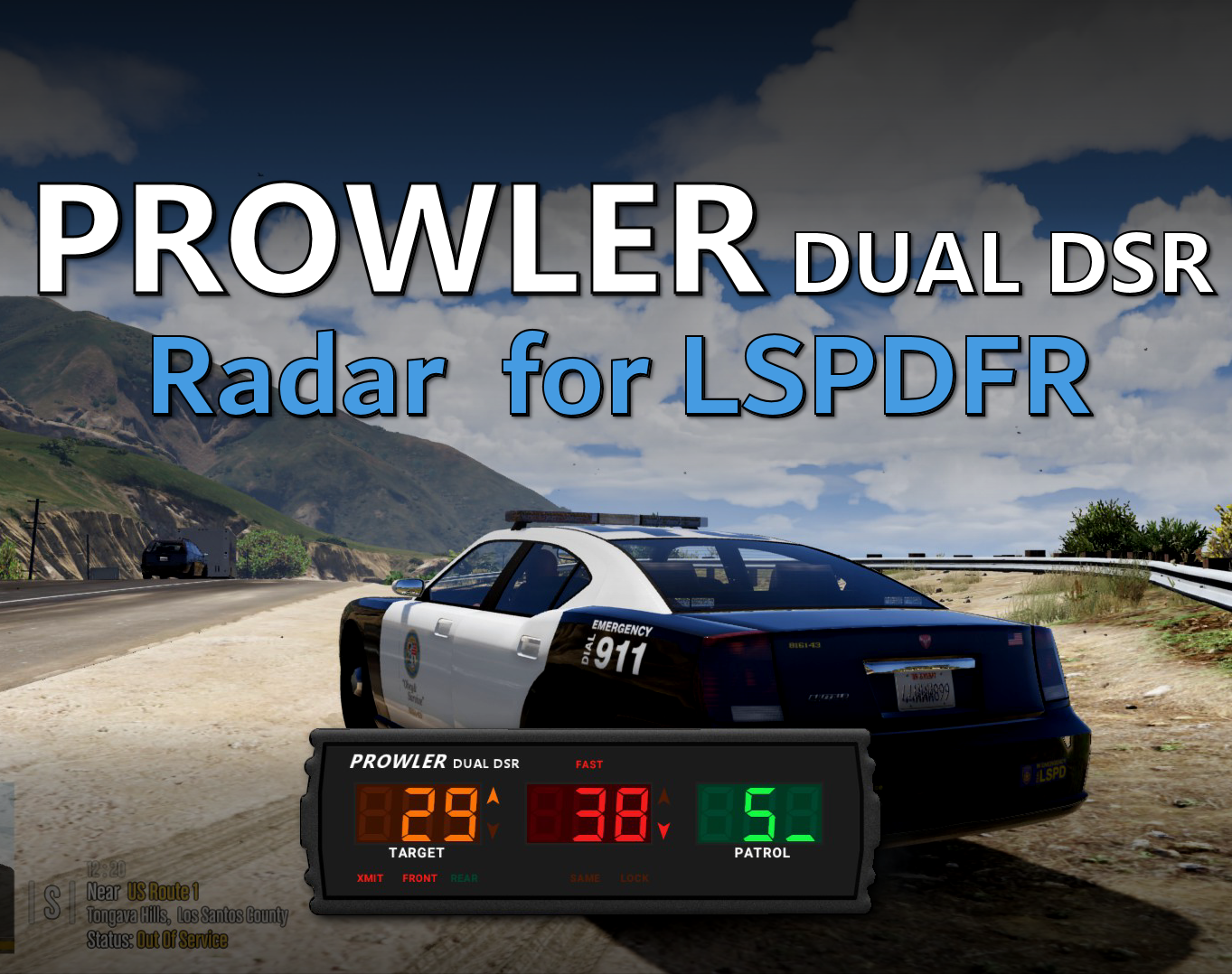
Great Job! I have personally used the Stalker DSR and the DSR 2X in real life. It’s absolutely amazing how much attention to detail you added to this mod. Even the detail to the owners manual I felt like I was reading an actual Stalker manual. I know a lot of members are requesting a target speed option. Even though that’s not a realistic feature based on the real device. I think to give the user the option would be a nice touch. Keep up the great work!
- wid3spreadpanic, GCode2k1 and opus49
-
 3
3
-
6 hours ago, North Star Development said:
@MagsThe livery in the pictures, is including in the downloads you may need to go F1 > Vehicle Options > liveries, then edit the values.
Yeah I looked in the .ytd file the only livery is a sheriff one
-
-
-
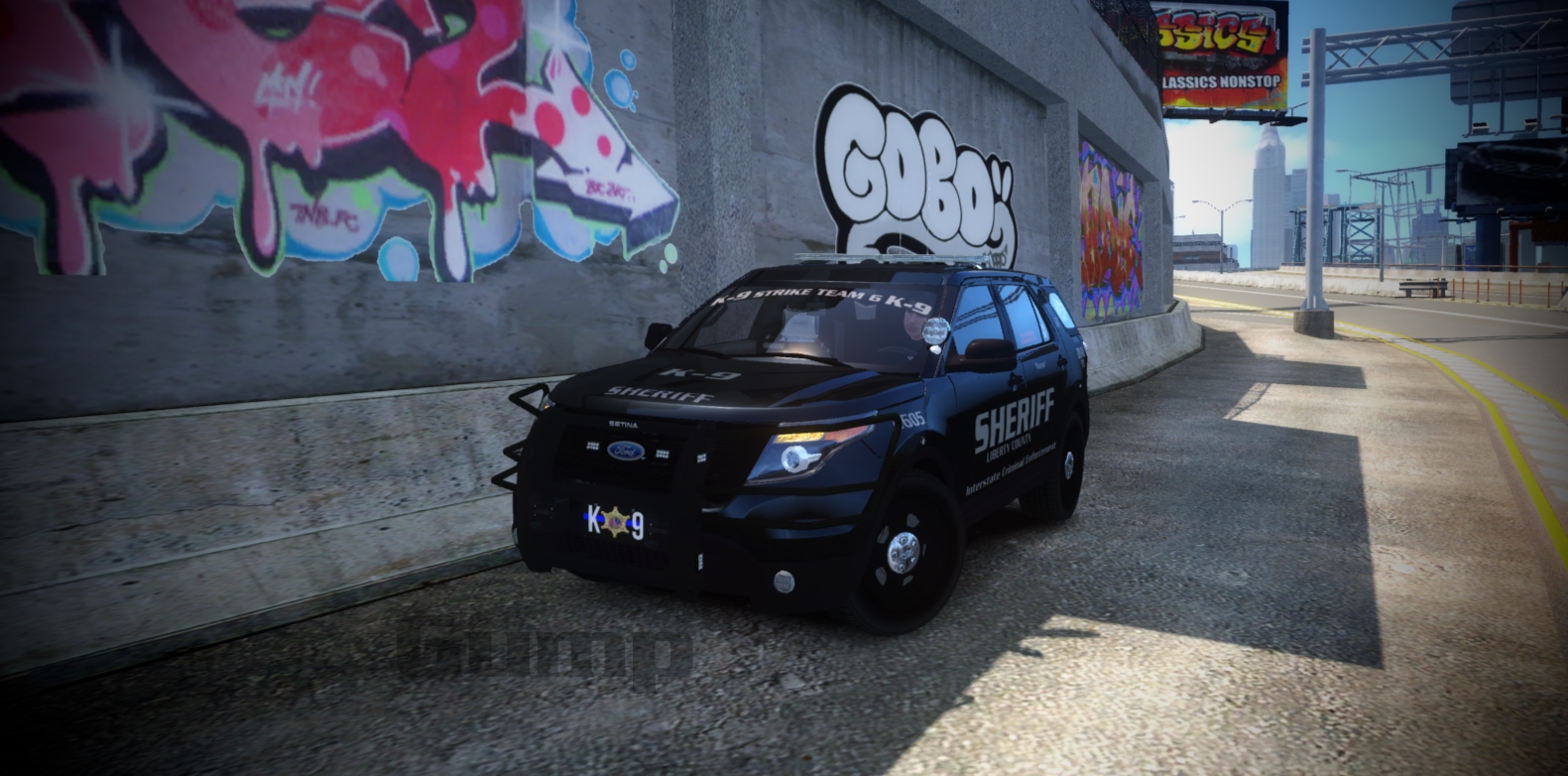
Did not see the K9 vehicle in the pack. The folder is there, but when I put it in the game none of the cages are in just a empty back area.
-
Pretty Cool! The only thing I would add is some lights on the side due to it being a long vehicle. There needs to be some "visibility"
-

-
-
-
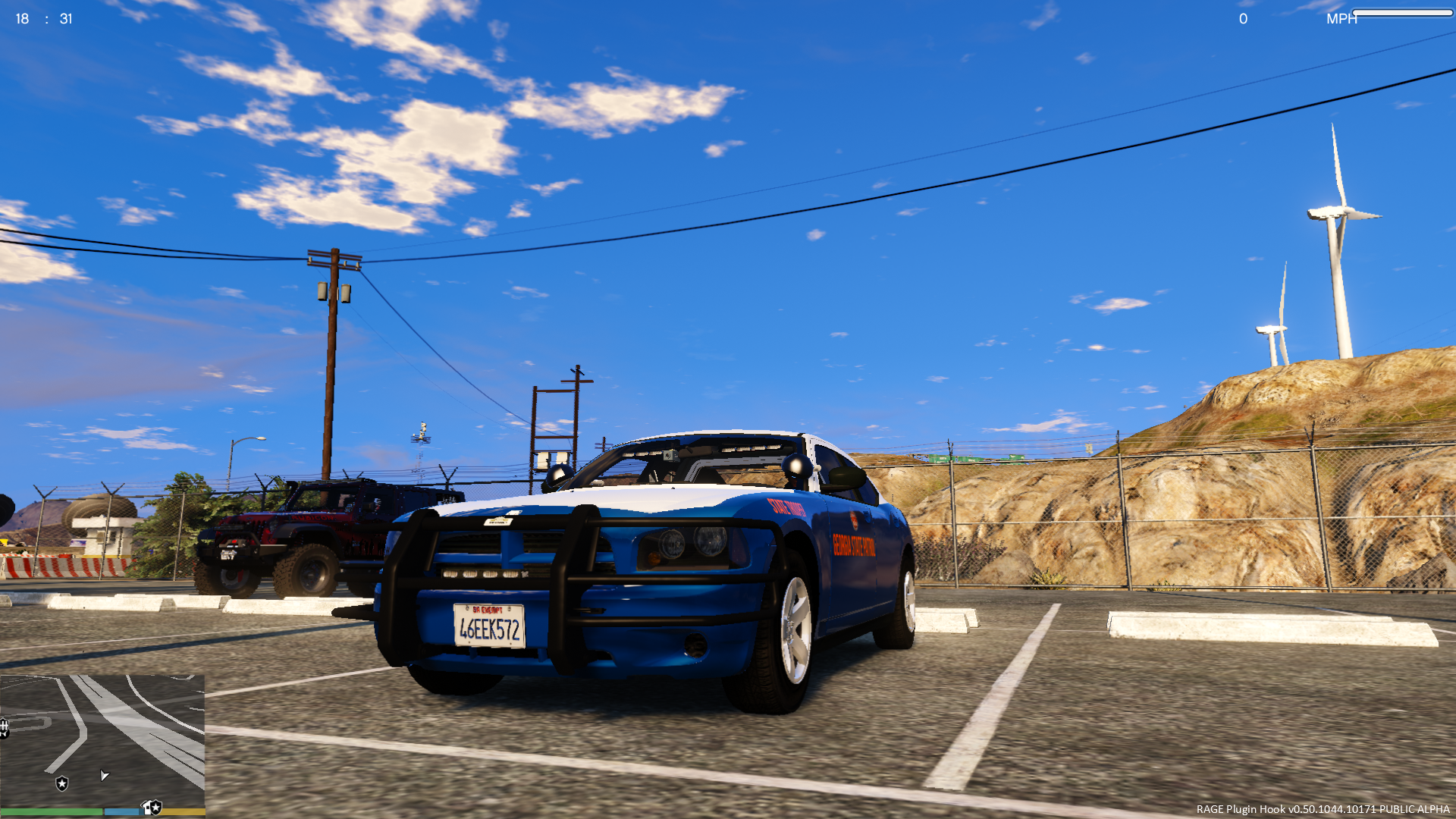 6 hours ago, ThePatrioticGamer said:
Literally have a screenshot with Real life GSP and that wrapbar
I know GSP uses that pushbar. I'm saying the pushbar model you have on it is made for a crown victoria. That is not the one for the dodge charger
-
-
.jpg.7f8248fe8858287e486e3e0cbede0852.jpg)
-
-

-
I've done the black 2010- Charger already, if you'd like to check it out.
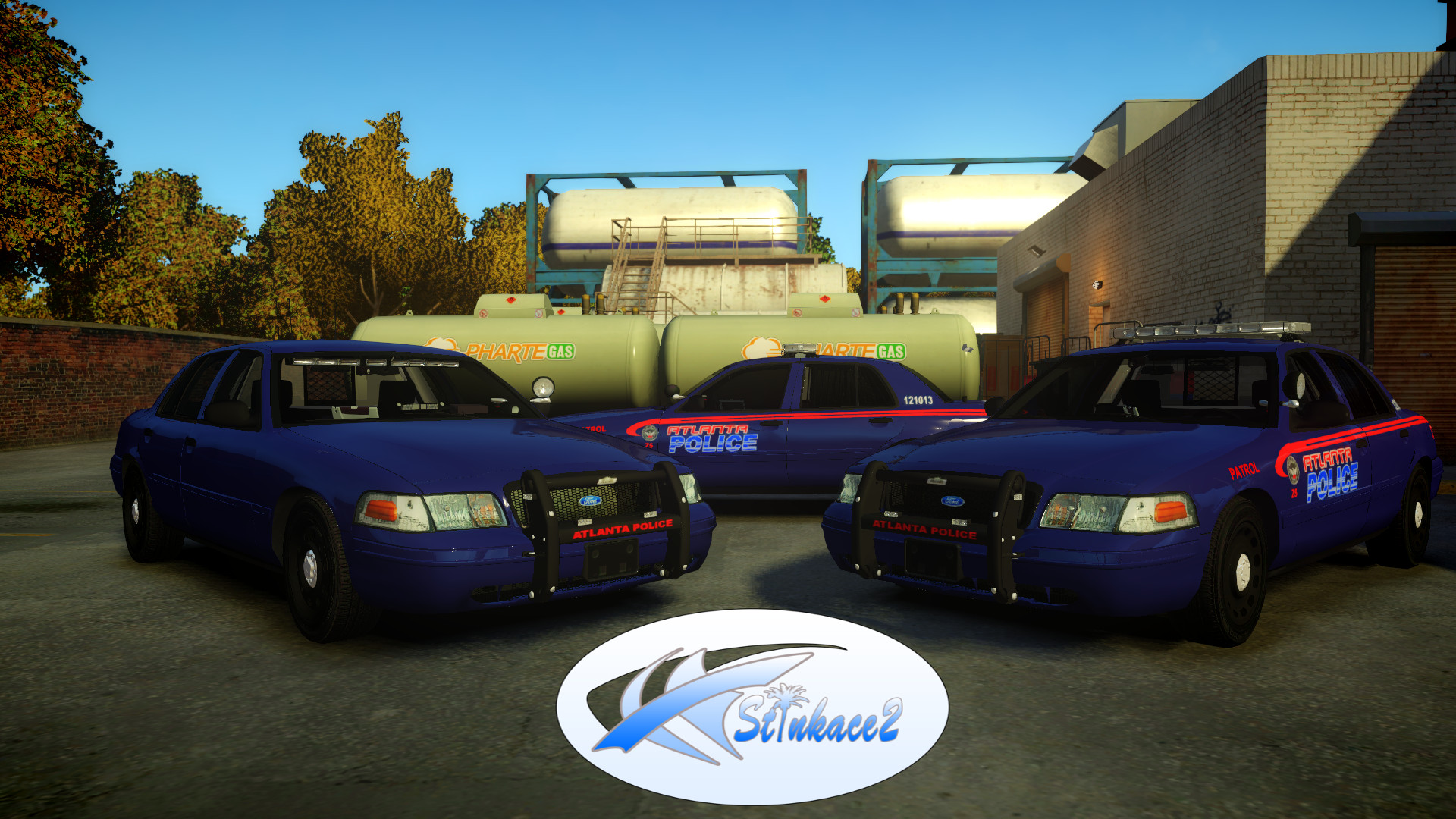
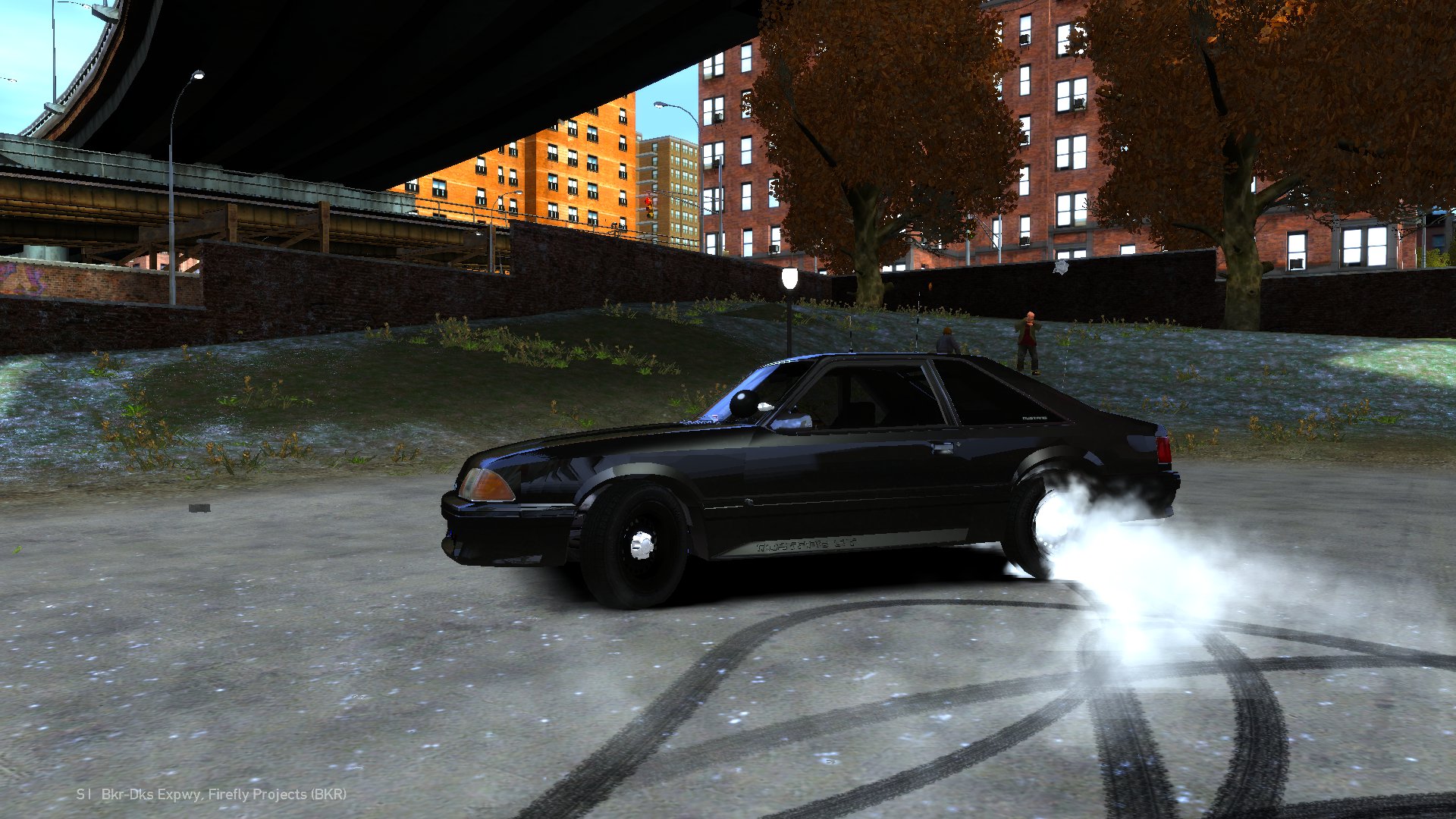


.jpg.7f8248fe8858287e486e3e0cbede0852.jpg)


Cartersville Police Department GA Mini Livery Pack By LilBread
in Vehicle Textures
Awesome Skins! Very accurate!