
AvionGaming
Members
-
Joined
-
Last visited
Everything posted by AvionGaming
-
it looks to be about 9 pm in game for you, the game turns lights on automatically at night, try going into daytime and see if they turn off then.
-
try using BVA allows for turn signals and allot of other useful car actions, its the same one FTM uses.
-
-
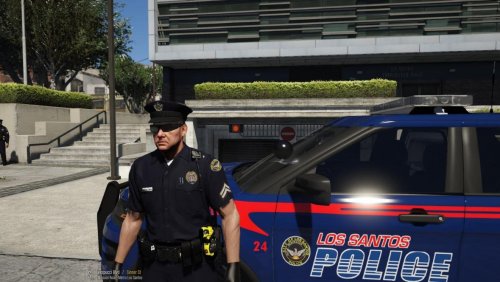 im putting this in review because i downloaded and installed it exactly how it says to in the picture, but it doesnt work for me, im still getting the base game model. if im doing something wrong please let me know. 4/5 stars because it looks really nice in the picture, will change to 5 if i can get it to work properly
- 10 comments
- 9 reviews
-
using all those visual mods will add to it and wont show it in game
-
did you turn your POST FX and SHADER QUALITY to high or very high? another thing is you dont need all 3 of those mods, radiancev works just fine for colors and for brightness, so id recommend just using that
-
id be more than happy to pay for the time and energy it takes to create even a mini pack
-
i really want to find someone who is good with designing cars, ect, and make a michigan state police minipack. im not sure how many people have requested it if any, but they look amazing.
-
HappyJoker, thank you, i figured it out. to everyone else who might read this. verify your scripthookvdotnetv2 is updated
-
I have no idea why, but my scripts arent working, i have a script folder and the mods i want in there, along with my native ui, but for some reason it wont work for me, can anyone else help me please? Do i have everything where they need to be?