Creators: Due to background reprocessing of files, approvals and file security checks may be delayed. Thanks for your patience.

AvionGaming
Members
-
Joined
-
Last visited
Everything posted by AvionGaming
-
RagePluginHook.log I've reinstalled GTA, Redid LSPDFR and its plug ins, and it still crashes and i dont know how to read one of these. if anyone knows please let me know
-
-
RagePluginHook.log
-
-
Will this update make all mods that are compatible with the current obsolete? like stop the ped, EUP, And callouts??
-
-
 I'm Absolutely loving this pack. Would you be able to make an SUV pack as well? I'd love to see and explorer in here(I know you dont like explorers) But the amount of people who will, Oof! Oh by the way, I used these in a video!
- 324 comments
- 53 reviews
-
-

- 1
-
-
-
-
So i had to reinstall everything i have, And NVR was the last thing i installed, I know i have to delete the textures from the emmisive folder so cars will spawn in with textures, but even none of my custom cars will spawn in if i replace them. I put them in the right patchday, I'm very fimiliar with modding this game and i know how to add cars, but they just wont after i installed this graphics mod. does anyone know how to fix this issue?
-
 Use OpenIV. if you have further questions please go to the forums
 -
https://gyazo.com/a5d9b148c72090c5d18e41fe0188ef92
-
The correct patchday is always going to be the latest one. Which would be the highest number Patchday20 is the latest, You'll just place the vehicle models in there. Then put the XML files in your ELS>Pack Default folder
-
As long as you replaced the vehicle model in the correct patchday, they should spawn in, F4-Spawn FBI2 or <Vehicle name>
-
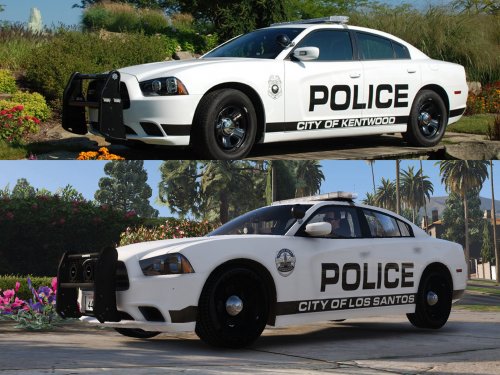
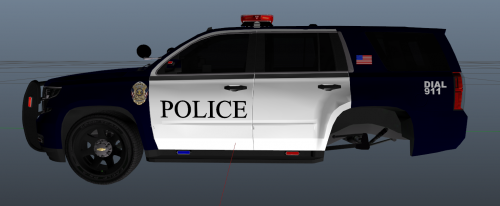 It's very bland. Would like to see branding such as "los Santos" or something. As for the "This used to be a drug dealers..." It just seems rather Meme like, more than a police skin.
 -
That's great! I've been here for 20 years myself! I could do that as well as we see Montcalm in Greenville quite often
-
As for the liveries, that would be an easy update I could do, but we don't have "Greenville County sheriff's" here, so it wouldn't really be a "based off" And as for the lighting I agree, it's hard to find a good pack that has your EXACT lighting setups, So I just picked my favorite lightbar which is legacy, and made all match to SOMEWHAT match. Thank you for the comment and suggestion!
-
The models they go on are ELS, textures cannot be els
-
-
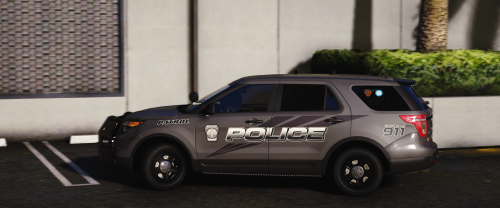
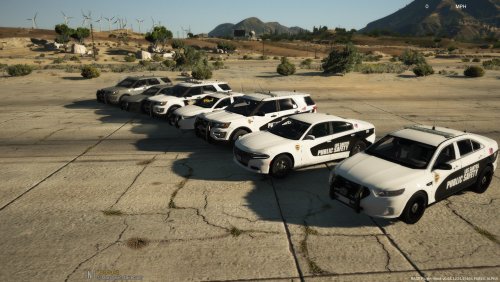
I created these once before, But i made them really based to me and not for the general public, I changed them to say "Los Santos" instead of "Greenville" The older files will be hidden as of now. here are the vehicles use Please keep in mind it will get a little confusing as you will need to change the names on some of the cars in order to have them all For the 18 charger(the police2 LS Public safety) For the Taurus, Explorer, and Unmarked's (You'll need to rename some of these a few times to match slots)Please check the .RAR Folder names to know what to change to) Thank you all so so much for viewing and downloading! I really appreciate it! Have a request?? Join my discord!-https://discord.gg/hureFz5
-
-
-
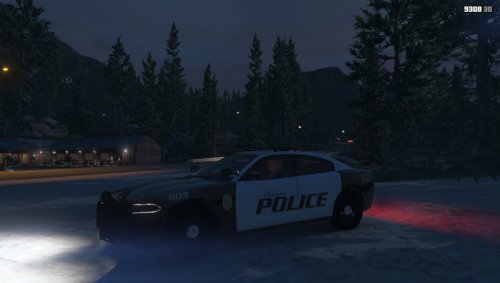 Looks like what it's trying to replicate 👍 Good job.
 -
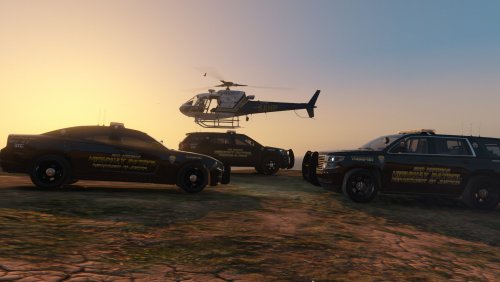 Textures cannot be ELS as they are just a picture and not an actual vehicle model. The vehicles he put the textures on are in fact ELS.
- 6 comments
- 1 review
-
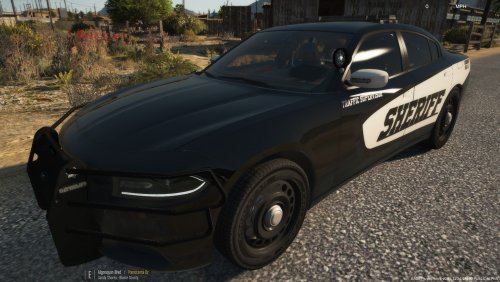 Please feel free to message me on here or please join @East Coast Design 's Discord and ask for requests! https://discord.gg/gFzCWY Thanks for looking! DO NOT REDISTRIBUTE. For the charger- For the Tahoe-