Skip to content
View in the app

A better way to browse. Learn more.

LCPDFR.com

A full-screen app on your home screen with push notifications, badges and more.

To install this app on iOS and iPadOS
  1. Tap the Share icon in Safari
  2. Scroll the menu and tap Add to Home Screen.
  3. Tap Add in the top-right corner.
To install this app on Android
  1. Tap the 3-dot menu (⋮) in the top-right corner of the browser.
  2. Tap Add to Home screen or Install app.
  3. Confirm by tapping Install.

FORTY 7

Members
  • Joined

  • Last visited

  1. Just hopped back on after a 9 month hiatus, updated everything including Scripthook When I go code 3 the flashing lights are about 10 feet off the car as shown in the photo provided. Any solutions?
  2.    FORTY 7 reacted to a comment on a gallery image: The 2026 Chevrolet Tahoe PPV is now ready for service..
  3.    FORTY 7 reacted to a comment on a gallery image: 2022 NYPD Mustang MACH E
  4.    FORTY 7 reacted to a comment on a gallery image: Just in time for the winter!
  5.    New York Modz reacted to a gallery image: MTA Police Canine Unit EUP & FPIU
  6.    New York Modz reacted to a gallery image: MTA Police Canine Unit EUP & FPIU
  7.    New York Modz reacted to a gallery image: MTA Police Canine Unit EUP
  8.    New York Modz reacted to a comment on a gallery image: The 2026 Expedition is ready for service.
  9.    FORTY 7 reacted to a gallery image: NJSP Fleet ready for patrol..
  10.    TheFedGuy reacted to a comment on a file: 4K | USMC Military Police
  11. Blue Falcons in LSPDFR is wild lol. Love this!!! Semper Fi to all the 5811's
  12.    FORTY 7 reacted to a file: 4K | USMC Military Police
  13.    New York Modz reacted to a comment on a file: MTA Police Pack (NY Based - Lore Friendly)
  14.    pixelPgaming reacted to a comment on a file: Policing Redefined
  15. The plugin we have all been waiting for! Love it 8/10 My biggest pain is I miss the Flashlight! I do alot of night patrols and the flashlight is the greatest tool any cop can have. Hopefully soon you guys can integrate that in with the Over the Shoulder hold. I Patrol with around 10+ agencies so having to manually convert my UB to the new Backup files took a bit but was mostly just switching the Vehicle and Ped positions in the XML. All areas respond with respective agencies and uniforms! Very happy with how this rolled out. I see alot of people wondering why the Backup spawns so far away and takes a bit..well thats because in IRL, backup + tows + ems or fire takes a couple of minutes to get to you so. It enhances the real experience for those trying to be more immersive. Just change the spawn distances in the backup files :)!
  16. Solved, I downloaded supercallouts again and was actually the 4.0.0.1 or whichever. I guess it posted before the file updated and I was using the old version.
  17. FORTY 7 changed their profile photo
  18. Heyo. I can patrol fine, plugins all work smoothly. This is my most recent log of just logging in and entering the pause menu after loading my plugins and going on duty without crashing. Recently downloaded = PolicingRedefined - SuperCallouts - DataFramework. Updated - ScriptHookV & ScriptHookVDotNet Game will crash when I open my pause menu. Provided is my recent log. RagePluginHook (Pause Menu Crash - 47).log
  19.    FORTY 7 reacted to a file: Policing Redefined
  20.    FORTY 7 reacted to a post in a topic: Always Clean Vehicles
  21. What Plugins and scripts are you using? Also how many Cars have you replaced or add-on through DLC?
  22. Super old but I bet a bunch of people come here to see what's the deal & incase anyone is wondering you also have to make sure you have or include this in the car variations for any riot you use ontop of the FLAG_LAW_ENFORCEMENT & FLAG_EMERGENCY_SERVICE. <plateProbabilities> <Probabilities> <Item> <Name>Police guv plate</Name> <Value value="100"/> </Item> </Probabilities> </plateProbabilities>
  23. Hey guys! Thanks for the support and downloading my work. I have put a lot of time into this pack and plan to expand it through to a full fleet sized livery pack. This is a learning experience for me in making Livery Textures and hopefully this will be the first of many releases that will get better and better in quality as I sharpen my blade at this. Please excuse some of the minor flaws for the time being. I plan on releasing two major updates including multiple other liveries and introducing two more vehicle models into the pack. In addition to those two updates will be smaller patch work included, done to the current liveries that need some very minor adjustments. Until then I am comfortable with the current release being used and displayed on any streaming platform. Thank you all very much for your support and feedback - FORTY 7 *Sidenote - I've been asked about the 2020 FPIU and the Dev took it down. It was the Most ideal model to be used for this pack however I do not own it and can not distribute the files for use. If the Model is reuploaded I will 100% update this file page with a link to the model. Until then I apologize for not having a link to it and it should fit almost any of the other 2020 models.
  24. As mentioned before, I am not the greatest at this and these are 90-95% accurate. I'm leaving this a WIP till I have enough time to sit down and chizzle at it some more.
    • 269 downloads
    • Version 4.0
    !This is an Update to my Earlier MTA Releases of these models. ALL TEXTURES HAVE BEEN UPDATED! ______________________________________ I created this pack to go with my MTAPD EUP (Linked Below!) The MTA Police Department is responsible for patrolling and securing Transit Hubs, and the infrastructure—including tracks, yards, shops, stations, and railroad crossings—of Railways, the subway, the light rail, and bus stations throughout the mass transit system. ______________________________________ Vehicles (Linked Below):(For Immersion you can use any compatible FPIU with Multiple Low Profile Antennas and No Push Bars) - 2020 FPIU - Patrol Unit & HTU Unit | +Window Tint (COMPLETED LIVERY SET) - 2022 Ford F550 - Emergency Service Unit |+ Window Tint (COMPLETED LIVERY SET) As of 09/10/25 the Logos on the side of the 2020 FPIU and ESU Truck have been updated to match IRL. What is the Hybrid Threat Unit (HTU)? (Click Spoiler) What is the Emergency Service Unit (ESU)? (Click Spoiler) ______________________________________ Pairs with my MTAPD EUP: Good Pack to Pair with (Still in Use IRL as of 2025). Vehicles used in download are from the below packs 2020 FPIU (For Realism - Use the models with no push bars both Lightbar & Slicktop 20 FPIU Models) More 2020 FPIU Models Used in Photos: https://danielswork.shop/products/soundoff-signal-pd-mini-fleet The ESU livery fits the 2022 F-550 ESU CREW CAB Truck Sold by Redneck Modifications (Link to Vehicle below) https://www.redneckmods.com/products/2022-generic-5500-class-crew-single-cab-police-esu-bomb-squad-trucks Please Do NOT re-upload or rip off. Please Credit me if you're gonna use the pack in a video or any media. ------------------------------------------------------------------------------------ © 2025, FORTY 7 GRAPHICS & DESIGNS
    • 257 downloads
    • Version 1.0.0
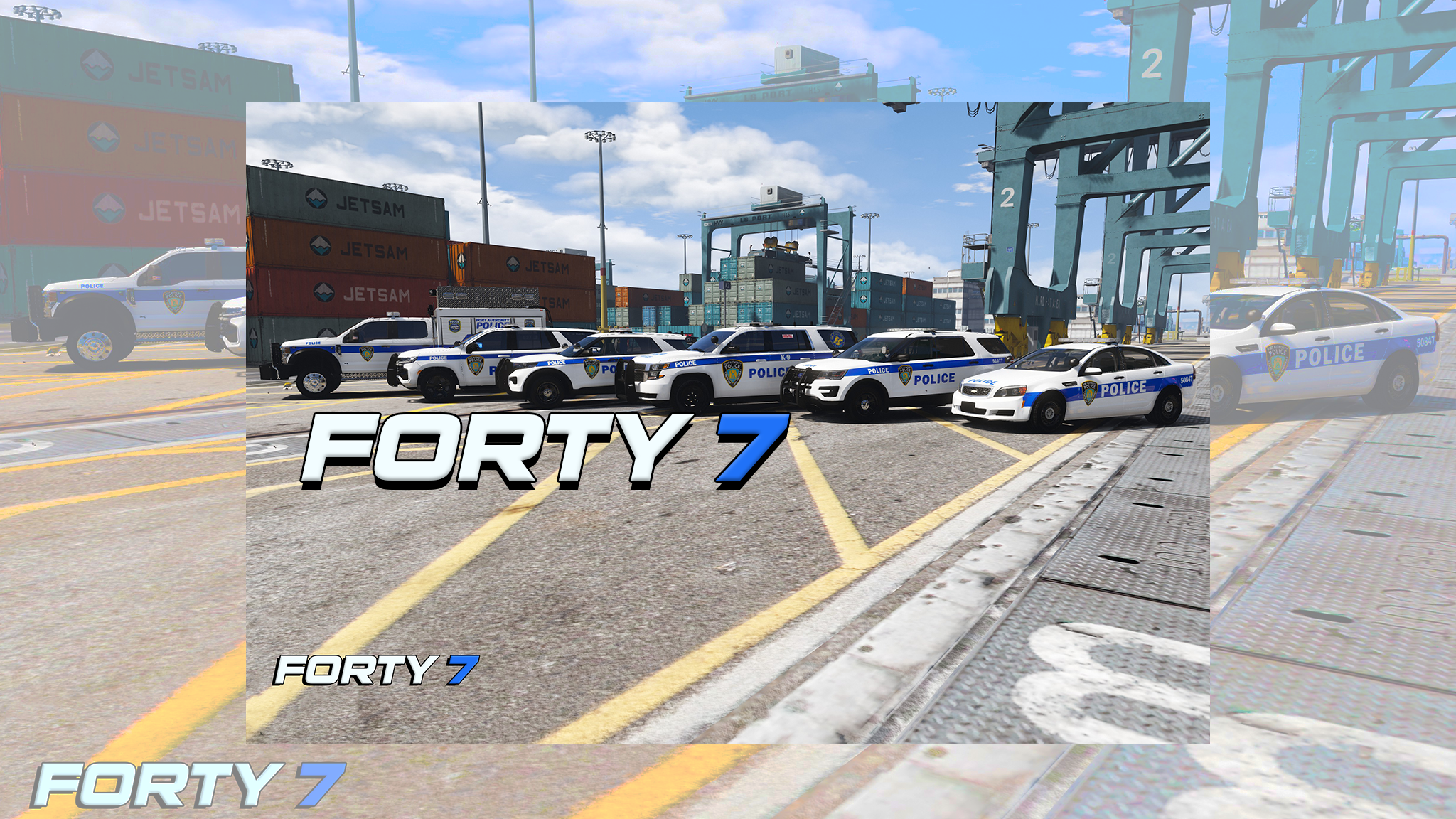
    I created this pack to go with my Port Authority Livery Pack (Linked Below!) The Port Authority Police have a unique mission: their primary duty is to safeguard some of the most critical infrastructure facilities in the world. Their span of control spreads across numerous jurisdictions within two states. Their singular responsibility is to provide security for thousands of employees, millions of commuters, passengers, and visitors who travel through the Port Authority’s transportation facilities and structures. The duties of the Port Authority Police include high-visibility police patrol, preliminary criminal investigation, emergency response, counter-terrorism tactics, commercial vehicle inspections, directed patrols and aircraft rescue and firefighting. Uniform Textures: - Patrolman Shirt - Patrol Soft-Vest - PAPD Hat - PAPD Jacket PORT AUTHORITY POLICE LIVERY PACK: !!!MUST HAVE!!!! Please Do NOT re-upload or rip off. Please Credit me if you're gonna use the pack in a video or any media. ------------------------------------------------------------------------------------ © 2025, FORTY 7 GRAPHICS & DESIGNS

Account

Navigation

Search

Search

Configure browser push notifications

Chrome (Android)
  1. Tap the lock icon next to the address bar.
  2. Tap Permissions → Notifications.
  3. Adjust your preference.
Chrome (Desktop)
  1. Click the padlock icon in the address bar.
  2. Select Site settings.
  3. Find Notifications and adjust your preference.