


Pacific Pig
Members
-
Joined
-
Last visited
Everything posted by Pacific Pig
-
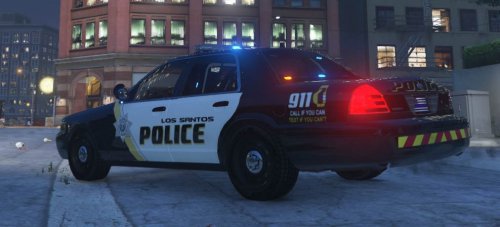 @Sik.Sensed I kind of don't get your response........ No one said you need to mimic departments exactly do whatever you want original skins are great. With his pack you said it is based off El Paso which yes you have the same stripes but that's it ....... at that point it's not really based on them anymore and is more loosely inspired by their paint job. Also no offence intended but @Officer Wiggins throwing your skin in his face when it has almost just as many problems is kinda uncalled for in my opinion.
- 9 comments
- 2 reviews
-
-

- 1
-
-
EDIT: Now that it is made clear these are just lightly inspired by El Paso and not meant to be based on them I am raising my review but some of the problems in my original review not dealing with El Paso are still there such as #10, #12, #13, #14, #15, and I noticed looking at the side of the vehicles in game the white bleeds off the doors in some places that once noticed is hard to unsee. For a lore friendly pack based on a real department this is pretty inaccurate in every way but the stripes. Font for all writing is completely off and not even close to what El Paso uses. El Paso uses grey outlined with black lettering for the city name on the side not just plain black as seen here. EPPD also outlines police on the side of their cars not a drop shadow as used here. Completely different Emergency 911 decal used, on the real cars They simply say EMERGENCY 911 on the side In real life under police EPPD has "El Paso's Finest" or "To Protect and Serve" in grey text with a black outline with and extra black drop shadow on the To Protect and Serve version. In real life they have a Oval Shield style badge not a Star like used in this. The real department has white roofs not black. On the back the Real El Paso Police have "El Paso Police" on the back not just Police and it is all orange like their stripe not black with a outline. El Paso doen't use caution stripes on their vehicles. None of these cars have unit numbers at all. Most El Paso cars also have a U.S. Flag on the front quarter panel near the stripes. No actual licence plate El Paso based or Lore. On one of the chargers (the 14 if I remember correctly) has the corner of a black box cutting it off. The stripe is very bright in game and looks more neon yellow then the light orange it is in real life. None of the "Los Santos" text lines up with "Police" on the sides. Hope you don't take this the wrong way this is just meant to help improve the pack not be mean in anyway! Would've given a higher star count but for something based off El Paso these are almost completely different other then the stripes! Hope to see this pack improve, Best of luck keep it up!
- 9 comments
- 2 reviews
-
-
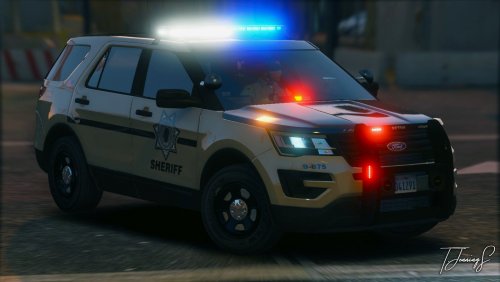 Credit for my badge I asked you not to use would be nice ...........
 -
From the album: Pacific Pig Photography
-
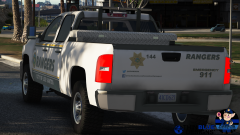
From the album: Pacific Pig Photography
-
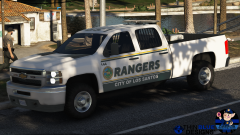
From the album: Pacific Pig Photography
-
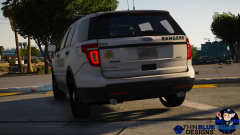
From the album: Pacific Pig Photography
-
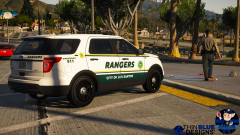
From the album: Pacific Pig Photography
-
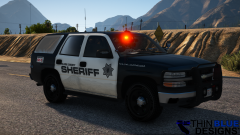
From the album: Pacific Pig Photography
-
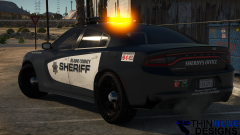
From the album: Pacific Pig Photography
-
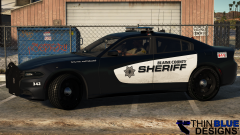
From the album: Pacific Pig Photography
-
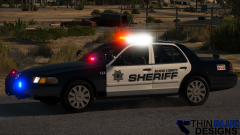
From the album: Pacific Pig Photography
-
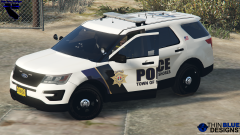
-
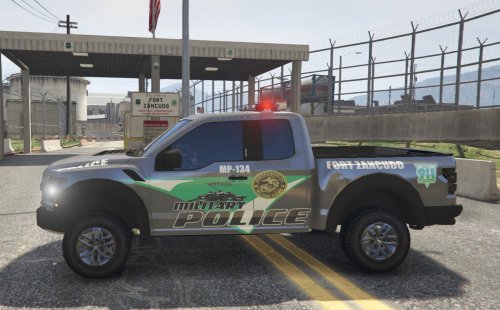 Overall good design I really like where it was going but the fact the iwo jima flag raising is so smashed kills it for me.
- 2 comments
- 2 reviews
-
 yep triple checked and even tried manually renaming it to the correct thing and nothing the main tone stays default. thew in a modern siren pack siren and it worked so IDK what it is.
- 13 comments
- 2 reviews
-
-
 Nevermind I figured it out. if you have a modifer for the Menu it also applies to the traffic menu.
- 1,005 comments
- 68 reviews
-
This mod is great and I've had not issues till 1.5.0 and I can't get the Y menu to open on a traffic stop.
- 1,005 comments
- 68 reviews
-
From the album: Pacific Pig Photography
-
From the album: Pacific Pig Photography
-
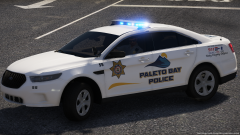
From the album: Pacific Pig Photography
-
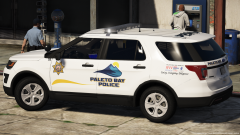
From the album: Pacific Pig Photography
-
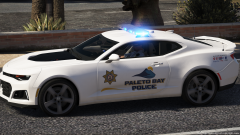
From the album: Pacific Pig Photography
-
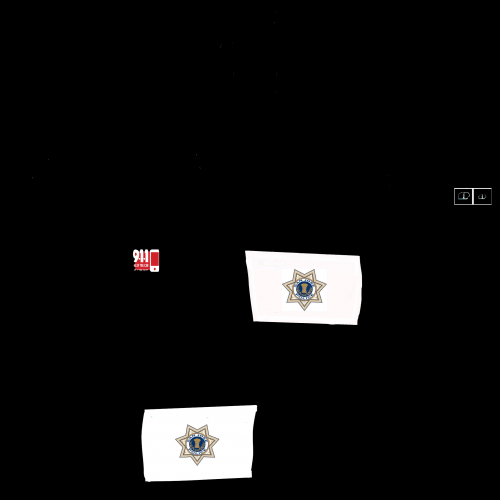 I'm from this area and also know pictures of their cars are everywhere on google. San Jose Police do not use black and white patrol vehicles they are dark blue with white front doors and white roofs. That is not SJPD's 911 decal at all. When you cut out the 911 decal you cut off parts of the text and a lot of color. 911 decal is only on one side. 911 decal is on door Left in template door filling making it display the template line in the door frame. Blank license plate area. I really hope you keep trying texturing but you really need to practice and think before you upload, I'm not telling you what you can or can't post but if you know your 911 badge is on the door maybe fix that before posting. Hope to see improvement on your next post.
- 1 review
-
-
- 1
-


