


Pacific Pig
-
Joined
-
Last visited
Everything posted by Pacific Pig
-
 If you wanted to just this pack but keep ELS controlling your Lights (even tho only stage 3 will work like any non-els vehicle) and siren tones then just use this.
- 44 comments
- 4 reviews
-
-

- 1
-
-
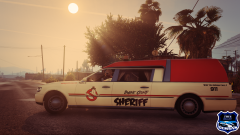
From the album: Pacific Pig Photography
-
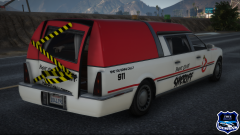
From the album: Pacific Pig Photography
-
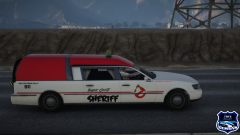
From the album: Pacific Pig Photography
-
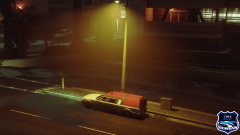
From the album: Pacific Pig Photography
-
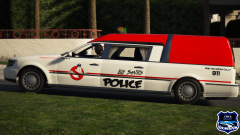
From the album: Pacific Pig Photography
-
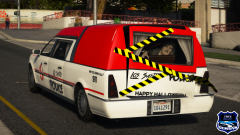
From the album: Pacific Pig Photography
-
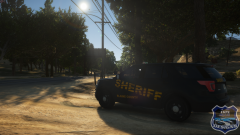
From the album: Pacific Pig Photography
-
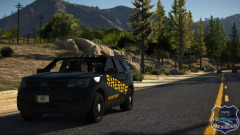
From the album: Pacific Pig Photography
-
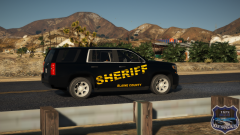
From the album: Pacific Pig Photography
-
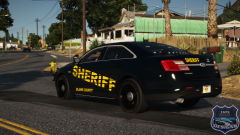
From the album: Pacific Pig Photography
-
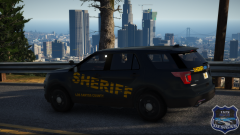
From the album: Pacific Pig Photography
-
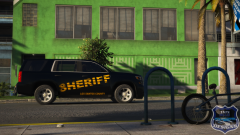
From the album: Pacific Pig Photography
-
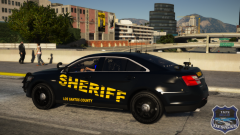
From the album: Pacific Pig Photography
-
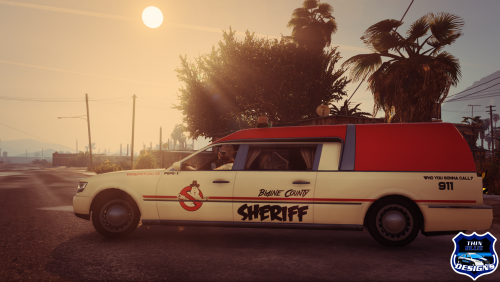 vvvvv CARS vvvvv Wanna join a group of creators, fellow LSPDfr fans, and Law Enforcement Enthusiasts? Go to my profile or click the link below and join the Thin Blue Designs Discord! We are a group of creators who help each other with decals, Paint.net support, and any other problems you may need help with so join our discord today to get more info and start becoming a member today! Click here to join the Thin Blue Designs Discord Today!
 -
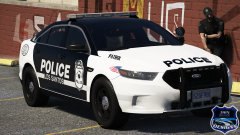
From the album: Pacific Pig Photography
-
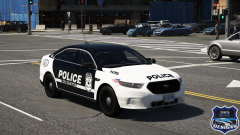
From the album: Pacific Pig Photography
-
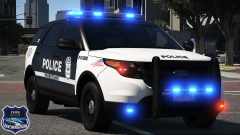
From the album: Pacific Pig Photography
-
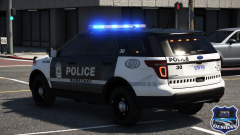
From the album: Pacific Pig Photography
-
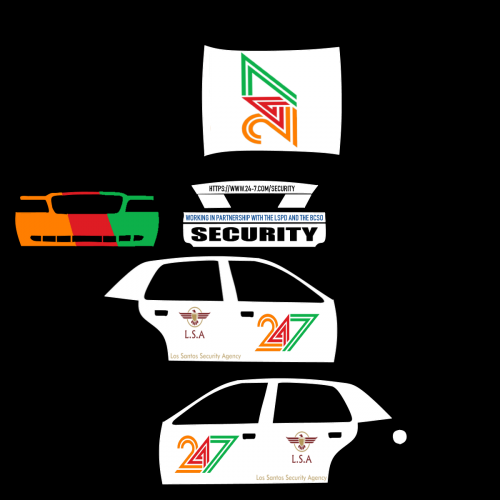 to add on to what Jennings said if you can't run gta and you don't want to ask anyone then just take pictures of the car in OpenIV at least so people know what they're getting at least a little bit before downloading.
 -
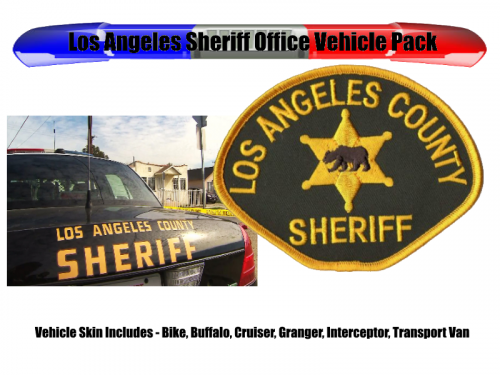 @GTAModding In your response to that review by @Proportionality I don't get it ........ why did you call these LASD skins if you weren't trying to make them accurate? I haven't downloaded these but I'm guessing they say Los Angeles County Sheriffs on them which means you should probably try make them look like real life since you're making a real department......
- 9 comments
- 2 reviews
-
-
- 2
-
-
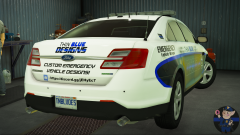
From the album: Pacific Pig Photography
Just a fun show/demo car for my design team like a lot of real life emergency vehicle wrap places have! -
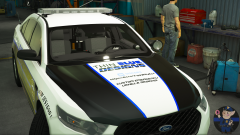
From the album: Pacific Pig Photography
Just a fun show/demo car for my design team like a lot of real life emergency vehicle wrap places have! -
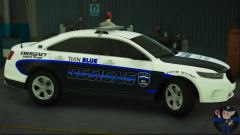
From the album: Pacific Pig Photography
Just a fun show/demo car for my design team like a lot of real life emergency vehicle wrap places have! -
I mean someone asked for pictures you said they were in folder is why I said that. If you can't get in game for pictures you should at least show an example skin or a OpenIV model picture.

