




GrandTheftPD
Members
-
Joined
-
Last visited
Everything posted by GrandTheftPD
-
-
.png.9887c6cfc0cefbaff66fb6b8a3088df3.png)
From the album: Just Doing My Job
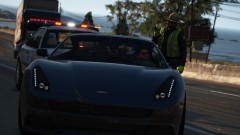
Traffic stop turns into an arrest for heroin trafficking.© GrandTheftPD
-
-
-
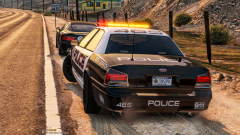 I like it nice to see a different take on the vanilla vehicles 👍
 -
 I didn't even know there was another one in there lol gonna have to find it later and check it out thanks for the heads up.
- 158 comments
- 21 reviews
-
-

- 1
-
-
-
-
 Sounds like maybe it's just not downloading correctly and corrupting files or something. Try completely closing out your browser than try again or maybe try a different browser. I've had firefox do stupid things like that to me before where it refuses to download something right until i completely close it all out or reset my whole pc. What program are you using to extract?
- 67 comments
- 5 reviews
-
.thumb.jpg.182dedb1a55dea252c1853d35d4d1e3c.jpg) 😁 Thanks! I gave up I ended up just wiping my game folder and starting from scratch lol
😁 Thanks! I gave up I ended up just wiping my game folder and starting from scratch lol- 256 comments
- 29 reviews
-
I believe its #26 ( maybe 25) might be the 2nd texture for it which is why your prob not seeing it right away.
- 67 comments
- 5 reviews
-
By default 0.4 uses the multiplayer (eup peds) for the backups instead of the regular sheriff peds. You can configure the backup units to use either the eup outfits or the original sheriff peds through the lspdfr 0.4 data xmls. I plan on updating my packs with female eup and 0.4 configurations as soon as I can.
- 256 comments
- 29 reviews
-
-
- 1
-
-
-
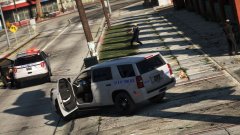
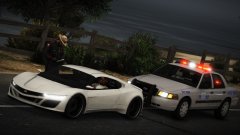
From the album: Just Doing My Job
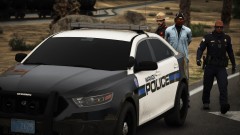
Forced to return fire after fleeing suspect opens fire and charges my backup unit.© GrandTheftPD
-
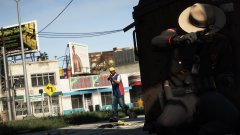
From the album: Just Doing My Job
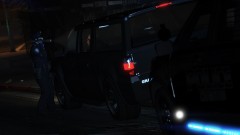
Covering behind a dumpster while a fleeing suspect opens fire.© GrandTheftPD
-
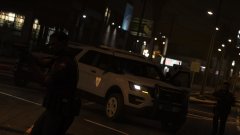
-
Time to Clock In.
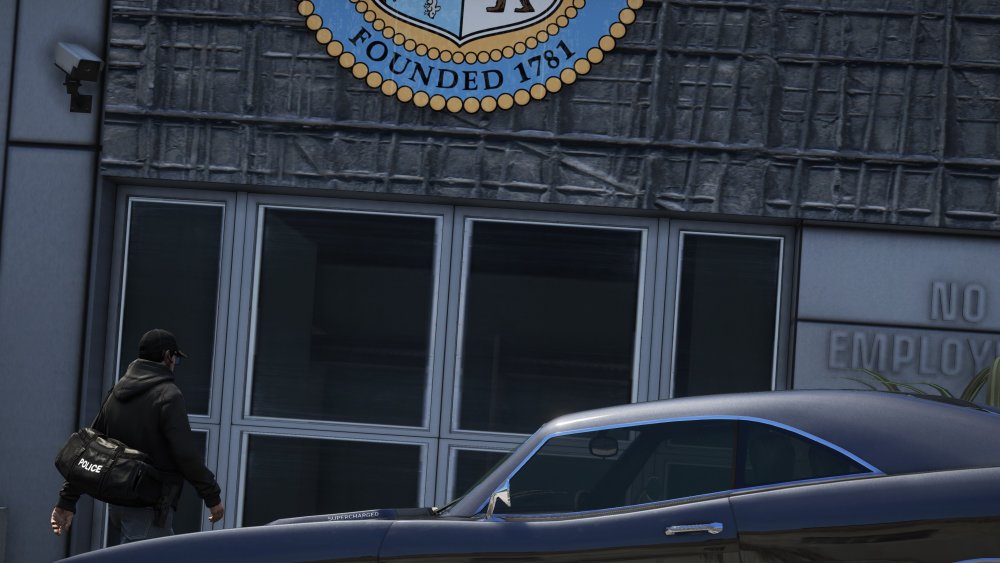
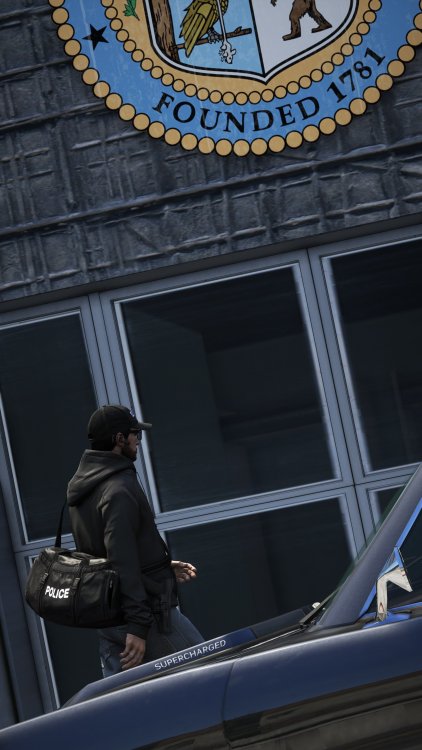
-
I didn't make the belt that belongs to @CodeyWynne you can request custom versions from him but as far as I know this one is still the only one he's made public. I retextured them in my own game because they were always too big / shiny for me too and they look a lot better you could try doing something along those lines.
- 256 comments
- 29 reviews
-
I have like no mods in my game other than nvr and some cars / uniforms and I have such horrible texture loss every time I go on duty I can't even play. Roads and buildings just disappear as I'm driving lol. And like an idiot I didn't back up the old lspdfr so I can't even roll back to the old version.
-
I actually think that could be a useful feature in some instances although it's hilarious. Used to get suicide attempt calls with people on top of high buildings threatening to jump etc. This would have been very useful in getting them down with less splatter.
-
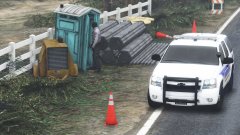 I'm 99.9% sure its this one:
 -
-
-
-

.png.9887c6cfc0cefbaff66fb6b8a3088df3.png)
.thumb.jpg.182dedb1a55dea252c1853d35d4d1e3c.jpg)


