Officer LarseN
Members
-
Joined
-
Last visited
Everything posted by Officer LarseN
-
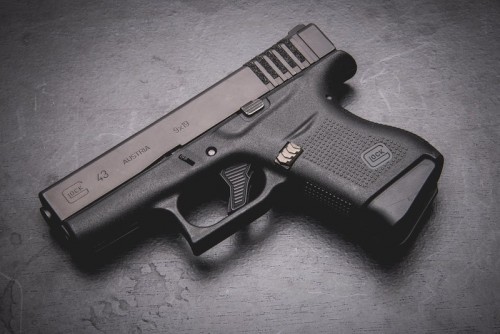
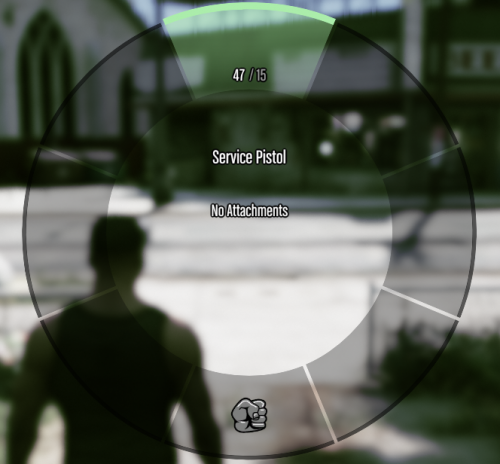 Hi there. I decided that i was tired of running out of slots for certain weapons so i made a new slot 🙂 This is an add-on which means there's no weapon model when you download it, but you can add your own. No need to configure just plug and play basically. It is however optimised for a Glock model. I'll make a guide on how to change the magazine capacities if there's need for it. If wanted, i can add more slots, whether that might be for another pistol, an SMG, a rifle or shotgun. Anything. I want to thank @TheRaf3D1 (https://www.gta5-mods.com/) for a helping me when all hope seemed lost lol. Thank you dude. NOTICE: I know that there isn't a HUD icon for it, but as far as i know you cant get that with add-on weapons anyways, so that's just how it is. Cant do nothing about it How to install: With OpenIV go to mods>update>x64>dlcpacks then drag and drop. Then you need to go to mods>update>update.rpf>common>data, hit "Edit mode" right click dlclist.xml and hit "Edit" add the following line at the bottom "<Item>dlcpacks:/servicepistol/</Item>" Feel free to make a comment if there's something you're unsure about, or if there's things i should add slots for. I don't take any responsibility for any damages done to any of your stuff if you decide to use any of my files You're not allowed to alter any of the files within the folder and release it as your own. You can however use it for videos, idc lol If anyone knows of a method of how to add HUD icons, feel free to reach out to me.
 -
 Interessant koncept. Me likey. Hvis du nogensinde får brug for hjælp spørger du bare, jeg har rimelig meget erfaring indenfor skins and such.
 -
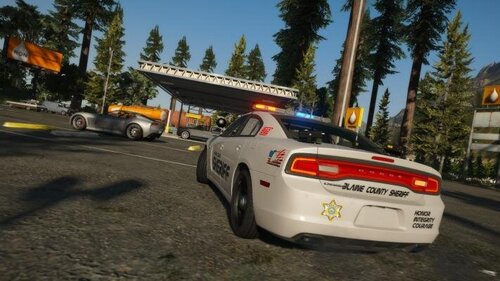 Ngl this looking kinda fire
 -
 Hey buddy, i would love to use this plugin but its kinda hard when it seems to crash my game, any idea why it might be crashing my game? And don't you worry, i have tested everything and my crash IS caused by this plugin 110% sure. Thanks in advance 🙂 Hey buddy, i would love to use this plugin but its kinda hard when it seems to crash my game, any idea why it might be crashing my game? And don't you worry, i have tested everything and my crash IS caused by this plugin 110% sure. Thanks in advance 🙂
- 264 comments
- 21 reviews
-
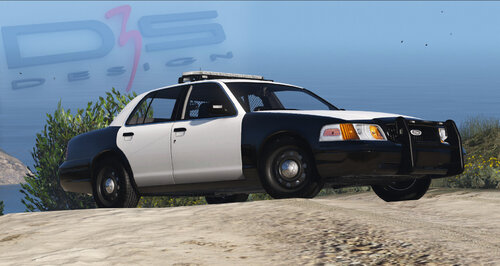 Nice
Nice -
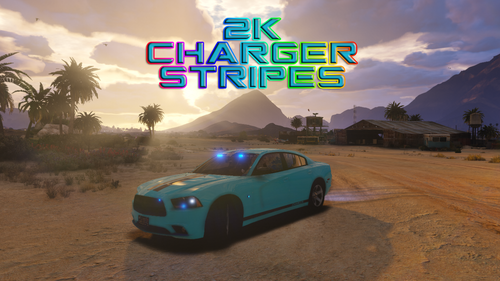 I mean i havnt downloaded this for myself, i just saw that you wrote "Comment for more color" or something like that so i assumed that you just had the diffrent liverys as solid colors.
 -
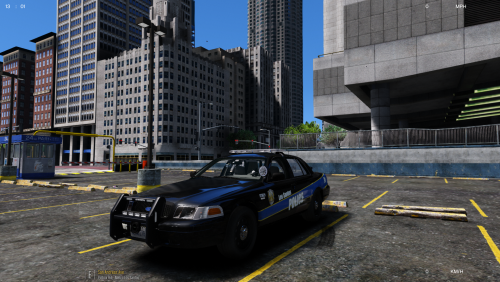 I will try to get a new update pushed out. Thanks for the kind words my friend 🙂
 -
Just a quick question, why dont you make the black transparrent in the skin file? Maybe make the stripes secondary color?
-
-
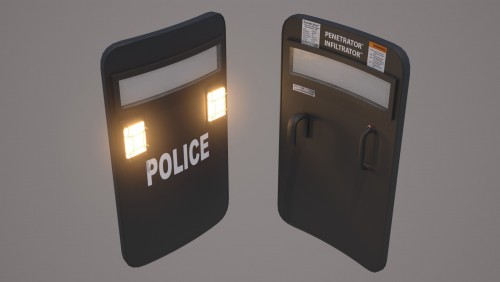 Hey. So i seem to be getting some texture error with this shield, is there some settings that need to be set specifically?
- 36 comments
- 3 reviews
-
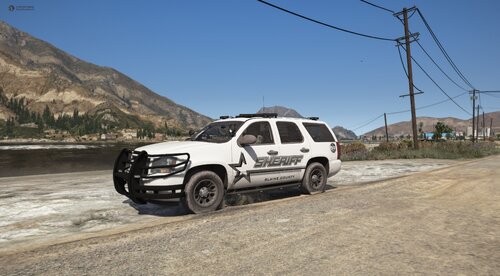 im a dummy dumb dumb, what i was trying to say is that he only included pics of 4 cars...
 -
Calls it megapack. Includes 4 cars
-
-
 Okay so what you need to do once you have downloaded the file is to extract the whole folder onto the desktop. From there you go to GTA V / Mods / x64 / audio / sfx /STREAMED_VEHICLES.rpf - right click - import - then you select the generic_helicopter.awc file. You basically do the same for the STREAMED_VEHICLES_LOW_LATENCY.rpf this should just be with the generic.awc instead of the generic_helicopter.awc
- 17 comments
- 2 reviews
-
-

-

- 2
-
-
-
That install method doesnt work for some people. I have had gotten a DM on discord about how i made it work. The way i made it work is that i exported the whole folder onto the desktop and then imported the ".awc" files to where they are supposed to be imported to
- 17 comments
- 2 reviews
-
-
- 1
-
-
You should probably rewrite the readme... the install instructions is very unclear. I could help you rewrite it if you want
- 17 comments
- 2 reviews
-
I for some reason cant replace the sounds even though i follow what you say in the readme This is the message i get when i try to download it GOT IT FIXED SO NVM
- 17 comments
- 2 reviews
-
-
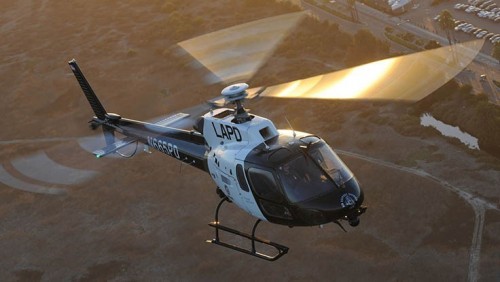
 Which helicopter sound did you use? Also i can hear that you have a pistol sound replacement of some sort, what is the name of that? Sorry for asking a question thats not regarding your file _: )
- 23 comments
- 6 reviews
-
-
Hello and thanks for the kind words. Really does make me feel great as this is one of my first larger packs. I really hope you enjoy them as it took me a long time to make them. If you are able to take some better screenshots than i have you are more than welcome to send them to me either here or on discord (which is aZox_DK#0420)
-
What is up peeps. I am now officially releasing this mega skin pack, that i decided to give a try at making. I myself really liked how it turned out in the end, but do you 🤔? I decided to go with a Baltimore inspired PD pack. So with that said its not gonna look exactly like theirs. If you have any suggestions and or things i should redo, leave those in the comment section, not the reviews. If you like this please review since it really boosts my self esteem to know that people like what i make. Note that i do not: take any responsibility for anything that might break your game (or anything else for that matter) if you decide to use this pack. What i have in mind with this pack: Make more variations of the skins. Get the Caprice skin to work correctly. Make a skin for the 13 FPIU with HQ int. Also! Don't upload this anywhere else without my specific permission, like forreal, don't be one of those guys that just take credit for someone else's work, that's not cool. This is in no way perfect as i am pretty new to this skin making stuff. If you'd really like, you can just go ahead and use this on ya FiveM server, thouh i doubt anyone would tbh. This is the vehicles i used, though keep in mind they are NOT limited only to these cars, they are simply what i used. Please, for the love of god, don't burn me like a witch if i forgot someone/thing, i am simply a human aswell. Just tell me, as a human to another human if i forgot you or something like that, and i will try to fix it ASAP
-
 I will try to take a look at that some time soon 😉 Yeah ik. Thats also the thing that bugs me with Maurices pack. As i also wrote at the top its complimentary to HIS skin pack, so i tried to not change too much of his original skin
 -
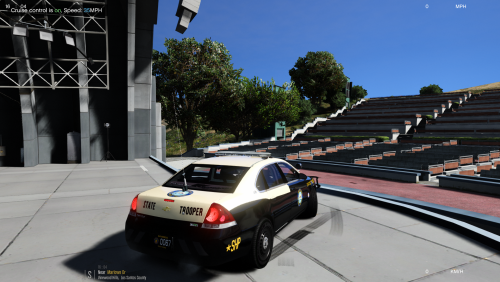
Hello! So after a long time of thinking about this i finally decided to give it a shot and upload this. I decided to make these complementary to Maurice97's SHP pack since i thought it needed some more. If you have any suggestions and or things i should redo, leave those in the comment section, not the reviews. If you like this please review since it really boosts my self esteem to know that people like what i make. Take note that this is only my "2nd" release. I do also make skins from time to time so if you'd like a skin made you can either contact me here on lspdfr.com or discord (Which is aZox_DK#0420). Note that i do not take any responsibility for anything that might cause any problems if you decide to use this pack. What i have planned to add to this pack: 2015 Tahoe, 2017 Silverado, Dodge Durango and maybe a Caprice. If you have any suggestions about skins, just leave them in the comment section and i will try to take a look at it and see what i can do about it. The Impala skin is applicable to any of OfficerUnderwoods Impala models, the exact same goes for the Tahoe. The Charger skin is applicable to TheHurks 15 Charger model. If you'd like i have listed the vehicles that i used below: Charger and Tahoe. Note that the skins are not only limited to these models. Impala. Not only limited to this specific one. Can be used on any of Underwoods models. 2010 Dodge Charger. Note that the skin is not limited only to this 2010 Charger. It can be used on any of Psource's 2010 Chargers. The general pack i am making this small skin pack for. Also realised that you can probably use the Tahoe from the RX2700 Pack. Don't take my word for it seeing as i haven't tested it If i missed any important info or anything else, just ask in the comment section and i will get back to you as quick as possible.