
CoLT 55
Members
-
Joined
-
Last visited
Everything posted by CoLT 55
-
So if you want to have those cars in your game you have to rename them to idk police55/66/77 if you don't want them in your game you can just delete this line (<Item>dlcpacks:/sup/</Item>) out of your dlclist.xml. Or you go into your update folder and remove the folder named lspdpack.
-
The lspdpack
-
activate edit mode, right ckick and then edit
-
 https://www.lcpdfr.com/files/file/24628-duty-clothes-pack-eup-80/
 -
Looks like Arrest Manager
-
-
If all of this is not working i recommend doing it the longer way replace them one by one. For this you need to have update and x64e.rpf in your mods folder. Police, Police4, Policet, Fbi, Ambulance they all go into x64e.rpf Update folder: Policeb -> Patchday1 Fbi2 -> Patchday2 Police2, Sheriff, Sheriff2, Firetruk -> Patchday3 Police3 -> Patchday4 This should replace all of the cars. At least this is how I always do it and it works just fine
-
This depends if you are using Ultimate backup you can change it in the DefaultRegions.xml. If you are using the standard backup you can edit the outfits aswell as the belts right here "Grand Theft Auto V\lspdfr\data\custom\" you just have to choose your agency and open the EUP Menu to find out which slot your belt uses. In order to have does custom EUP Backup agencys install this :
-
Just do what this box tells you to do: Press 1 🤨
-
Hey, You have to open the vehicles.meta in your addon pack and look for <audioNameHash>. After this you have to rename it to this: <audioNameHash>FBI2</audioNameHash> otherwise your car wont have any sounds. As for the computer+ thing, I'm sorry but I don't know much about it.
-
-
Looks fine to me. LSPDFR+ won't show up in the Rage settings. Everything looks fine so I don't know what you problem is right now 🤨
-
-
-
Try this https://www.gta5-mods.com/tools/heap-limit-adjuster-600-mb-of-heap
From the album: CoLT on Patrol
Common LSPD Patrol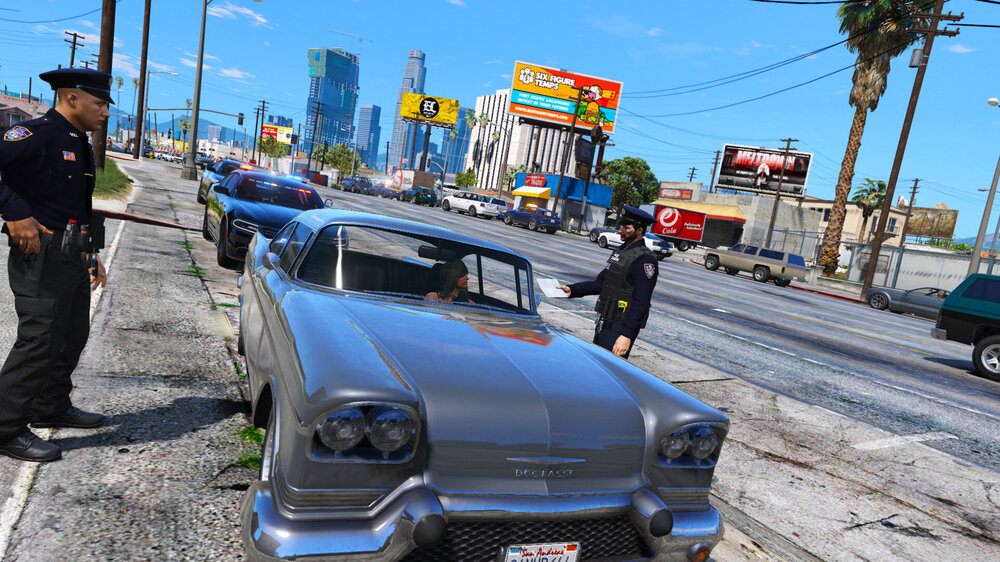
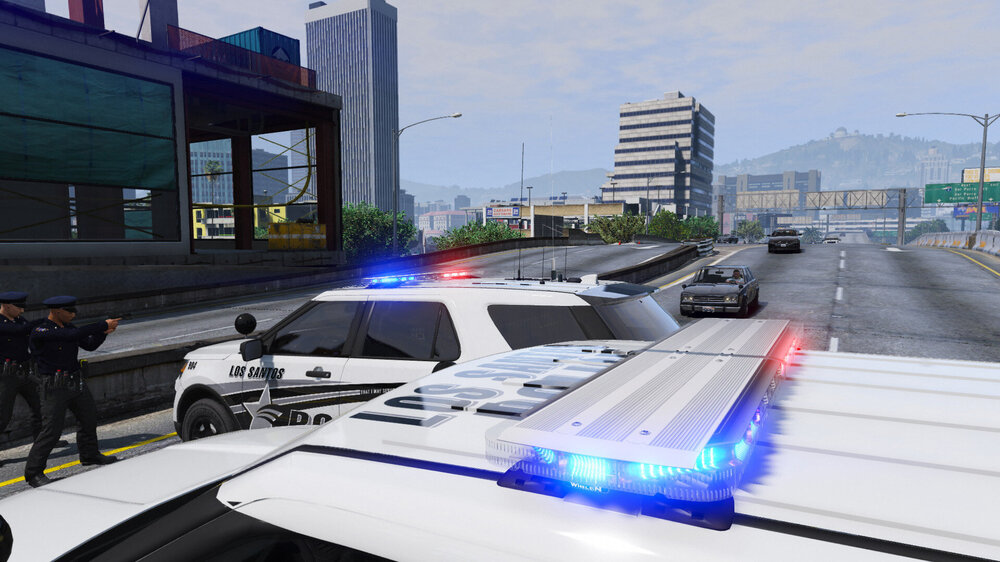
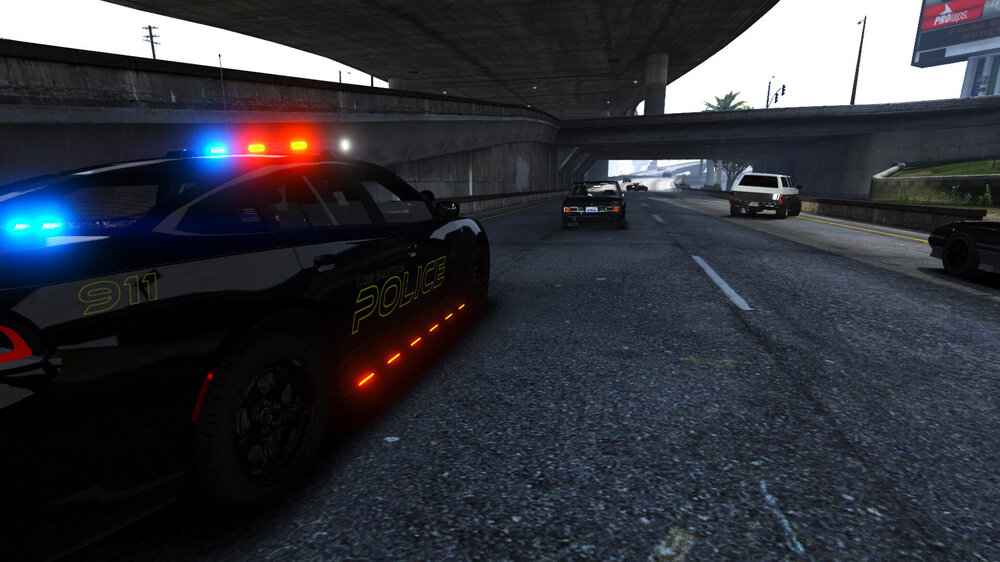
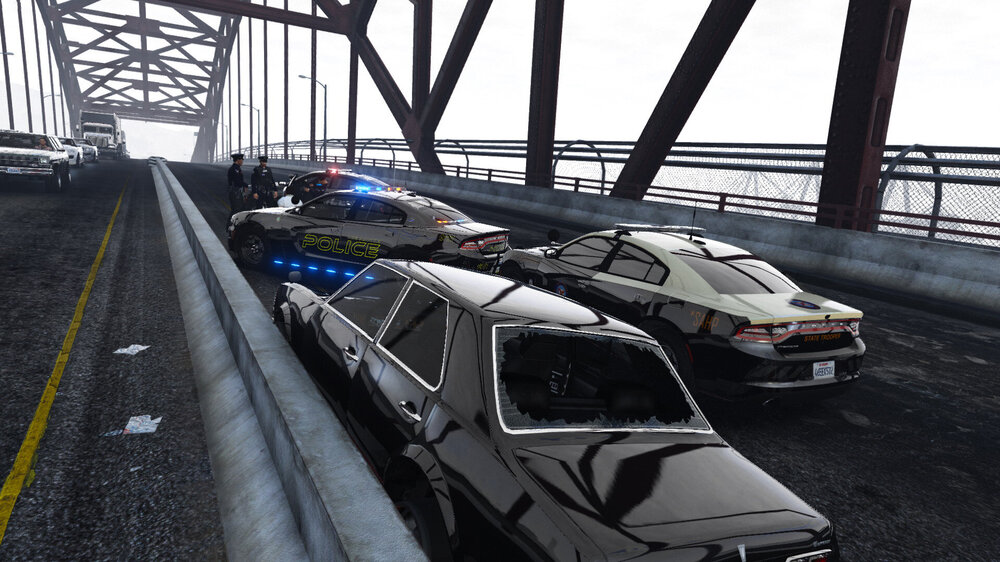
From the album: CoLT on Patrol