


Pazzi
Members
-
Joined
-
Last visited
Everything posted by Pazzi
-
 i'd just delete the report.db file try to remove the rph plugins (not lspdfr plugins) like @bjoIjo suggested above
- 1,742 comments
- 172 reviews
-
i think you can customize the citations yourself. look for xml files on computerplus folder.
- 1,742 comments
- 172 reviews
-
 I really like this pack. 5/5 just curious, is it done on purpose to not use a partition between front and back seats?
- 125 comments
- 51 reviews
-
-

- 1
-
-
-
Yummy.... the most complete pack with variety of model extras... it's a one stop shopping!
- 125 comments
- 51 reviews
-
-
- 1
-
-
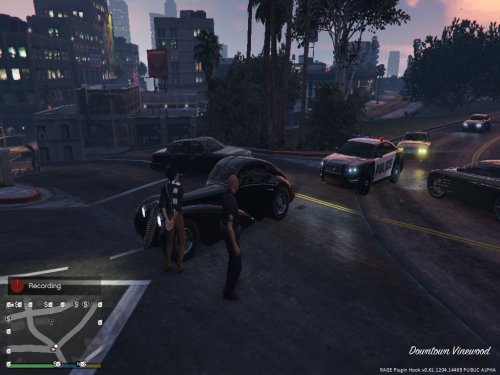 the callouts pack has pretty good and unique theme... although there are still bugs, I'm sure the author willl improve this. great work!
 -
i can't say no more. we sometimes need to sacrifice for good.
-
how many mods do you have? please try to run lspdfr without mods and other plugins as starting point. if it's stable, you can try to add 1 or 2 plugins at a time... try and see... if it's stable.. add more... remember, the visual mods, texture mods, model mods (cars & peds) will also affect memory usage in GTA. i know it will take time.. but worth a try...
-
Hi, I must say that your spec is considered as minimum spec for GTAV & LSPDFR. Don't expect to get 60fps, but I think you can still reach 30fps. good luck :)
-
How many plugins and mods do you have? the custom gameconfig.xml only extends the limit. If you sill have too many plugins & mods which exceed the limit, crash might still happen. Try to uninstall some mods/plugins one at a time untill the crash gone...
- 1,742 comments
- 172 reviews
-
did you guys update your gameconfig.xml.xml file? as the author said that gta-v has limited memory allocated for mods, which makes it to crash when it is exceeded, we need to update gameconfig.xml to increase that limit. my recommended gameconfig.xml is this one (designed for LSPDFR & RDE): https://www.gta5-mods.com/misc/gameconfig-xml-dilapidated i have been using it and the crashes that previously happened is gone.
-
did you guys update your "gameconfig.xml" file? as the author said that gta-v has limited memory allocated for mods, which makes it to crash when it is exceeded, we need to update gameconfig.xml to increase that limit. my recommended gameconfig.xml is this one (designed for LSPDFR & RDE): https://www.gta5-mods.com/misc/gameconfig-xml-dilapidated i have been using it and the crashes that previously happened is gone.
- 1,742 comments
- 172 reviews
-
-
- 2
-
-
 The best 2016 FPIU!!! Especially the tires are not floating like the other models!! perfecto!!
- 208 comments
- 59 reviews
-
-
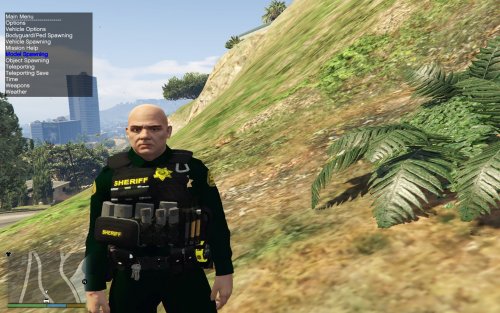 I really like this mod BTW. when using sheriff ped, I think it doesn't compatible with "Cop holster". Would be very happy if it's compatible.. thanks!
- 43 comments
- 5 reviews
-
-
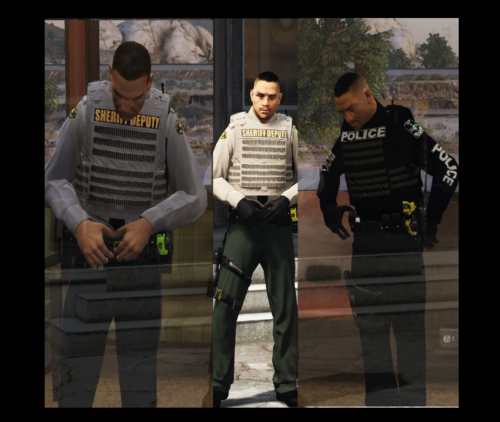 I like it! Potential bug that can be fixed in the future: the taser color sometimes is changing from yellow to green or vice versa when you draw a gun. I'm using cop holster plugin.
- 12 comments
- 5 reviews
-
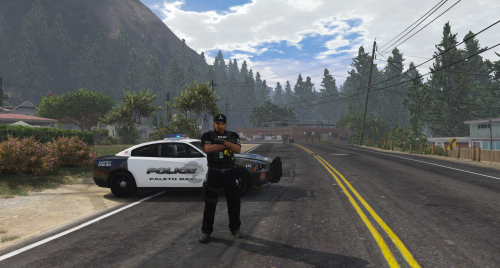 I cannot see the back part. is there a water bag or just plain vest? TBH. I prefer the plain one. But this is definitely a pretty good model. good job man!
- 5 comments
- 5 reviews
-
-
-
 great quality ELS cars for sherrif. I also use the great lspd pack from bradM! awesome!
- 89 comments
- 63 reviews
-




