



Legion672
Members
-
Joined
-
Last visited
Everything posted by Legion672
-
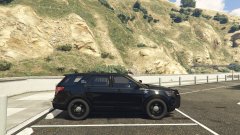
From the album: LSPD Fleet Showcase
-
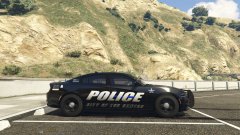
From the album: LSPD Fleet Showcase
-
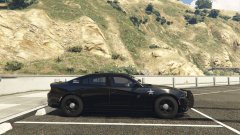
From the album: LSPD Fleet Showcase
-
From the album: LSPD Fleet Showcase
-
From the album: LSPD Fleet Showcase
-
From the album: LSPD Fleet Showcase
-
From the album: LSPD Fleet Showcase
-
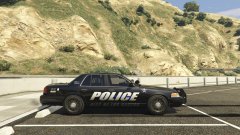
From the album: LSPD Fleet Showcase
-
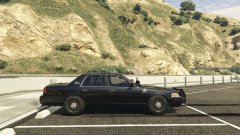
From the album: LSPD Fleet Showcase
-
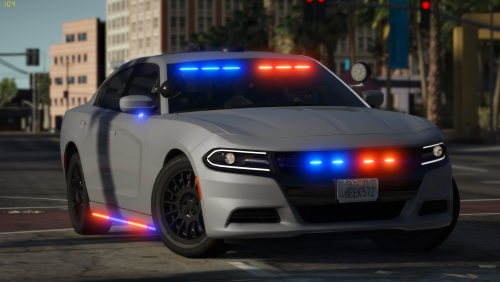 Another incredible car by a great developer! I'm never let down by any of your releases, keep up the great work!
- 36 comments
- 8 reviews
-
-

- 1
-
-
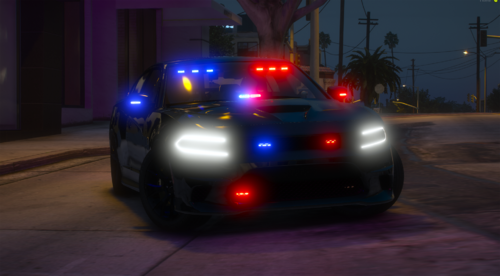 Is there any possibility that we might see an ELS version?
 -
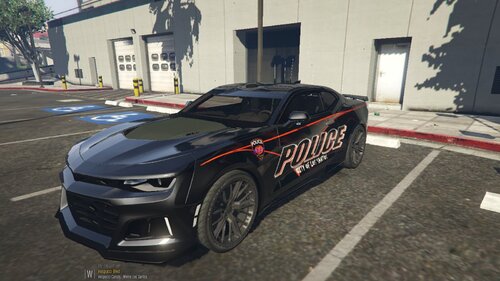 Vehicle models and their respective creators are in the credits section.
 -
-
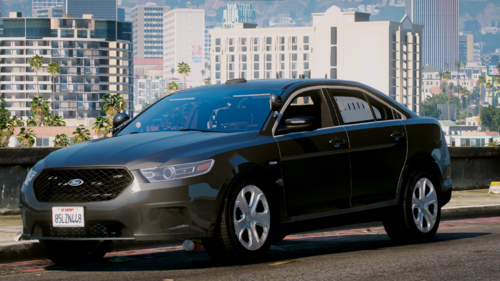 I love the car and the light setup is incredible, the only issue I found was that when you open the doors the light on the mirror does not move so it's just floating.
- 21 comments
- 5 reviews
-
-
- 1
-
-
-
In the spirit of Halloween, I've decided to create my own holiday themed decals for LSPD. There are currently 2 different variants: one with an orange roof and one without. I have personally found that the decals without the orange roof looks better for slicktops however feel free to use them how you see fit. As of now these are the current vehicles that are included: * 2016 FPIU (slicktop & lightbar) * 2018 Chevy ZL1 Camaro (slicktop only) * 2018 Dodge Charger (slicktop & lightbar) I do plan to create variants for different vehicles as well, I just haven't decided which cars I want to do it for so be patient and keep an eye out for updates. ***NOTE*** These decals will work on most every model however there are occasionally some exceptions so make backups of any decals you may currently have if you are fond of them. As far as use in FiveM servers and things like that go feel free to use them, just be sure to give credit where credit is do. I've really enjoyed making these and I'm pleased with how they turned out so I hope you guys like them just as much as I do!
-
 That's just the name I saved it under. In my experience I haven't had to change the name of the texture unless I am importing it as a second livery in which case you would need to rename it. I can explain it better if you would like but appreciate you wanting to try it out, hope you enjoy!
- 6 comments
- 2 reviews
-
-
- 1
-
-
-
I appreciate that. I'm sure it'll look great, I look forward to seeing what you come up with!
- 6 comments
- 2 reviews
-
-
- 1
-
-
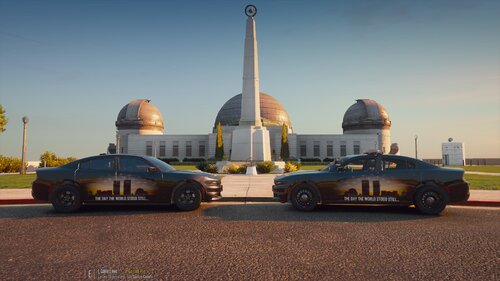
One September 11, 2001 the world stood still. Millions around the world would watch as thousands of Americans would lose their lives. As a Country we stood united and promised to always remember and honor those who would never make it home that day. Never Forget 9/11. We remember those who lost their lives in the Twin Towers: New York, NY We remember those who lost their lives in the Pentagon: Arlington, VA We remember those who wouldn't go down without a fight in United Flight 93: Somerset Co. , PA Events Timeline: *8:50 a.m.* U.S. President George W. Bush, visiting an elementary school in Sarasota, Florida, is notified that a plane has hit the World Trade Center’s North Tower. 8:59 a.m. Port Authority Police Department Sergeant Al DeVona issues orders to evacuate the Twin Towers. One minute later, evacuation orders are extended for all civilians in the World Trade Center Complex. *9:03 a.m.* The second plane crashes. United Flight 175 strikes the South Tower on floors 77-85. Two of the three emergency stairwells are rendered impassible and most elevator cables in the area are severed by the crash, trapping many on floors above the impact and in elevators. 9:05 a.m. President George W. Bush is alerted to the second crash into the South Tower of the World Trade Center. 9:08 a.m. FAA bans all takeoffs for flights nationwide which were either going to or passing through its New York Center airspace. 9:12 a.m. Flight attendant Renee A. May and passenger Barbara K. Olson aboard Flight 77 call family members and alert them to the hijacking. Their family members alert American Airlines and federal officials. 9:21 a.m. All bridges and tunnels into Manhattan are closed. 9:24 a.m. FAA notifies NORAD of suspected hijacking of American Airlines Flight 77.9:26 a.m.FAA bans takeoffs of all civilian aircraft. 9:31 a.m. From Florida, President George Bush calls the crashes an “apparent terrorist attack on our country.” He and his staff leave the elementary school and begin traveling back to Washington. *9:37 a.m.* The third plane crashes. American Airlines Flight 77 crashes into the western face of the Pentagon in Arlington, Virginia. 9:45 a.m. FAA grounds all flights, ordering all aircraft to land at nearest airport as soon as practical. More than 4,500 aircraft are in air at the time. 9:45 a.m. The U.S. Capitol and White House’s West Wing begin evacuating. The U.S. House of Representatives and Senate are in session. 9:58 a.m. Flight 93 passenger Edward P. Felt is able to hide in a bathroom and make a phone call to 911. *9:59 a.m.* After burning for 56 minutes, the South Tower of the World Trade Center collapses. The collapse takes a shocking 10 seconds. More than 800 civilians and first responders are killed. *10:03 a.m. (approximately)* The fourth plane crashes. Heroic crew members and passengers of United Flight 93 storm the cockpit, forcing the hijackers to crash the plane into a field near Shanksville, Pennsylvania, at a location just 20 minutes’ flying time from Washington D.C. The 9/11 Commission Report determined that this plane was likely headed for Washington D.C. or the White House. *10:15 a.m.* A damaged section of the Pentagon E Ring, a west-facing outer ring, collapses. *10:28 a.m.* After burning for 102 minutes, the North Tower of the World Trade Center collapses. More than 1,600 civilians and first responders are killed. 11:02 a.m. New York Mayor Rudolph Giuliani orders evacuation of lower Manhattan. 1:04 p.m. President George W. Bush, at Barksdale Air Force base in Louisiana, announces that the U.S. military is on high alert worldwide. 2:51 p.m. The U.S. Navy dispatches missile destroyers to New York and Washington. 3:07 p.m. President George W. Bush arrives at Strategic Command at Offutt Air Force Base in Nebraska. *5:25 p.m.* After burning for hours, the empty 47-story 7 World Trade Center collapses. 8:30 p.m. President George Bush addresses the Nation from the White House
- 6 comments
- 2 reviews
-
-
-

- 3
-
-
 Awesome, looking forward to it. The pack looks great, can't wait to try it out!
- 164 comments
- 17 reviews
-
Are there any plans to add spotlights to the cars? I know on ISP's marked units they all have them
- 164 comments
- 17 reviews
-
 I'll have them posted once my game updates.
 -
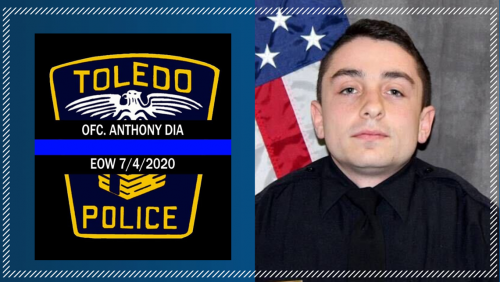
NOTE: This is specifically for the 2018 Dodge Charger, no further modifications will be made and I will not be creating any other variations of this for any other models. Officer Anthony Dia was shot and killed after responding to a disturbance at a department store. The subject was intoxicated and causing a disturbance. When Officer Dia attempted to make contact with the individual, the subject produced a pistol and opened fire, striking Officer Dia in the chest. Officer Dia returned fire and called for assistance. The subject fled into a nearby wooded area where he committed suicide. Witnesses attempted to provide medical aid to Officer Dia until another responding officer arrived on scene and transported him to a local hospital where he succumbed to his injuries. Officer Anthony Dia had served with the Toledo Police Department for 4 years prior to the incident. He leaves behind a wife and two sons. Rest easy Officer Anthony Dia, your service will never be forgotten.
-
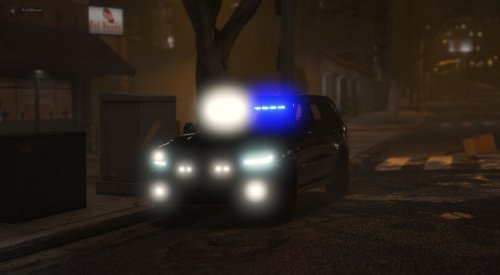 Is there any chance we could get this as an add-on? I'd love to use this car but all my slots are in use at the moment lol. If not it's cool, I'm sure I'll get around to using this at some point
- 70 comments
- 5 reviews


