Blazing
Members
-
Joined
-
Last visited
Everything posted by Blazing
-
-
-
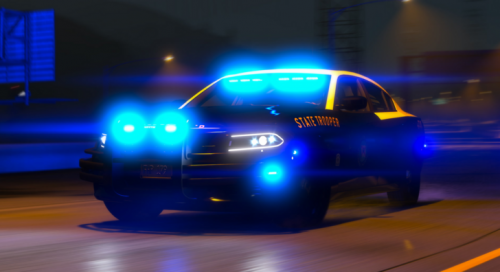 Discord Server: https://discord.gg/2Q8MyCU My first vehicle release here, hope you like it 🙂 Details: Detailed Interior Two Versions, All Blue, and Red & Blue Amazing / Detailed Skin Full Environmental lighting (360 Around) Working Spotlights Based off a IRL Vehicle Working Push-bar Collisions Non-ELS Lighting Setup Extra's: Extra 1: Touchbook Open (driver side) Extra 2: Touchbook open (passenger side) Extra 3: Radar on dash Extra 4: Transport cage Extra 5: Gun Rack Extra 6: Spotlight Up Extra 7: Spotlight Down Credits: Model - Matt Screenshots - JJ. Whelen IONs - BxBugs Interior Lighting Package - Bueno Interior Lighting Package Re-modeled - BlazingDesigns Skin Made by - Floh Designs
- 9 comments
- 1 review
-
-

- 3
-
-
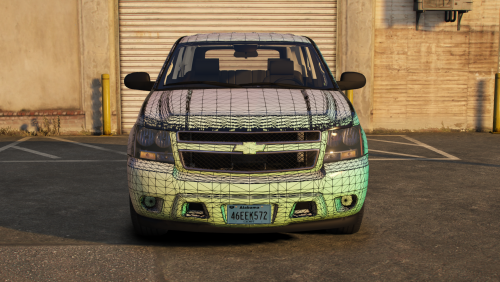 Amazing, just have one issue if someone could help... https://gyazo.com/c7f2a7459a638cb9f03b3a455e578388 The tahoes chevy logo is templated, i changed the color of it and it changes the interior from black to brown no matter what color i change it to it always changes it to brown.
 -
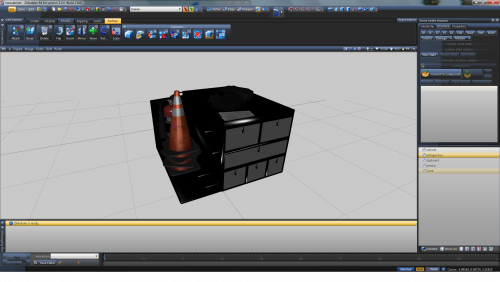 Love the body vest !
 -
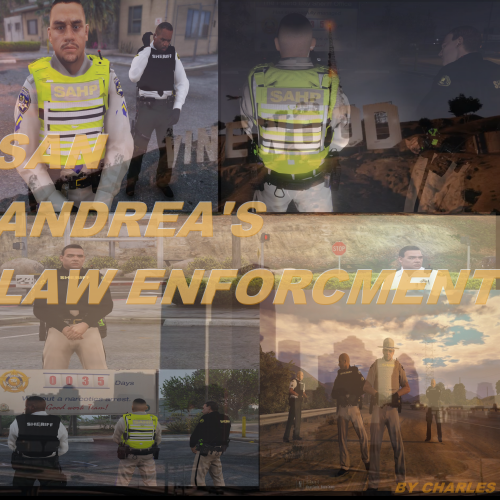 Question, is there a way to get the Traffic Vest and normal vest for highway in the game at once
- 58 comments
- 22 reviews
-
-
-
So I'm attempting to make a non els unmarked ford interceptor utility and I'm having a little bit of trouble. I was watching the only 2 videos that have been uploaded on how to make a non els police car and those are extremely confusing. I was wondering if anyone would be helpful enough to call me on discord and walk me through it. I hope I'm not asking to much from anyone but i would really appreciate it! Discord : Blazing#3116
-
-
-
-
I want to make a basic non els unmarked charger for me and my friends but idk how. Like I do it and they flash but they stay on 24/7 and the glass on it looks like it pops out. If someone can link me a tutorial or dm me that will be great, thank you
-
-
I need help on making a car on zmodeler3. I'm willing to pay someone to help me create a nice unmarked or marked police car (charger, tarus etc.). Contact me on here or
-
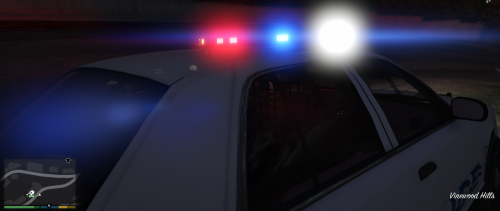 Same
Same -
So I'm sort of new to Zmodeler3 but not a total noob. So I attempted to make my own GTA5 Tarus police car and I put multiple lightbar's on and the same thing happen's. I load into the game after exporting it with the extra_1 , extra_2, etc. But when I load into the game and I press J three times to turn it on, nothing lights up but the tail lights. If anyone can help me that would be amazing. My Skype is : BlazingFire02 , My discord is : BlazingFire02#3116 Or you can contact me on here. ^^ I linked those in case u wanted to call and share screen's!