LibertyDesigns
Members
-
Joined
Everything posted by LibertyDesigns
-
 through windows you can put them all in a folder, right click, and then press send to, then pressed "compressed (zipped) folder" and it will put the contents of the folder in a .zip file.
 -
-
-
please put these in a .zip or .rar! It's very time consuming to download each individual file.
-
-
 Maybe a few in game screenshots?
 -
 Maybe take the screenshots during the day so we can see the skin in detail, also make one of the screenshots the cover image, not the actual skin file. Otherwise, great work!
 -
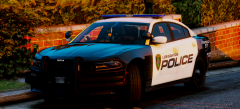 yesss with the westinnn😍
 -
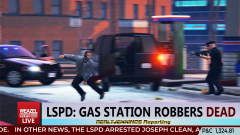
From the album: Hittin' the Edits
Little edit I threw together in Photoshop -
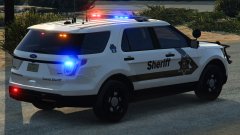
From the album: Eye Candy
Screenshot I took for another member. -
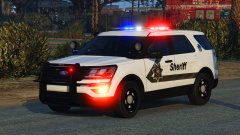
From the album: Eye Candy
Screenshot I took for another member. -
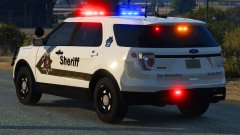
From the album: Eye Candy
Screenshot I took for another member. -
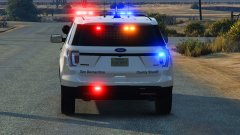
From the album: Eye Candy
Screenshot I took for another member. -
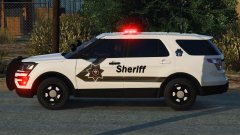
From the album: Eye Candy
Screenshot I took for another member. -
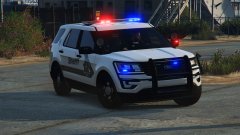
From the album: Eye Candy
Screenshot I took for another member. -
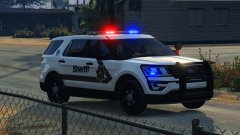
From the album: Eye Candy
Screenshot I took for another member. -
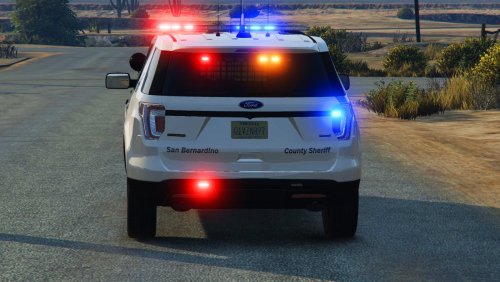 A) What car does this template fit? Nobody is going to test every FPIU known to man to find a fit. Please share the link in the description of this. B) Where are screenshots of this in game? This is very unappealing to just have the template as the photo in the DL . C) There are more decals on the vehicle than just the sides: D) This isn't nearly ready for release, please update this using the constructive criticism given. Thanks for your effort.
- 4 comments
- 2 reviews
-
-

- 1
-
-
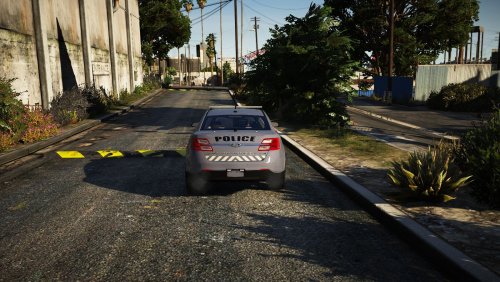 A few simple house keeping things to throw in an update: -The texture is missing plates -The b-pillar is always black on the FPIS, to do this there is a box on the template that says "other" or something similar, make that black to match the real life counterpart. Good work, though. Looks really nice.
 -
-
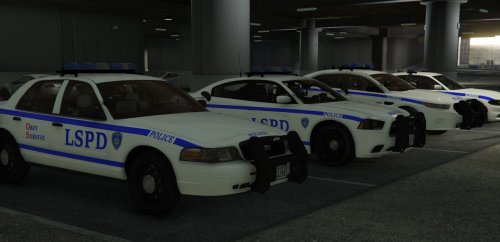 Lines and everything look nice, font and font size are only issues. Nice work🙂
- 10 comments
- 5 reviews
-
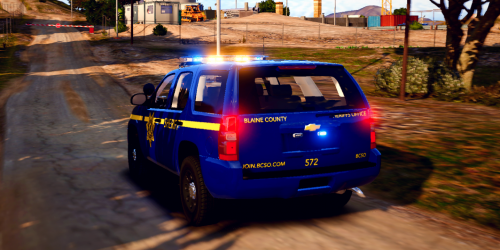 One tip, on the FPIS, the b-pillar trim is black on the police package, to make it black, there should be a spot on the template that says "other" or something similar to that, make that black to give the car the most realistic look!
- 1 comment
- 1 review
-
-
- 1
-
-
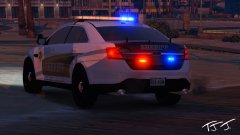
From the album: Eye Candy
-
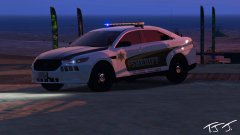
From the album: Eye Candy
-
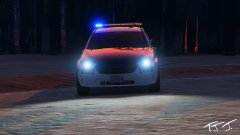
From the album: Eye Candy
-
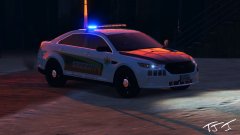
From the album: Eye Candy