LibertyDesigns
Members
-
Joined
Everything posted by LibertyDesigns
-
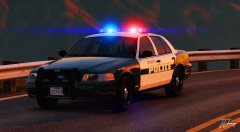
From the album: Eye Candy
-
From the album: Eye Candy
-
From the album: Eye Candy
-
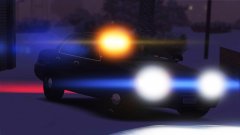
From the album: Eye Candy
-
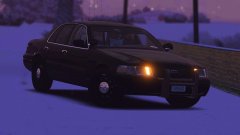
From the album: Eye Candy
-
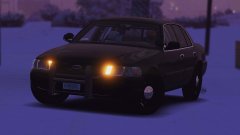
From the album: Eye Candy
-
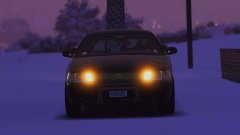
From the album: Eye Candy
-
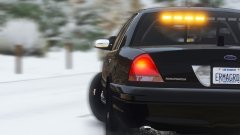
From the album: Eye Candy
-
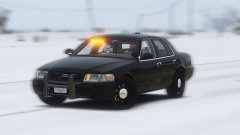
From the album: Eye Candy
-
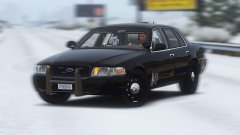
From the album: Eye Candy
-
From the album: Eye Candy
-
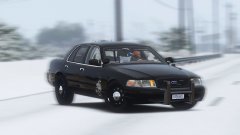
From the album: Eye Candy
-
-
-
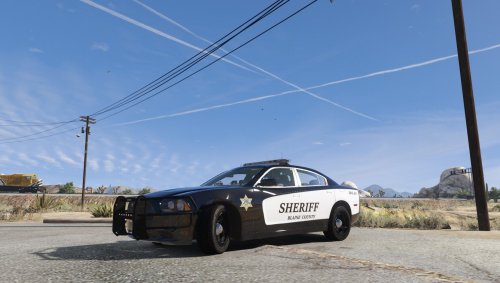 The text is a little out of place, otherwise this looks great!
 -
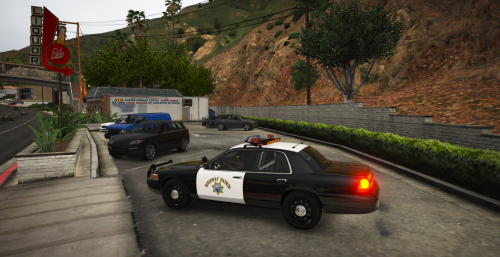 You don't have to add vehicle credits unless you're uploading a vehicle model using that base. Since it's only the texture you don't need to add the vehicle creds, as it's the modellers' job.
 -
-
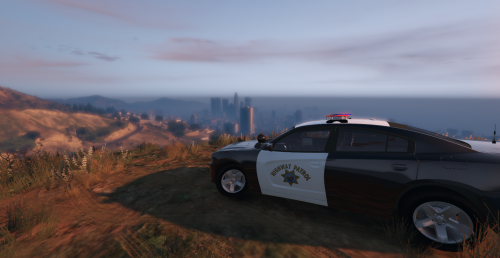 I'm gonna have to be brutally honest with you, this isn't even close to good. The white isn't even matched up with the door, the badges are way too small, and the roof that is supposed to be all white is 3/4 black and 1/4 white? How. Making a black/white is not that hard. Even in paint.net. Please fix this and i'll bump this up to at least 3 stars if it's worth it. Edit: This looks so much better! You made it 10x better than it was originally! Thanks for your hard work!
- 3 comments
- 1 review
-
I've been curious lately on how the ranking system on this site works. If it has any correlation with content count, likes, ratings, etc. Good stuff like that. Just curious. Any response is appreciated.
-
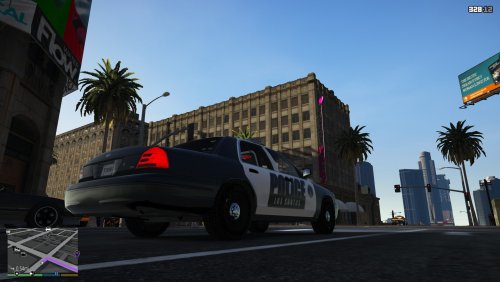 Not bad for your first skin, but it could have a bit more detail. Maybe add some text to the rear of the vehicle?
 -
Have you installed a light brightener such as radiance v?
-
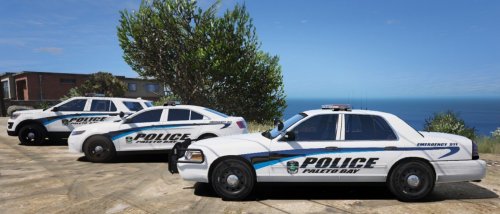 Very nice pack, matches PB very well. The trim on the b-pillar on the FPIS & FPIU is white, which isn't how it is on any of those cars in real life. On the template, there should be a spot that says "other", or something like it. Fill that in with black and it'll be good to go.
 -
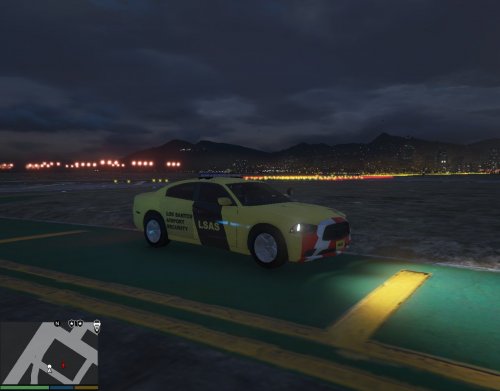 The file description is very messy. No need for giant red font. English is also broken. Please fix this. Screenshots are also low quality, maybe reach out to a user with a nicer system to capture some screenshots for you.
- 5 comments
- 1 review
-
From the album: Eye Candy
-
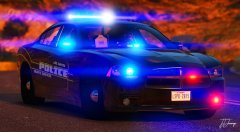
From the album: Eye Candy