LibertyDesigns
Members
-
Joined
Everything posted by LibertyDesigns
-
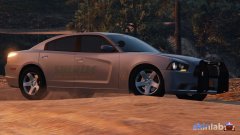
From the album: Eye Candy
-
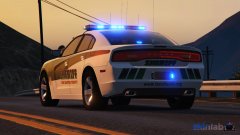
From the album: Eye Candy
-
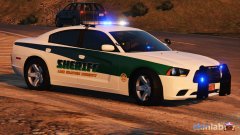
From the album: Eye Candy
-
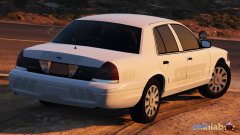
From the album: Eye Candy
-
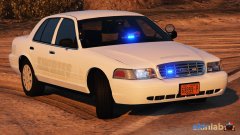
From the album: Eye Candy
-
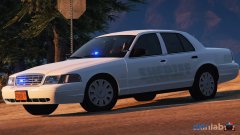
From the album: Eye Candy
-
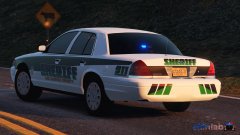
From the album: Eye Candy
-
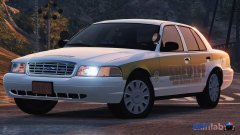
From the album: Eye Candy
-
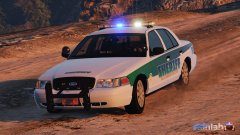
From the album: Eye Candy
-
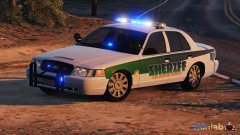
From the album: Eye Candy
-
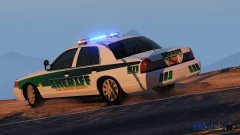
From the album: Eye Candy
-
From the album: Eye Candy
-
It did! Thank you for your support! It really helped!
-
How do I start a new game? If it's crashing.
-
Something in your mods folder is the issue. Since you disabled it and the game didn't crash, it shows it's your mods folder. What have you installed in your mods folder recently? Even car models (or their metas that you may not have installed) could cause this crashing issue. 1) If you've only installed vehicles since your game was last working, disable the DLC(s) in which those cars are installed from the dlclist.xml and if your game works, its any of those cars. 2) If you've only installed peds, or other mods into any DLC, do the same. I hope I was some sort of help here!
-
 🤩
🤩 -
Hmm, it seems to work on some occasions and not on others. Just trying to give an alternative for those who mistakenly updated.
-
I have updated the link. As far as installation goes, drag the .dll file into your plugins folder. https://github.com/fr-Pursuit/AsiSupport/releases
-
-
Hello everyone! I was on discord earlier and Sebo pointed out that there is a "substitute" (for lack of a better term) to ScriptHookV! It's (from what I understand) a .dll file that you throw into your plugins folder for RagePluginHook, and it should magically make your trainers & ELS work without a ScriptHookV update! Enjoy! Link: https://github.com/fr-Pursuit/AsiSupport/releases Note: You may have to remove ScriptHook from your GTA V directory in order for this to correctly operate.
-
I think it may have something to do with ELS if you have that installed. Check through it's settings to see.
-
Update RPH. Wait for scripthook V to update. Probably your issue.
-
Any time this happens go into that location in the files not in the mods folder. Enable edit mode and it'll give you that prompt to copy the vanilla files into the mods folder.
-
If we're lucky, a few days. But I wouldn't think that fast because last update was roughly 1.5 - 2 weeks after the drop of the update. So wait patiently for the next week and a half and it'll probably be released.
-
That's odd. I don't know what to tell you at this point.