LibertyDesigns
Members
-
Joined
Everything posted by LibertyDesigns
-
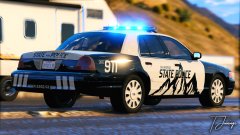
From the album: San Andreas State Police (Black & Grey)
-
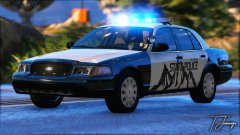
From the album: San Andreas State Police (Black & Grey)
-
Didn't work. Looks like it's a material issue now. I'll work on it. Thanks anyway!
-
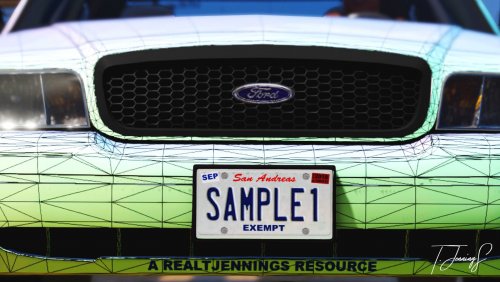 http://www.fontspace.com/dave-hansen/license-plate
 -
-
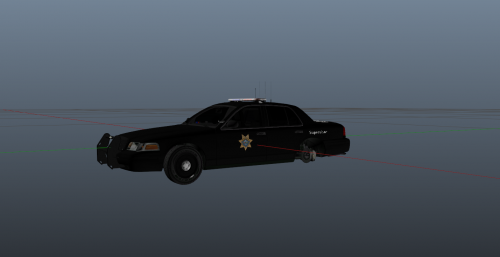
I apologize in advance if this is the wrong section. I am attempting to export a charger from ZMod3 and it's exporting to 0kb, and giving me this error message: If you know a fix, please tell me asap (if you could please quote this forum post)

-
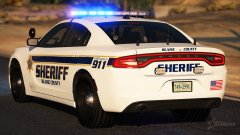
 It's not very creative. I wish it had more of a design to it, you know? The BCSO on the top of the trunk looks super out of place, along with "Blaine County Sheriff Office" on the rear of the vehicle. Overall, it's just boring and doesn't bring anything new to the site we haven't seen before. Everyone starts somewhere - so keep trying!
- 2 comments
- 1 review
-
-

- 1
-
-
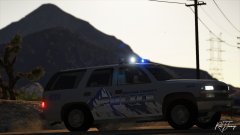 Not a modeler
 -
 That's a model issue. Not a texturing issue. Why would I do that to the lines on purpose?
 -
-
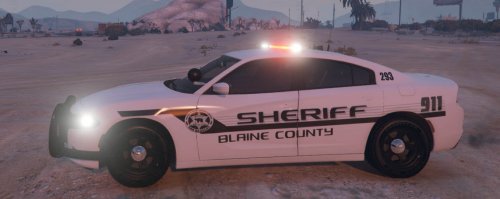 There's a "keep black" box on the template for the FPIS to keep the door trim black as it is on the actual counterpart. Also, for screenshots, you can use the rockstar editor to get better screenshots. Search it up, it helps a lot. One additional thing: maybe add some additional info to your file description. It's a bit vague and could use some work. Just a suggestion.
 -
What car(s) are you using?
-
More details required for anyone to fully understand your issue.
-
I personally use the built in settings from MakeVisualsGreatAgain, but this looks like a decent one:
-
This is an issue with a motion blur enhancement mod. I had the same exact problem, removed the motion blur mod, and it seemed to fix the problem. Do you have a motion blur mod installed?
-
Swap that with another light enhancing mod, or change to the version of RadianceV without the amber lights option, because that's your issue.
-
Mine does this too, and I have a similar system. I had a real problem with out of memory errors with Natural Vision Remastered when I had it installed. I now use VisualV with Make Visuals Great Again installed over top of it. I haven't had a crash after a few minutes of gameplay, or for no reason since. I only have crashes when I get mega frame drop, etc. I wouldn't suggest sharing mods folders (at least on any moderated website) because it's considered piracy since there are still vanilla game files in it, as i'm sure you are aware of. I would just suggest saving any important parts of your mods folder (i.e. vehicle slots, etc.) into a seperate location on your computer. Then, delete your mods folder completely. I know it sounds painful, and it is, but you probably know how many frames you earn back after doing the thing. So, with that said. Install something other than NVR, take out some high poly count cars, and if worst comes to worst, just completely delete your mods folder. I hope this helped somewhat!
-
Do you have Natural Vision Remastered installed?
-
Do you happen to have the amber lights option of RadianceV in your game?
-
There is a way to change this for ELS enabled cars. Simply open the ytd and find any light emissive files that go with the lightbar. Then, open an image editing program and change blue to red or vice versa. After this open the ELS VCF file and then change the color in the VCF from blue to red or vice versa. There are a few tutorials about this on YouTube.
-
-
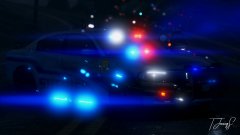 20180916154444_1 copy.jpg
-
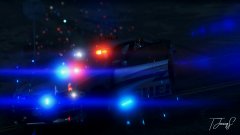 20180916154412_1 copy.jpg
-
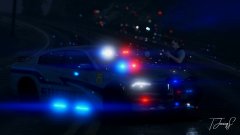 20180916154340_1 copy.jpg
-
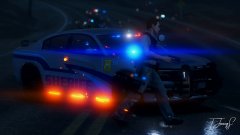 20180916154305_1 copy.jpg
-
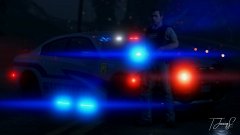 20180916154221_1 copy.jpg
-
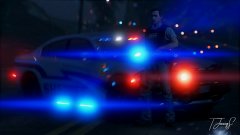 20180916154210_1.jpg
-
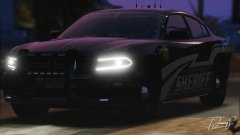 20180916154114_1 copy.jpg
-
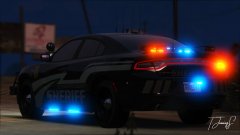 20180916154044_1.jpg
-
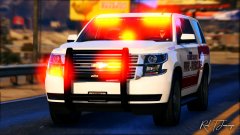 20180915003846_1 copy.jpg
-
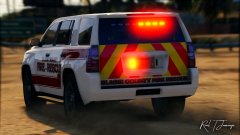 20180915003827_1 copy.jpg
-
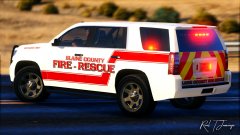 20180915003806_1 copy.jpg
-
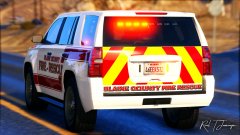 20180915003746_1 copy.jpg
-
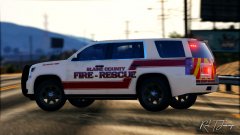 20180915003731_1 copy.jpg
-
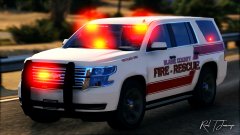 20180915003713_1.jpg
-
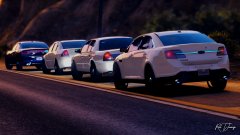 20180914192456_1.jpg
-
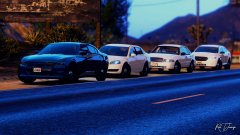 20180914192436_1.jpg
-
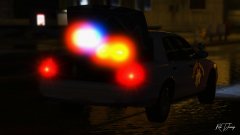 20180913215518_1.jpg
-
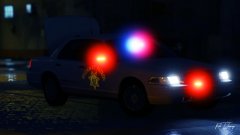 20180913215439_1.jpg
-
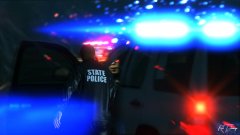 20180913215228_1.jpg
-
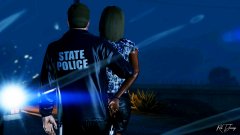 20180913215156_1.jpg
-
-
From the album: September '18 Releases & W.I.Ps
-
From the album: September '18 Releases & W.I.Ps
-
From the album: September '18 Releases & W.I.Ps
-
From the album: September '18 Releases & W.I.Ps